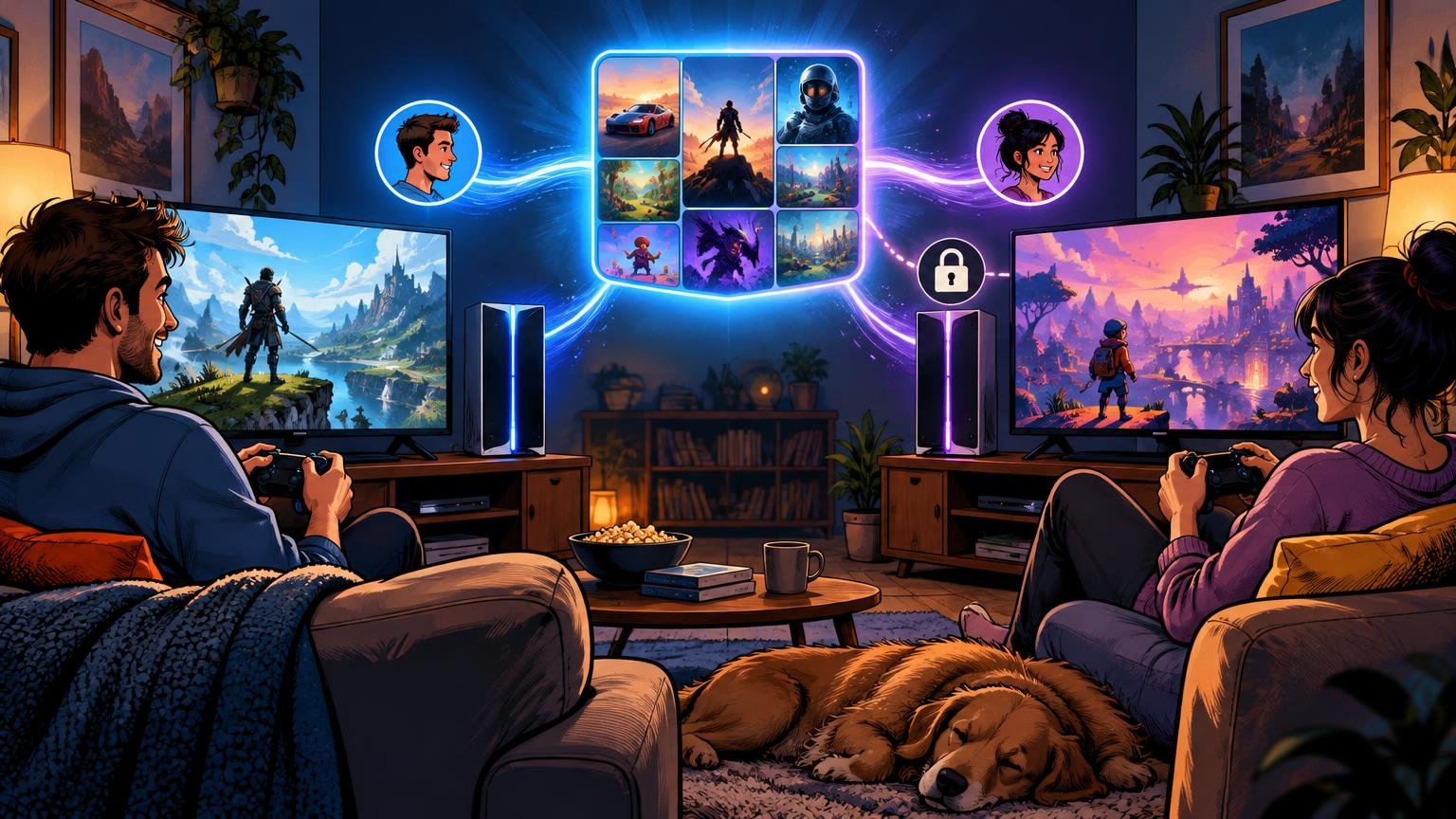
Console family sharing explained simply: one account buys a digital game, then other profiles may access that game through a console designated by the purchaser. The catch is that PlayStation, Xbox, and Nintendo use different systems, limits, and terminology. “Family sharing” is a convenient umbrella phrase, not one standardized console feature.
For a two-system household, the most important question is not merely whether sharing exists. Ask which console will be designated for shared access, who normally plays on each machine, whether both people need simultaneous access, and which benefits remain tied to the purchasing account. That planning matters more than platform marketing.
Family sharing at a glance
| Platform | Official mechanism | Where other profiles get access | Important limit |
|---|---|---|---|
| PS5 and PS4 | Console Sharing and Offline Play on PS5; primary-console system on PS4 | The enabled PS5 and the purchaser’s primary PS4 | Console Sharing and Offline Play can be enabled on only one PS5 at a time |
| Xbox | Home Xbox | The purchaser’s designated home console | Microsoft allows up to five Home Xbox changes during a rolling one-year period |
| Switch and Switch 2 | Virtual Game Cards | A console with the game loaded, or an eligible family member’s nearby system through lending | Loans last up to 14 days, and not every game or application supports lending |
All three approaches can let household members play eligible games from their own profiles on the relevant console. They do not automatically transfer ownership, saves, virtual currency, rewards, or every subscription benefit. If the distinction between a license and a physical copy is unclear, start with what you actually own with digital and physical games.
How PlayStation console sharing works
Sony calls its PS5 system Console Sharing and Offline Play. When enabled, anyone using that PS5 can play games and media purchased and downloaded by the enabling account, including while the console is offline. Sony also says other users can access some PlayStation Plus benefits, deliberately stopping short of saying that every benefit transfers.
Only one PS5 can have Console Sharing and Offline Play enabled for an account at a time. Sony lists the setup path as Settings, Users and Accounts, Other, then Console Sharing and Offline Play. Its official PS5 sharing instructions should be the final check if the menu wording changes.
In a household with two PS5 consoles, the usual planning logic is to enable sharing on the machine primarily used by the other household member. That person can then use a separate profile on the enabled console. The purchaser uses their own account on the second machine, subject to that account’s sign-in, connectivity, and license requirements. Check the specific game if both people expect to play it simultaneously, especially when it also requires a publisher account or online service.
A mixed PS4 and PS5 household has an additional option. Sony says selected PlayStation Plus benefits can be shared on one primary PS4 and one PS5 with Console Sharing and Offline Play enabled. “Selected” is the operative word: do not assume cloud storage, discounts, trials, catalog access, or other account-level features all work for secondary profiles merely because online multiplayer or a downloaded game does.
Share Play is a separate feature. It streams a temporary session so an invited player can watch or participate online; it does not establish persistent library access on the guest’s console. That makes Share Play useful for short cooperative sessions or letting someone try a game, but it is not a substitute for configuring a two-console household.
How Home Xbox sharing works
Xbox uses a designated-console model called Home Xbox. Microsoft’s product-sharing documentation says anyone signed in to the purchaser’s home console can use that account’s digital games, durable add-ons, and eligible subscription-enabled content. The phrase “eligible subscription-enabled content” matters because current Game Pass tiers and benefits can change. Verify the exact tier rather than assuming every plan shares the same online multiplayer or catalog access.
Microsoft distinguishes durable add-ons from consumables. A conventional expansion may be shareable on the Home Xbox, while in-game currency and similar items stored in an account inventory are not shared through this model. Battle passes, cosmetics, preorder bonuses, publisher-account rewards, and premium currency can use game-specific entitlement rules, so check the game’s store listing and support documentation before paying extra.
The Home Xbox assignment is not meant to be switched constantly. Microsoft says it can be changed up to five times during a rolling one-year period. That is enough for hardware replacements and occasional household changes, but it makes repeated swapping a poor solution for moving access among several consoles.
For subscription value, compare the plan’s current benefits against how the household actually plays. A plan that serves one frequent player and one occasional player may be worthwhile, while two people who mainly play purchased offline games may get little value from a recurring bill. Our Xbox Game Pass and PlayStation Plus comparison provides a broader decision framework, but current plan names, prices, and benefits should always be checked at checkout.
Nintendo Virtual Game Cards use a different model
Nintendo’s Virtual Game Cards make digital software behave more like a game card that can be loaded onto a system. When a Virtual Game Card is loaded on a Switch or Switch 2, other users on that console can play it. This supports shared-console use without requiring everyone to play through the purchaser’s profile.
Lending between systems is more restrictive. Nintendo says a Virtual Game Card can be lent to a member of the purchaser’s Nintendo Account family group when the systems are near each other and connected to the internet. A loan can last for up to 14 days. The lender cannot play that game while it is loaned out, up to three games can be lent at once, and each borrower can borrow only one game at a time.
Nintendo also warns that some games, demos, and Nintendo Switch Online member-exclusive software do not support Virtual Game Card lending. Consult the official Virtual Game Card guide before building a purchase plan around one particular title. Nintendo announced the system in March 2025 ahead of its late-April Switch update and Switch 2 launch support, so older advice about primary-console behavior may not describe the current workflow.
The practical difference is significant: PlayStation and Xbox center sharing around a designated console, while Nintendo also provides a time-limited lending mechanism between eligible family-group members. Nintendo’s approach is closer to lending one copy than creating two permanent household copies because the lender loses access during the loan.
What usually remains account-specific
A shared game license does not merge two accounts. Each person should use a separate profile so saves, trophies or achievements, play history, parental settings, and recommendations remain separated. Whether a save can move to another console depends on the platform’s local transfer and cloud-save rules, not merely on access to the game.
Treat the following as account- or title-specific until official documentation says otherwise:
- Virtual currency and consumable items
- Battle-pass progression and linked-account rewards
- Preorder bonuses, deluxe-edition extras, and promotional cosmetics
- Cloud saves and other subscription benefits
- Publisher-account purchases or rewards
- DLC that is bundled, consumable, or restricted to the purchasing account
This is where many household plans fail. Being able to launch the base game does not prove that every extra follows it. Before buying an expensive edition, inspect each included item and ask whether it is a durable downloadable add-on or an account-bound entitlement.
A safer setup for a two-console household
Do not solve sharing by giving everyone the purchaser’s password. Configure the platform’s official designated-console or lending system, then give each player a separate profile. Add purchase authentication and parental controls where appropriate, especially if the purchasing account has a stored payment method.
- Decide which person will purchase most shared games and subscriptions.
- Identify the console where other household profiles need access.
- Enable PS5 Console Sharing and Offline Play, designate the Home Xbox, or load or lend the Nintendo Virtual Game Card as appropriate.
- Download one eligible game and test it from the second person’s profile before buying more content.
- Test simultaneous use if that is essential to the household, including any publisher-account or online-membership requirement.
- Document which account made each purchase and protect it with strong sign-in security.
- Before selling or replacing hardware, remove accounts and use the platform’s official device-management or deactivation tools.
Plan console changes before wiping hardware. Sony says remote deactivation of all devices is limited to once every six months, so careless activation changes can create avoidable friction after a sale, return, or lost console. Xbox also limits Home Xbox changes, while Nintendo lending and loaded-card status should be reviewed before a system leaves the household.
What to do when a shared game is locked
A padlock or ownership error usually means the console cannot confirm the expected entitlement. First verify that the correct PS5, Xbox, or Nintendo system is configured for the purchaser’s license. Then confirm that the purchasing account still owns the game, that any required subscription remains active, and that the installed edition matches the purchased edition.
Next, connect the console to the internet and sign in to the purchasing account if the platform needs to refresh its license. Check whether the problem affects one game or the whole library. A single affected title points more strongly toward an edition, DLC, publisher-account, or eligibility issue; a locked library suggests a console designation, subscription, or account problem.
The best two-system arrangement is therefore the one designed around actual users rather than the largest advertised catalog. Put shared-console access where the secondary profiles play, keep purchases on a secure and well-documented account, and assume currency and account-level extras will not transfer unless the platform or publisher explicitly says they do. Test one representative game before committing to a second console, a premium edition, or a long subscription.
Frequently Asked Questions
Can household members play shared games from their own profiles?
Yes, eligible games can be played from separate profiles on the enabled PS5, designated Home Xbox, or Nintendo console where the Virtual Game Card is loaded. Separate profiles keep saves, achievements or trophies, play history, and settings apart.
Do all subscription benefits transfer to other users?
No. Sony describes only some or selected PlayStation Plus benefits as shareable, while Microsoft refers to eligible subscription-enabled content. Check the current plan’s terms before subscribing.
Are DLC and in-game currency shared?
It depends on the entitlement. Xbox documentation says durable add-ons can be shared through Home Xbox, but consumables such as in-game currency are not. Battle passes, cosmetics, bonuses, and publisher-linked rewards may follow game-specific rules.
How does Nintendo Virtual Game Card lending work?
An eligible game can be lent to a Nintendo Account family-group member when both systems are nearby and online. Loans last up to 14 days; the lender cannot play the game during the loan, and some software does not support lending.
Is PlayStation Share Play the same as console sharing?
No. Share Play streams a temporary session so an invited player can watch or participate online. It does not provide persistent access to the purchaser’s library on the guest’s console.
References
- How to turn on PS5 Console Sharing and Offline Play
- Product sharing model for games – Microsoft Game Development Kit | Microsoft Learn
- Virtual Game Card Guide | Nintendo Support
- PlayStation Plus support
- Virtual Game Cards for Nintendo Switch and Nintendo Switch 2
- Latest Nintendo Direct reveals Nintendo Switch games, Virtual Game Cards and a new smart device app Nintendo Today! – News – Nintendo Official Site