TLDR: Digital purchases usually provide an account-bound license, while physical purchases give you possession of a disc or cartridge that may be lendable or resellable. Neither format guarantees permanent access. Digital games depend more heavily on accounts and platform systems; physical games can still depend on downloads, patches, accounts, compatible hardware, or functioning servers.
The digital vs physical games ownership debate is often reduced to “you own the disc, but you only license the download.” That is directionally useful, but incomplete. A physical copy can provide greater control over possession and transfer while still being unusable without downloaded data. A digital license can provide convenient offline access and household sharing while remaining tied to an account and platform rules.
The practical question is not simply whether you “own” a game. It is which forms of control matter to you: possession, access, transfer, offline play, or long-term preservation.
Digital vs physical games ownership has four layers
The word “ownership” can describe several different things that do not always travel together:
- Possession: You physically hold a disc or cartridge, or you control the storage device containing installed data.
- Contractual rights: A platform, publisher, or software agreement grants permission to use the game under stated conditions.
- Practical access: Your hardware, account, authentication systems, downloads, patches, and required servers currently let the game run.
- Copyright interests: Ownership of a copy does not ordinarily give a buyer ownership of the game’s underlying code, art, music, trademarks, or other intellectual property.
This distinction prevents two common mistakes. Buying a digital game does not ordinarily transfer the game’s intellectual property to you, but neither does buying a disc. Conversely, describing something as a license does not automatically mean it will stop working without warning. The relevant agreement, game design, hardware, and service dependencies determine what can happen in practice.
The practical differences at a glance
| Question | Digital purchase | Physical purchase |
|---|---|---|
| What do you receive? | Usually an account-linked license and access to downloadable software. | A physical copy plus whatever software or license rights accompany that release. |
| Can you resell it? | Platforms generally do not provide a normal way to transfer an individual account-bound game license. | The media can often be transferred in practice, subject to local law and any one-time codes or account-bound content. |
| Can you lend it? | Only through supported household, console, or family-sharing systems. | Often by handing over the media, provided the game does not require non-transferable access. |
| Does it work offline? | Sometimes, after setup and subject to platform and game requirements. | Sometimes, but the release may still require installation, downloads, activation, or online services. |
| What happens after delisting? | Existing access and redownload options depend on the store, title, and account status. | The media remains in your possession, but missing downloads, patches, or services can still matter. |
| Does it save storage space? | Not necessarily; current console games are commonly installed to internal or expanded storage. | Not necessarily; a disc may authenticate an installed copy rather than run the entire game directly. |
| Is it better for preservation? | Convenient to duplicate or back up only where the platform and law permit, but often tied to accounts and DRM. | Provides an independent artifact, but it may contain an incomplete, outdated, or authentication-dependent version. |
What a digital purchase gives you
Major platform agreements describe digital games as licensed rather than sold. PlayStation’s U.S. terms characterize PlayStation Store content as a personal, non-transferable license and state that purchase wording does not transfer ownership of the content or its intellectual-property rights. Microsoft’s rules similarly say digital goods are licensed rather than sold. Nintendo’s U.S. purchase terms use the same licensed-not-sold framework, while Steam says subscriptions and content are licensed and generally cannot be transferred between users.
For the player, the main consequence is that the license is normally connected to an account and governed by platform rules. A password problem, compromised account, suspension, regional change, device-registration issue, or failed entitlement check can therefore become an access problem even when the game remains installed. The exact outcome depends on the platform and circumstances; “digital” is not one universal system.
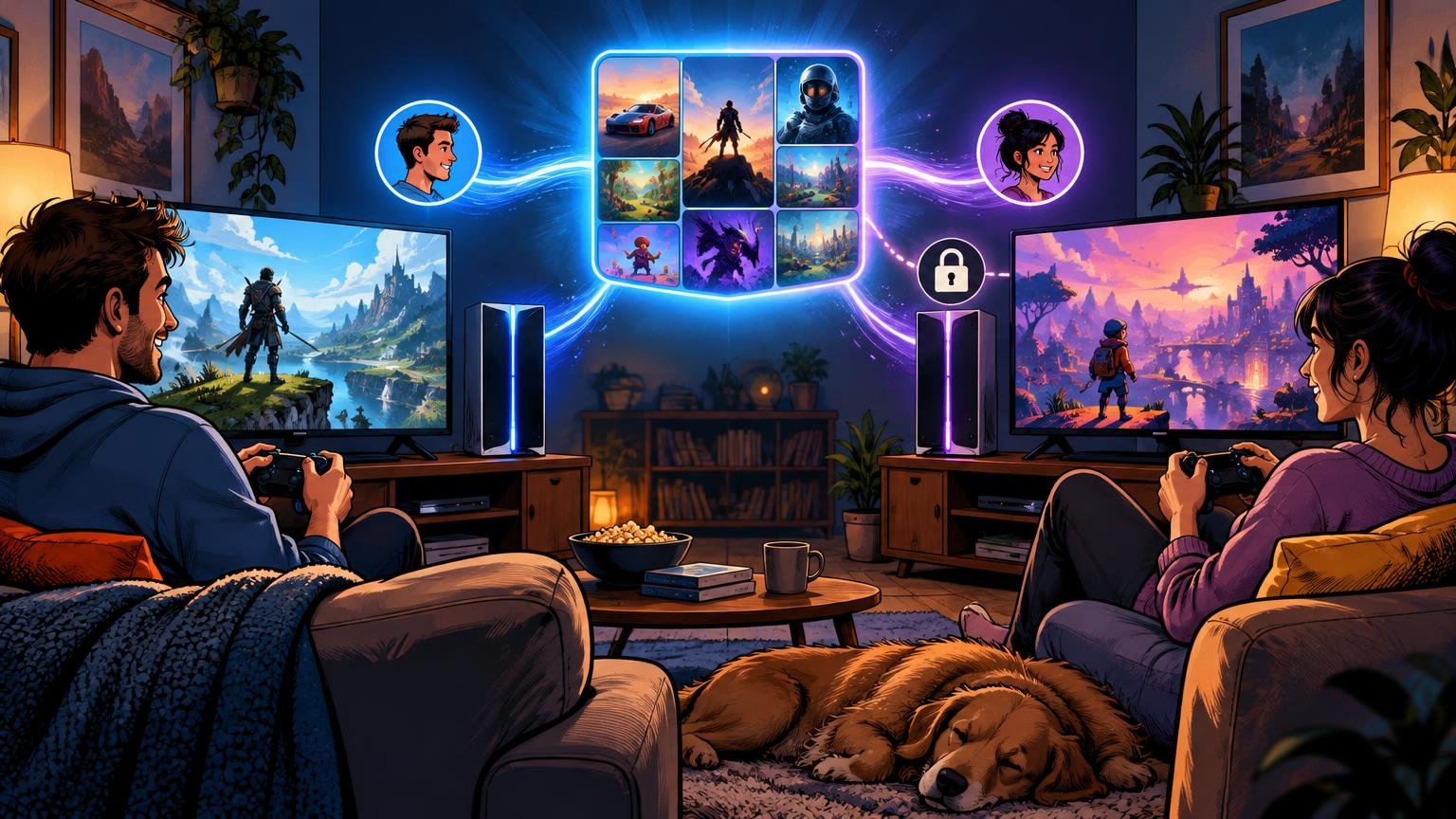
Digital also does not always mean one user on one machine. Microsoft describes user-based and device-based licenses for Xbox digital games. Its Home console system can let other users on a designated console access eligible games, subject to the applicable conditions and simultaneous-use limits. Nintendo’s Virtual Game Card system allows a loaded game to be played offline on its assigned system, permits other users of that system to play it, and supports lending eligible games to Nintendo Account family-group members for up to 14 days.
These sharing systems offer flexibility, but they are not equivalent to freely transferring a disc. They operate inside platform-defined account, household, device, and time limits that can change. Anyone buying primarily to share games should check the current official rules immediately before purchasing.
What possessing a disc or cartridge changes
Physical media gives you an object that can usually be stored, handed to another person, displayed, or transferred without asking a storefront to move an account license. That makes physical copies more practical for lending, collecting, and secondhand sales. However, the exact legal treatment of resale differs by jurisdiction, and codes for DLC or bonus content may be single-use or account-bound.
Possessing the media does not prove that a complete, independently playable build is on it. On PlayStation, disc games are installed, and the disc must remain inserted while playing. In that arrangement, the disc functions as both distribution media and a required authentication object for the installed game.
Other releases depend even more heavily on downloads. Nintendo says a Switch 2 game-key card does not contain the game data: an internet connection is required to download the game before its first use, and the card must then remain inserted to launch it. Xbox also explains that some backward-compatible disc games trigger a download from Microsoft’s service while continuing to require the original disc for play.
This means “physical” can describe several substantially different products: a complete game on media, an older build needing optional patches, a partial build requiring additional data, or an authentication key for a download. Check the packaging and current publisher information for the specific release rather than assuming the format tells the whole story.
Delisting, account loss, and server shutdowns are different risks
A delisting removes a game from sale. It does not, by itself, reveal whether previous purchasers can redownload it, whether patches remain available, or whether DLC and online functions still work. Those questions require the relevant storefront policy and title-specific status.
Account loss is a separate risk. An installed digital game may rely on the account holding its license, a designated primary or Home console, periodic verification, or another entitlement mechanism. Microsoft’s digital-goods rules note that access can depend on compliance, device registration, and, in some cases, license refreshes. Steam’s agreement also warns that some content may require the Steam client and an internet connection, with additional requirements potentially imposed by an individual game’s terms or technical design.
A server shutdown creates a third problem. If a game’s core simulation, login, progression, or multiplayer functionality depends on publisher servers, owning physical media does not recreate that infrastructure. A disc can protect possession of a client build, but it cannot make an online-only game operate independently.
These distinctions matter when assessing risk. A delisted offline game that remains downloadable may still be usable for years. A widely available physical game with mandatory discontinued servers may be effectively unplayable. Format alone does not settle the outcome.
Patches and DLC weaken the simple format divide
A launch build on physical media can be valuable because it exists independently of a storefront download. It may also contain bugs, lack accessibility improvements, or differ substantially from the final patched version. If update servers disappear, the disc may preserve only that original build.
DLC introduces another split. A boxed edition may include expansions on the media, provide a one-time download code, or merely unlock account-bound content. Cosmetic inventories, season passes, cloud saves, and cross-progression may also remain tied to accounts even when the base game is physical.
Before paying extra for a “complete,” “ultimate,” or collector’s edition, verify whether the advertised content is actually on the disc or cartridge. A box containing expiring or single-use codes provides less transferable value than an edition with the content stored on the media.
Which format is better for preservation?
Physical media is generally the stronger consumer option when preservation means retaining a transferable artifact that does not disappear from an account library. It is not a complete preservation strategy, however. Media can fail, compatible hardware can become scarce, batteries or storage components can degrade, and required updates or servers may vanish.
Digital distribution can preserve software efficiently at a technical level, but consumer access is constrained by DRM, account systems, platform permissions, and copyright law. In the United States, the Copyright Office’s current regulation on access-control exemptions includes limited provisions allowing eligible libraries, archives, and museums to preserve certain lawfully acquired games that are no longer reasonably available commercially. Those provisions apply under defined conditions; they are not a general consumer right to bypass DRM or distribute copied games.
For a personal collection, the most resilient option is usually a physical release that contains a substantially playable build, works offline, uses no one-time activation, and runs on hardware you can maintain. That is a demanding checklist, and many modern releases satisfy only part of it.
A buying checklist that reveals the real level of control
Before choosing a format, check the individual release rather than relying on the label on the store page or box:
- Is the complete base game stored on the disc or cartridge?
- Does first-time setup require a download, activation, account, or entitlement check?
- Can the single-player portion run offline after installation?
- Does the game require publisher servers for login, progression, or core play?
- Are patches needed for acceptable performance, major fixes, or advertised features?
- Is included DLC stored on the media or supplied through account-bound codes?
- Can another household member play it under the platform’s current sharing rules?
- Do you expect to lend, resell, trade, or collect the game?
- If buying digital, what are the current primary-console, Home-console, family-sharing, and offline-use rules?
- If long-term access matters, is the playable build dependent on downloads that may not remain available?
The right format depends on the control you value
Choose physical when resale, straightforward lending, shelf collecting, or possession of a transferable artifact matters most. Favor releases confirmed to contain a playable build rather than download keys or boxes dominated by one-time codes.
Choose digital when immediate access, remote purchasing, avoiding media swaps, and supported household sharing are more valuable than transferability. Protect the associated account with a unique password, current recovery information, and available multi-factor authentication because the account is part of the access chain.
For games that are online-only or heavily server-dependent, neither format provides strong long-term control. For offline games, a complete physical release usually offers the clearest practical ownership advantage, while digital may be more convenient during the supported life of the platform.
The sensible next step is to inspect the exact release before buying: identify what is on the media, what is tied to an account, and what depends on a download or server. Those details tell you far more about what you actually control than the words “digital” or “physical” alone.
References
- PLAYSTATION TERMS OF SERVICE (US)
- Usage rules for Digital Goods (“Rules”) | Microsoft Support
- Steam Subscriber Agreement
- Purchase and Subscription Terms – Nintendo – Official Site
- Virtual Game Card Guide | Nintendo Support
- How to play PlayStation games on disc (US)
- Nintendo Switch 2 FAQ
- XBOX Backward Compatible Games | XBOX
- Code of Federal Regulations 37CFR201.40 | U.S. Copyright Office