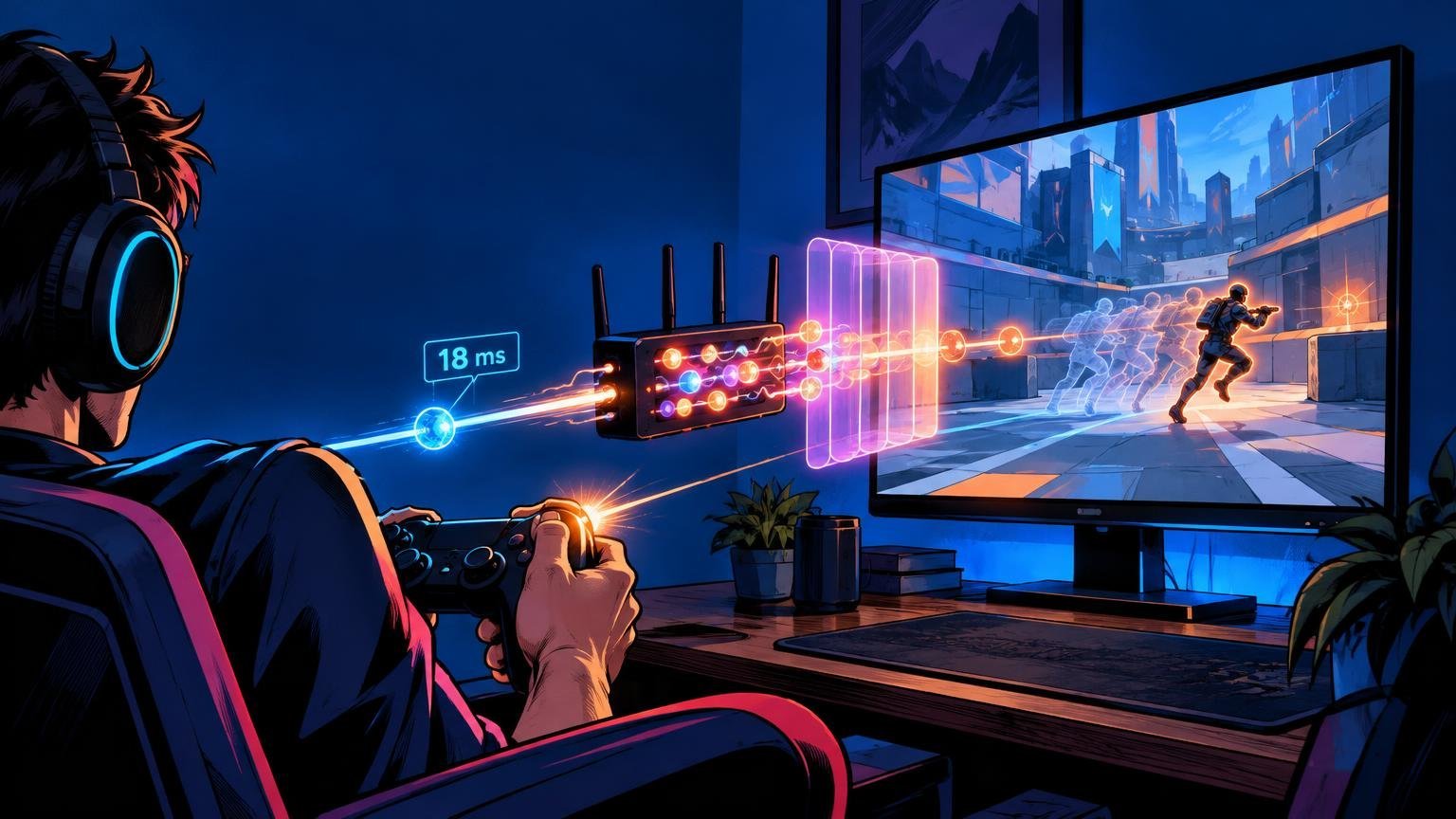
The ping number in an online game is useful, but it is not a responsiveness score for your entire setup. It usually estimates how long data takes to travel from your device to a game server or another remote endpoint and back. Latency is the broader concept: delay can enter through your controller, the game engine, rendering, the network, server processing, and the display.
That distinction explains a familiar frustration. A match can show a low ping and still feel sluggish, inconsistent, or unfair. Another game can display a somewhat higher ping yet feel stable because its frame delivery, server behavior, and network smoothing are more predictable. Read ping as one measurement within a chain, not as a universal grade.
Ping usually measures a network round trip
In gaming interfaces, ping generally refers to round-trip time, or RTT, measured in milliseconds. A packet travels to a remote endpoint and a response returns. Steamworks, for example, describes its location estimates as round-trip latency. Formal IETF networking terminology distinguishes that round trip from one-way delay, which measures travel in only one direction.
Latency can refer to either measurement depending on context. It can also describe delay outside the network entirely. That makes “ping” and “latency” related but not automatically interchangeable: a game may label its RTT readout as latency, while a hardware analysis may use latency for the time between pressing a button and seeing the resulting frame.
| Term | What it describes | What it cannot prove |
|---|---|---|
| Ping or RTT | A network trip to a particular endpoint and back | Total input-to-screen responsiveness |
| One-way network delay | Travel from sender to receiver in one direction | The return-path delay |
| Jitter | How much delay changes across samples | Whether packets arrived successfully |
| Packet loss | Data that fails to reach its destination | How long successfully delivered data took |
| System latency | Delay across local input, processing, rendering, and display stages | The condition of the network by itself |
Why low ping can still feel slow
The player experiences an end-to-end pipeline rather than a single network trip. An input device must register an action, the game must process it, the CPU and GPU must produce a frame, and the display must present that frame. An online interaction adds network travel and whatever processing, simulation, or scheduling occurs on the server.
Microsoft’s game-streaming latency documentation illustrates how input-to-presentation delay spans multiple stages, while NVIDIA separately categorizes peripheral, PC, and display latency. A low network RTT therefore cannot rule out slow frame rendering, display delay, server-side work, or an input bottleneck.
The reverse is also true. A game can provide immediate local animation or sound when a button is pressed, making the controls feel responsive, while the authoritative result still waits on a remote server. Local feedback can disguise network travel; it cannot eliminate it.
Connection quality is more than one ping sample
A steady 45 ms connection may play better than one fluctuating between 20 and 100 ms. Jitter describes that variation over time. Packet loss is another separate problem: missing data can lead to delayed updates, prediction errors, corrections, or other behavior determined by the game’s networking model. RTT, jitter, and loss should be treated as distinct measurements rather than compressed into one “good internet” label.
Headline download speed is also a poor shortcut for predicting ping. Buying a faster service tier may help when the current connection is saturated, but advertised throughput does not erase physical distance, inefficient routing, congestion, or queueing. Network-quality guidance from the IETF notes that end-to-end delay has multiple contributors and changes over time.
Tick rate does not replace ping
A server’s tick rate describes how often it advances or processes its simulation. It is not the speed at which your data crosses the internet. Riot says VALORANT’s 128-tick servers update every 7.8125 milliseconds. More frequent updates can reduce how long an input that has already arrived waits for the next simulation step, but they do not remove the journey to and from the server.
This is why comparing two games through ping alone can be misleading. Their server update rates, input handling, rendering pipelines, buffering strategies, and approaches to lag compensation may differ. Even identical RTT values can produce different player experiences when the games process and present network updates differently.
Prediction and buffering change what delay looks like
Networked games rarely freeze every local action until the server replies. They may predict movement or other state, show the expected result immediately, and reconcile it when authoritative information arrives. Microsoft documents a model in which predicted states are retained and simulation is rerun after actual inputs arrive. If latency grows or the prediction is wrong, the correction can become more visible.
Buffering presents another tradeoff. Holding incoming updates briefly can produce steadier motion when packets arrive unevenly, but it also delays when that motion appears. Riot has explained that reducing this buffer too far can require more server-predicted movement and cause visible corrections. The smoothest presentation is not always the most immediate one.
The same complexity applies to peeker’s advantage in shooters. Riot’s published VALORANT model includes network travel, server update cadence, buffering, client frame rate, and display timing. One player’s ping contributes to the timing gap, but it is not a complete explanation by itself, and the precise balance is specific to each game’s implementation.
Why a speed test may disagree with the game
Ping belongs to a destination and a route. A generic speed test might contact a nearby server, while a match connects to a game server in another region. Some games also use relay networks rather than a direct route. Steam explains that its networking can choose direct or relayed connectivity and that its relay-based estimates reflect routes through Valve’s own network; the direct internet route can perform differently.
This means a router test, website test, and in-game counter can all report different valid results. They are measuring different endpoints, paths, protocols, or time windows. For an actual match problem, the game’s own telemetry is generally more relevant than a test to an unrelated local server.
How to diagnose what is actually wrong
- Check the in-game RTT, jitter, and packet-loss indicators during the affected match, if the game exposes them.
- Compare several matches and server regions. A single sample cannot show whether delay is stable.
- Test a wired connection or a clean Wi-Fi environment to isolate local wireless contention.
- Stop large uploads and downloads temporarily. Queueing under load can increase delay even when the connection has ample headline bandwidth.
- Compare online and offline behavior at the same frame-rate and display settings. If both feel slow, ping is unlikely to be the main cause.
- Confirm the selected region and consider whether the game uses direct connections, dedicated servers, peer hosting, or relays.
The practical goal is consistency across the whole chain, not merely the smallest number in the corner of the screen. Ping tells you about a particular network round trip. Latency tells a much larger story—and understanding which stage is delayed is what turns a vague “lag” complaint into a problem you can actually address.
References
- ISteamNetworkingUtils Interface (Steamworks Documentation)
- RFC 9473: A Vocabulary of Path Properties
- Understanding and Measuring PC Latency | NVIDIA Technical Blog
- Game streaming latency measurement – Microsoft Game Development Kit | Microsoft Learn
- RTCRemoteInboundRtpStreamStats – Web APIs | MDN
- IAB Workshop Report: Measuring Network Quality for End-Users
- Steam Networking (Steamworks Documentation)
- VALORANT's 128-Tick Servers | Riot Games
- Game streaming latency compensation deep dive – Microsoft Game Development Kit | Microsoft Learn
- VALORANT Gameplay Consistency Update 2
- Peeking into VALORANT's Netcode | Riot Games