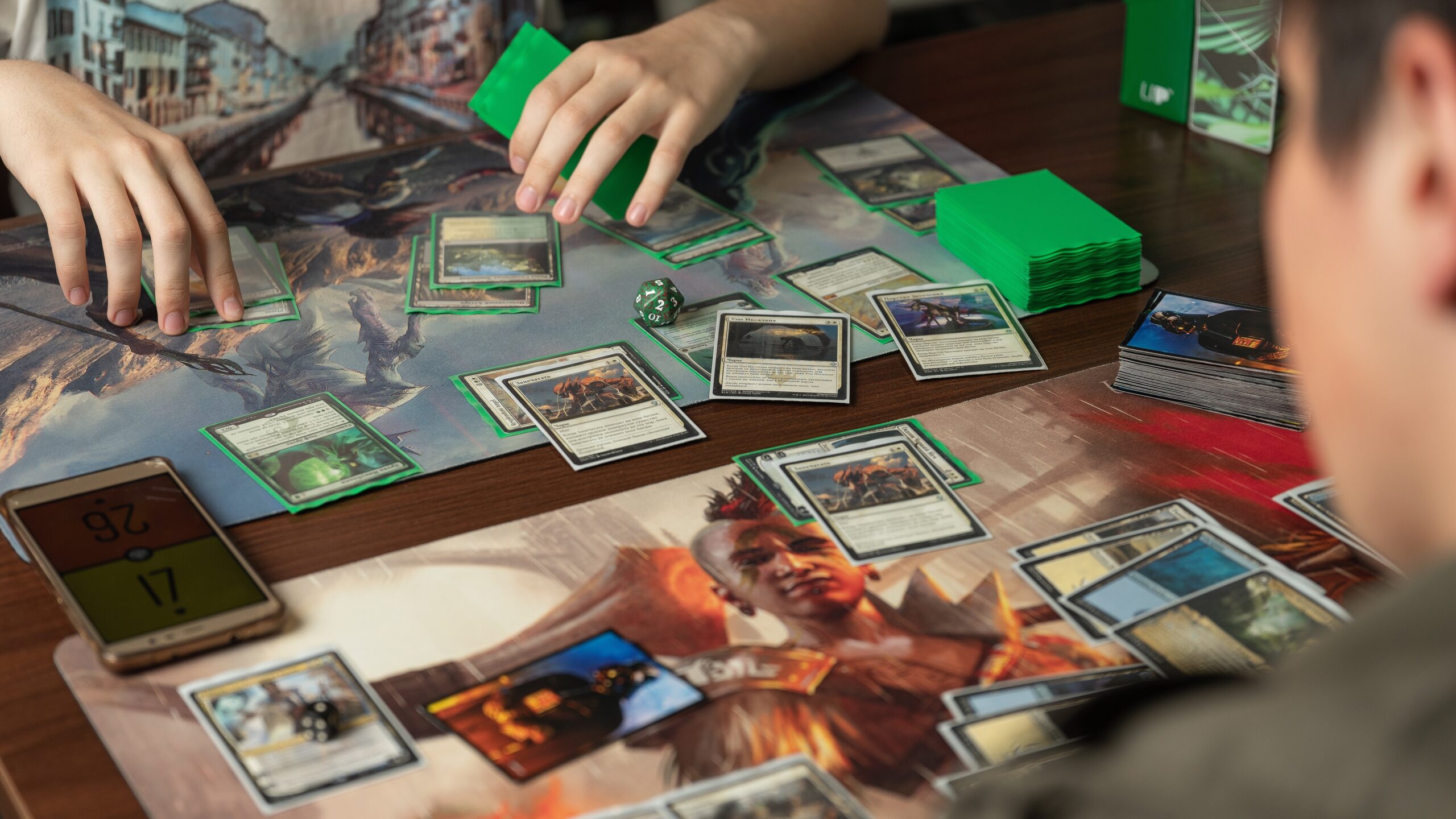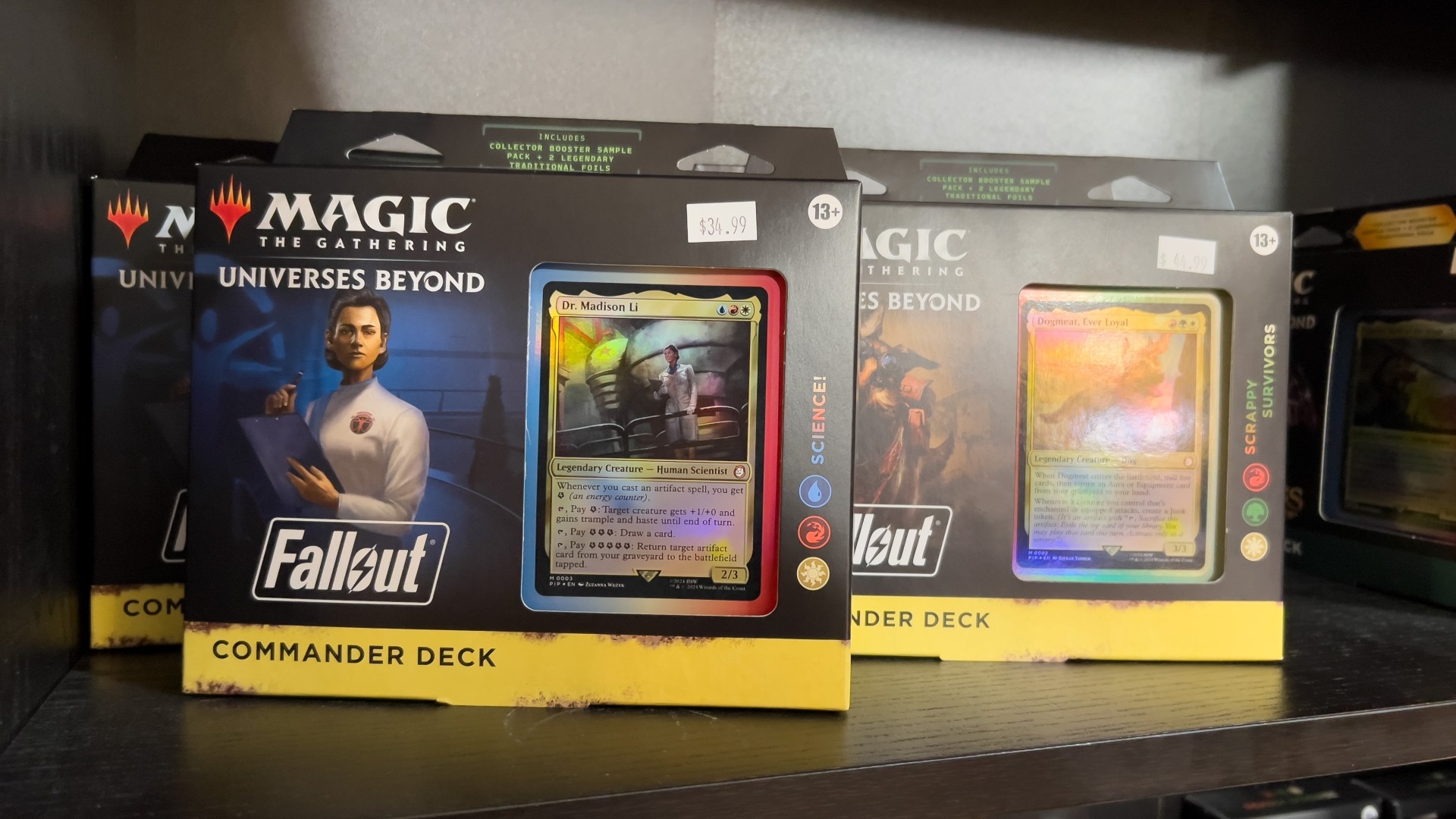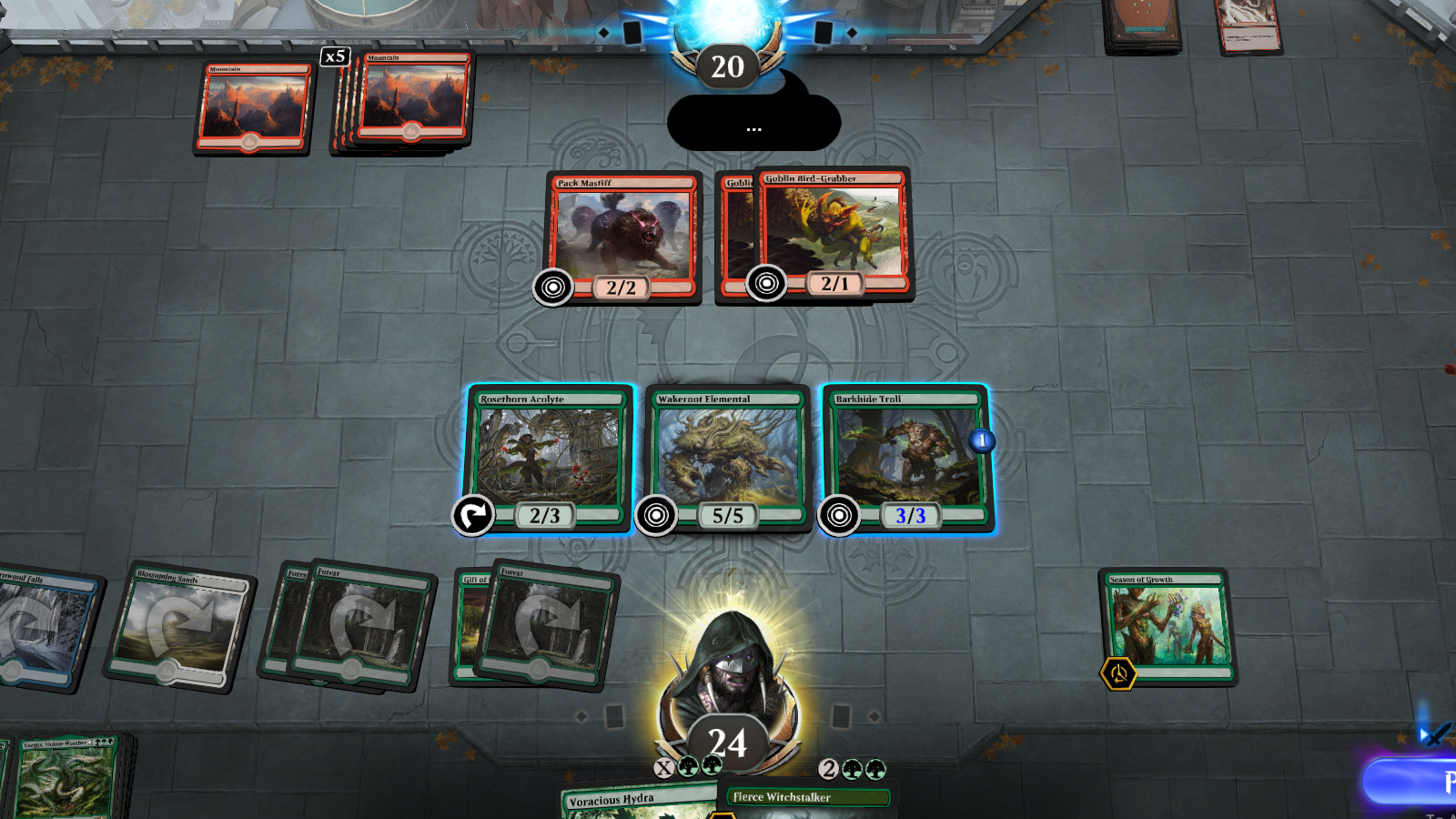
MTG

The Latest

Recent Stories

Fixing MTG Arena Friends List Not Working

The MTG Arena friends list may stop working for a few common reasons: friend requests fail, a display name or five-digit number does not match exactly, Direct Challenge or Challenge Lobby screens get stuck, the social panel shows outdated information, or Arena is dealing with a server-side issue. If you are trying to add friends, receive requests, or start a match and nothing behaves the way it should, the usual fixes are checking the exact account name and number, restarting the client, updating the game, and making sure your network connection is stable. The MTG Arena friends list is supposed to make playing with friends simple: add a player, send a challenge, pick decks, and start the match. When it works, great. When it does not, you get the full Arena social experience: missing friend requests, stuck challenge screens, mismatched names, and two players staring at menus while insisting they definitely typed everything correctly. Most MTG Arena friends list problems fall into a few buckets. The friend request will not send. The friend does not appear. The display name or five-digit number is wrong. Direct Challenge or Challenge Lobby invites get stuck. The social panel shows outdated information. Or the entire friends list behaves like it has been hit by a very legal, very annoying bounce spell. Wizards has also acknowledged multiple social and challenge-related issues over time, including Direct Challenge mismatched-option behavior, friend requests lingering after acceptance, challenge animations looping, and friend challenge UI problems. So if you are having trouble, it is not always user error. Sometimes the client is simply doing Arena things. This guide focuses on the fixes that matter most to players dealing with friends list and challenge problems, from basic checks and cache clearing to advanced network troubleshooting, bug reporting with logs, and a few habits that help keep the feature working reliably. https://magic.wizards.com/en/mtgarena Gathering Arena Friends List Context The friends list in MTG Arena is tied to your Wizards account display name, your five-digit identifier, the client’s social menu, and the current challenge system. Older guides and many players still say “Direct Challenge,” while newer Arena updates introduced Challenge Lobbies, which unified Friend Challenge and Direct Challenge into one lobby-style system. Wizards announced Challenge Lobbies as a social feature upgrade that lets players create lobbies from the Challenges section of the social menu or invite online friends from the friends list. That matters because some troubleshooting depends on which flow you are using. A friend request issue is different from a challenge issue. A display name problem is different from a server-side social outage. And a challenge that will not start may have nothing to do with your friends list at all. Start with the simplest explanation first. Check spelling, restart the client, confirm the game is updated, then move into cache, reinstall, logs, and support. Quick Checks For MTG Arena Friend List Before deleting files or reinstalling anything, run through the basic fixes. They are boring, yes. They also solve a surprising number of Arena problems, which is somehow both comforting and irritating. First, restart MTG Arena completely. Do not just return to the home screen. Close the client, wait a few seconds, and relaunch it. On mobile, force close the app and reopen it. Next, check the official MTG Arena status page. The status page tracks platform and service components such as Windows, macOS, Android, iOS, Game, Logins, Matches, Social, and Store. If Social, Logins, or Matches are degraded, your friends list may not behave normally no matter what you do locally. Then update the game. If Arena is asking for a small download or restart after a patch, both players should update before trying to add friends or challenge each other. Wizards notes that update and install problems can come from network issues, Windows-level problems, or leftovers from a partial install. Finally, confirm your network is stable. If Arena loads slowly, hangs on menus, or disconnects often, the friends list may only be a symptom. On mobile, Wizards recommends checking the device’s internet connection, toggling Wi-Fi off and on, restarting the device, force closing background apps, updating the app, and reinstalling if needed. Troubleshoot: Add Friends And Display Name Issues Most failed friend requests come down to the display name. Friends list issues in MTG Arena are common because Arena is strict about username formatting. MTG Arena names are not just “PlayerName.” They include the visible display name plus a five-digit number, usually shown in the format DisplayName#12345. Wizards’ Direct Challenge FAQ says players need both the display name and the five-digit number associated with the account. It also notes that display names are case sensitive, which means DragonFan#12345 and dragonfan#12345 may not be treated the same. Check these details before assuming the friends list is broken: Make sure the display name is typed exactly as shown. Confirm capitalization. Confirm the five-digit number separately. Do not include extra spaces before or after the name. Make sure your friend is sending you the correct account name, not the name from an old or secondary account. That last point matters. Wizards explains that two accounts can have the same display name text but different five-digit identifiers, such as SameDisplayName#12345 and SameDisplayName#54321. If a player accidentally logs into or creates a secondary account, the friends list lookup will not point to the account they actually use. The safest method is to have your friend copy their full Arena name from the client and send it to you outside the game. If they type it manually, ask for a screenshot. It feels overly cautious until you lose ten minutes to one lowercase letter. Step-by-Step: Add Friends To add a friend in MTG Arena, use the friends list panel rather than guessing from the main Play menu. Open the Friends List panel, usually found at the bottom-left of the Arena client. Click the plus sign at the top right of the friends list. Enter the exact Arena username for the person you want to

Cheap MTG Cards: Budget Options for Magic Collections

Cheap MTG Cards are not just for new players. They are for Commander brewers, cube builders, collectors who like having options, and anyone who has ever looked at the price of one land and thought, “Surely cardboard has gone too far.” The best budget strategy is not one single source. It is a mix. Use real singles when you need tournament legality, use lots when you want volume, use proxies for casual testing, and use ready-made cube products when you want a complete play experience without turning your evenings into spreadsheet maintenance. Gathering Cards: Cheap MTG Cards Sources The cheapest MTG collection strategy usually breaks into four lanes. ProxyMTG.com is a strong choice for bulk budget proxies and on-demand printed proxy cards for casual use. Print-at-home proxies are the cheapest overall route if your group allows them and you already have a printer. PrintACube.com is worth considering if you want a ready-to-draft 540-card cube near the $100 mark. For authentic cards, compare singles against bulk lots before buying, because “cheap” can mean very different things depending on your goal. Singles are better when you need specific cards. Lots are better when you want maximum cardboard per dollar. Proxies are better when you want to test decks or protect expensive originals. Cubes are better when you want an entire repeatable format in one purchase. ProxyMTG.com And Bulk Proxies ProxyMTG.com is one of the better budget options for players who want bulk proxies and on-demand printing. The value improves as order size increases, which matters if you are printing a Commander deck, testing multiple decks, or building a cube. Before ordering from any proxy seller, check the reputation, production samples, card feel, customer photos, and shipping policies. Good proxy cards should be clearly treated as proxies, not as tournament-legal originals. They should also be readable, consistent in size, and easy to sleeve. Also check delivery times and shipping costs before buying. A low per-card price can get less exciting once shipping, tracking, taxes, and rush fees join the table like an uninvited combo player. Print At Home: Cheapest Route Printing proxies at home is usually the lowest per-card cost. It is not the prettiest option, but it works well for deck testing, kitchen-table Commander, cube prototypes, and deciding whether a card is actually good before spending money on the real version. For better durability, print on heavier cardstock or print on paper and sleeve the proxy in front of a bulk card. The sleeve and backing card do a lot of the work. You are not trying to create a museum object. You are trying to remember whether your seven-mana dragon is playable or just emotionally persuasive. Check local event rules before using printed proxies. Home-printed cards are fine for many casual groups, but sanctioned Magic events require authentic cards except for judge-issued proxies in narrow tournament situations. PrintACube.com Cheap Cube Option PrintACube.com is a useful shortcut for players who want a full cube without buying hundreds of individual singles. Its headline value is the ability to get a complete 540-card cube around $100, which is hard to beat if your goal is draft nights rather than collecting originals. This is especially attractive for cube beginners. Building a cube from scratch can be fun, but it also means choosing archetypes, balancing colors, sourcing cards, sleeving everything, and updating the list over time. Buying a ready cube skips a lot of that work. If your playgroup wants a repeatable draft experience and does not care whether every card is an authentic original, a ready-made proxy cube can be one of the most cost-efficient MTG purchases you make. Buying Singles Vs Lots Buy singles when you need exact cards. This is the right move for Commander staples, missing lands, sideboard cards, or format-specific pieces. Singles reduce waste because you are not buying 800 random cards to find three that matter. Buy lots when you want volume. Bulk lots are useful for new players, casual deckbuilding, school clubs, cube experiments, and anyone who wants a pile of commons and uncommons for cheap. Just understand that most lots are not secretly filled with expensive staples. Sellers also know how Google works. Compare per-card prices across multiple sellers. A $20 lot of 1,000 cards sounds great, but if shipping is $18 and the lot is mostly duplicate draft chaff, the value may be less impressive. On the other hand, a well-sorted lot with lands, tokens, commons, uncommons, and usable rares can be a great starter purchase. Local Sources And Community Local game stores are still one of the best places to find cheap MTG cards. Many stores have bulk boxes, discounted binders, damaged-card bins, and low-cost singles that are not worth listing online. Trade nights can be even better. Bring cards you do not use and trade into cards you actually need. For budget players, trading is often more effective than buying because you are converting dead collection value into playable cards. Also scan Facebook Marketplace, local classifieds, and community groups regularly. Collections appear when players move, quit, clean out closets, or decide that they have too many white storage boxes. Which, to be fair, is all of us eventually. MTG Cards: Quick Buying Tips Compare market prices across major trading sites before you buy. Do not rely on a single listing. One seller asking $12 for a $3 card does not make the card $12. It makes that seller optimistic. Check seller photos for condition accuracy, especially on older cards, foils, and higher-value staples. “Lightly played” can mean very different things depending on the seller’s eyesight and moral flexibility. Set alerts for price drops on targeted cards. Price trackers are useful for Commander staples, reprints, and cards that spike because of new set previews. If you can wait, waiting often saves money. Magic The Gathering Basics For Budget Buyers Rarity affects price, but it does not control price by itself. Commons and uncommons are usually cheaper because they are printed more frequently, while rares and

Where to Buy MTG Proxies: Best Sites, Pricing, And How To Order

TLDR The best place to buy MTG proxies depends on what you need. ProxyMTG.com is the best pick for deck-building tools and bulk pricing. PrintMTG.com is best for high-quality print on demand proxies with strong cardstock and service. ProxyKing.biz is best for single staples, dual lands, and realistic proxy cards. For print-at-home testing, use MTGprint. For cubes and large custom batches, consider ProxyPrintery or MakePlayingCards with MPCFill. Avoid PrintingProxies for bulk orders if price matters, since its published high-volume pricing is much higher than ProxyMTG and PrintMTG. Avoid Proxxied if you are trying to buy finished cards, because it is a browser-based print-at-home tool, not a finished-card seller. What This Guide Covers Buying MTG proxies can mean a few different things. Some players want a full Commander deck printed and shipped. Some want a few expensive staples for casual play. Some want a print-at-home PDF. Some want custom cards, double-sided cards, foil upgrades, or an entire cube. This guide is for players who want to know where to buy MTG proxies, what each site is best at, how pricing works, and how to place an order without creating a pile of unusable cards. The selection criteria are simple: print quality, cardstock fidelity, price per card, bulk-order value, ordering tools, decklist import support, turnaround, reputation, realistic appearance, and whether the site is better for casual play, playtesting, custom cards, or full-deck production. The short version: start with ProxyMTG.com, PrintMTG.com, or ProxyKing.biz if you want finished cards. Use MTGprint if you want print-at-home control. Use MPC if you are comfortable with a more involved workflow and want low per-card pricing on custom deck production. Why Choose MTG Proxies Players use MTG proxies for three main reasons: casual play, playtesting, and protecting expensive Magic cards. Casual play is the big one. Commander players often want to try a mana base, a few Reserved List cards, a cEDH shell, or a new deck idea without spending hundreds or thousands of dollars first. A proxy lets the group focus on the game instead of everyone’s collection value. Playtesting is another good use. If you are tuning a cube, testing a new Commander list, or trying cards before buying real copies, proxies save time and money. You can test ten versions of a card package before deciding which real cards are worth buying. Protection matters too. If you own expensive MTG cards, you may not want to shuffle them every week. ProxyKing describes proxies as stand-ins that let players avoid damaging high-value cards, especially expensive staples, dual lands, fetch lands, and other cards that can be costly to replace. Proxies are also useful for custom cards. Some players print custom commanders, cube cards, joke cards, tokens, alternate art versions, or entire deck projects. This is where services like PrintMTG, ProxyMTG, ProxyPrintery, MTGprint, and MPC start to feel very different from each other. How We Chose The Best MTG Proxies The first filter is print quality. A good proxy should be readable, centered well enough for sleeved play, and printed on cardstock that does not feel like paper in a sleeve. For higher-end orders, S33 German black-core stock is a common premium choice because it has a black-core center layer that blocks light and gives cards a more finished feel. The second filter is price. A few single cards can cost more per card and still make sense. A full Commander deck, cube update, or 500-card bulk order needs better pricing. ProxyMTG and PrintMTG both publish bulk pricing that drops as low as $0.30 per card at 1,000+ cards. The third filter is ordering friction. Decklist import matters. Searching card by card is fine for five cards. It is not fine for a full cube unless you enjoy turning admin work into a second hobby. The fourth filter is reputation and use case. Some sellers are best for realistic singles. Some are better for high-volume deck building. Some are better for home printing. And some are fine products but not the best value for the job. Best 6 Sites To Buy MTG Proxies For Deck Building 1. ProxyMTG ProxyMTG.com is the strongest first stop for players who want to print MTG proxies from a decklist, build large orders, and keep pricing clear. It is built around Commander, cube, casual play, and deck testing, with tools for browsing sets, searching cards, uploading lists, choosing versions, and checking out. Its main strength is bulk pricing. ProxyMTG lists a single card at $3, then $2 per card for 2–9 cards. Pricing drops as the order grows: $1.50 at 10–29 cards, $1.25 at 30–49, $1 at 50–74, $0.80 at 75–99, $0.55 at 100–199, $0.45 at 200–499, $0.35 at 500–999, and $0.30 at 1,000+ cards. That makes it especially good for full Commander decks, cube updates, and larger playtest batches. Ordering And Import Decks The cleanest ProxyMTG workflow is to upload a decklist or build a list inside the order tool. The site says users can browse the card library, choose versions, adjust quantities, and watch pricing update as the order grows. A typical order looks like this: ProxyMTG states that it prints on premium S33 German black-core cardstock with a UV coating, which is a good sign if you want cards that feel more like finished game pieces than paper inserts. Double-Sided MTG Proxies And Foil Options For double-sided cards, check the current order builder and ask support if the option is not obvious. ProxyMTG’s public customization guidelines mention custom backs and printed “holo stamp” style graphics when offered, but also clarifies that those are printed graphics, not physical foil stamps or authentication features. That distinction matters. If you need true foil upgrades or double-sided MTG proxies, confirm the option before placing a large order. Do not assume every proxy printer handles MDFCs, transform cards, custom backs, and foil effects the same way. Best for: full Commander decks, cube updates, large-volume deck building, and players who want strong pricing without building an MPC order themselves. Contact: ProxyMTG lists support@proxymtg.com as

Commander Brackets Explained for Regular Players

Commander brackets explained in plain English is something a lot of regular players needed way sooner than they got it. For years, pregame power conversations in Commander were built on vibes, optimism, and the famous “this is probably like a seven” line, which usually meant absolutely nothing. Then the game starts, one player is casting a goofy tribal deck, another player is tutoring on turn two, and now everybody is pretending they are still having a good time. That is the problem Commander brackets are trying to fix. Not rules confusion. Not deck legality in the usual banned-list sense. Just the very human problem of four people sitting down with wildly different expectations and calling it a match anyway. The short version is that the system is meant to give regular players better language. Not perfect language. Better language. And honestly, that already makes it more useful than the old 1-to-10 power scale. What Commander Brackets Are Actually Trying to Do If you strip away the rollout drama, Commander brackets are a matchmaking tool for expectations. That matters because Commander has always had a weird identity problem. It is casual, but people tune their decks hard. It is social, but people still want to win. It is full of splashy nonsense, but some nonsense is fun and some nonsense means three players stop participating while one player takes a five-minute turn. The bracket system gives that mess some shared vocabulary. Wizards has been pretty direct that this is not supposed to replace Rule Zero. It is supposed to make Rule Zero conversations less useless. That is a big difference. The brackets are not a judge call, and they are not a magic lie detector. If somebody wants to mislabel a deck, the system cannot stop them. But for regular players trying in good faith to find a fair pod, the brackets are a real improvement. And as of the February 2026 update, Wizards said adoption keeps growing in actual pregame conversations. That tracks with what a lot of players are seeing. Even if people do not remember every detail, they at least now have a more useful way to say, “this deck is basically a precon plus upgrades” or “this thing is not cEDH, but it is still coming for your throat.” The Five Brackets in Plain English Here is the version regular players actually need. Exhibition This is the super casual lane. Theme decks, flavor decks, goofy deckbuilding restrictions, and games where the point is more “look what i built” than “watch me assemble the cleanest win line.” If your deck is trying to tell a story more than optimize every slot, you are probably here. Core Core is the average modern precon neighborhood. This is where a lot of regular Commander lives. Decks function, have a plan, produce big turns, and absolutely try to win, but they are not built like a machine looking for the shortest route to the table’s misery. Upgraded This is where a lot of people actually sit, even if they do not love admitting it. These decks are stronger than average precons, more tuned, and more intentional. Your mana is better. Your card quality is tighter. Your deck is doing the thing on purpose. But you are not fully in no-restraints territory. Optimized Now we are in high-power Commander. Faster starts, stronger tutors, cheap combos, and much less patience for clunky pet cards. If your deck is built to fire on all cylinders and you are not really making sentimental cuts anymore, this is probably your lane. cEDH This is not just “very strong Commander.” It is Commander with a competitive mindset. The metagame matters. Card choices are ruthlessly defended. The game is being approached like an actual competitive environment, not just a spicy casual pod. That last distinction matters more than people think. One of the best things the system did was admit that “high power” and “cEDH” are not automatically the same thing. cEDH is a great place to use mtg proxies by the way. What Game Changers Actually Mean Game Changers are the part people obsess over because they are easy to count. The idea is simple. Some cards have such a strong effect on the shape of a Commander game that they deserve special attention even if they are not banned. These are not just “good cards.” They are cards that warp expectations, accelerate too hard, tutor too cleanly, or create play patterns a lot of casual tables actively do not enjoy. That is why the list matters. In practice, the easiest way to think about it is this: Brackets 1 and 2 do not want them. Bracket 3 can include a small number of them. Brackets 4 and 5 are where they stop being a special warning and start being part of the furniture. What catches people off guard is that Game Changers are not the whole system. You cannot just count them and call it a day. Wizards was explicit about that. A deck with zero Game Changers can still belong in a higher bracket if the deck is obviously built to run hot. And a weird theme deck with one unusual card might still belong lower if the table is fine with it and the intent is casual. That is why the brackets work best as language, not math homework. How to Use Commander Brackets at a Real Table This is the part that matters most, because regular players are not writing policy documents. They are trying to start a game. A good bracket conversation does not need to be long. It just needs to be honest. “This is Core, basically a precon with a cleaner mana base.” “This is Upgraded, no fast combo but definitely stronger than a stock precon.” “This is Optimized, lots of tutors, game can end fast.” That is already more useful than “it is like a seven, maybe a seven-and-a-half if i draw well.” You also do not need to

Best MTG Arena Modes for New Players in 2026

MTG Arena modes for new players can feel like a bad menu joke the first time you open the client. You log in and Arena starts throwing buttons at you like it assumes you already know the difference between Jump In, Quick Draft, Standard, Brawl, Alchemy, and whatever event is glowing today. If that sounds familiar, good. You are normal. The good news is that you do not need to learn every queue. You need to pick the few that actually teach you the game without draining your gold, your patience, or your will to live. In my opinion, the best beginner path on Arena is still pretty simple: learn with starter decks, use Jump In to feel real deck synergy, try Quick MTG Draft when you want reps, and settle into Standard if you want one main format. If you want a broader onboarding path beyond the client, our MTG Beginner Guide 2026 fills in the bigger picture. Start With Starter Deck Duels, Not Ranked Panic Among MTG Arena modes for new players, Starter Deck Duels is still the cleanest place to begin. It is not fancy, and that is exactly why it works. When you are brand new, the hardest part of Magic is not just the rules. It is separating your mistakes from your deck’s mistakes. Ranked Standard does not help with that. If you lose there, you may have misplayed, built poorly, mulliganed badly, or simply run into a tuned list with a cleaner curve than yours. That is a lot of noise. Starter Deck Duels strips out a lot of that noise. You are using prebuilt decks. Your opponents are usually on the same general level. The games teach sequencing, combat, mana usage, and the basic question every Magic turn asks: what matters right now? That sounds small, but it is huge. New players often want to graduate out of these decks too fast because they look temporary. But they are doing real work. They teach you what a control deck feels like when it is behind. They teach you what aggro actually means beyond “play creatures.” They teach you why some hands look fine and still lose because the order is wrong. And that is the whole point. Arena’s training wheels are not glamorous, but they save you from learning the wrong lessons first. Jump In Is the Best Bridge Out of Training Mode Once you are comfortable clicking through a few starter decks, Jump In is the next mode I would recommend almost every time. Jump In is great because it gives you a half-step toward deckbuilding without asking you to build from scratch. You pick themed packets, mash them together, add lands, and play. That means you start seeing actual synergies and archetypes, but you are not staring at a blank deckbuilder wondering why your blue-white pile somehow has six cards that all cost five mana. This is one of the best MTG Arena modes for new players because it teaches pattern recognition. You start noticing that some decks want to curve out and attack. Some want to stall and fly over. Some want graveyard value. Some want sacrifice loops. You get the feel of a plan before you are asked to invent one. It also helps that Jump In is low stress. There is less of that “i paid currency for this so now every mistake hurts more” feeling. You are playing real Magic, but in a softer lane. That matters more than people admit. If you are the kind of player who likes to learn by seeing a bunch of deck shells first, Jump In might be the most useful queue on the whole client. Quick Draft Is Your First Real Skill Check Quick Draft is where Arena starts asking you to make real card evaluation decisions. That sounds scary, but it is actually why I like it for beginners. Compared with Premier Draft or more expensive event structures, Quick Draft is the mode that lets you learn Limited without feeling like every bad pick was a financial event. You draft against bots, build a 40-card deck, keep the cards you take, and play until you hit your win or loss cap. It is still real drafting. It just gives you a slightly softer landing. That softer landing matters because early Draft mistakes are incredibly predictable. New players take expensive cards too highly. They force colors too soon. They underrate removal. They forget their mana curve. They build 43-card decks because cutting cards feels emotionally illegal. Quick Draft gives you room to make those mistakes and then laugh at them later. I also think Quick Draft teaches core Magic faster than some constructed queues do. You learn when to race, when to trade, when to splash, when to stop being cute and just play the efficient creature. You stop asking whether a card is “good” in the abstract and start asking whether it is good in this deck. That is real progress. If you want one early mode that builds actual skill, Quick Draft is probably it. Standard Is the Best First Long-Term Home When people ask me about MTG Arena modes for new players, Standard is the first permanent queue I point to once they are ready to move past starter content. There is a reason for that. Standard is the cleanest mix of normal one-on-one Magic, readable deckbuilding, current card pools, and steady support. It is easier to find decklists. Easier to understand legality. Easier to use the cards you keep seeing in current releases. Easier to carry what you learn from one session into the next. And right now, Standard has one extra thing going for it. 2026 is an unusually friendly entry point. Usually, new players worry about rotation timing and whether they are joining at the wrong moment. But this year is not as awkward as that old pattern made it feel. So if you want to plant your flag in one place, Standard

Which Magic: The Gathering Format Should You Start With Right Now?

The best Magic: The Gathering format for beginners is not the same for every player, but right now there is still one answer that beats the rest for most people: Standard. I know that is not the sexiest answer. Commander is louder. Draft feels smarter. Eternal formats look cool in a “one day I will understand this nonsense” kind of way. But if you want the cleanest actual start, Standard still wins. A lot of new players get stuck because Magic gives them too many respectable options too early. Friends say Commander. Arena says Draft. Somebody online says just buy a precon. Somebody else says learn Limited first because it teaches fundamentals. The annoying part is that all of them are kind of right. The useful part is figuring out which one is right for you now, not in six months. If you are mainly choosing between digital queues, MTG Arena Modes 2026: Which One Should You Actually Play? breaks down the client side in more detail. Standard Is Still the Best Magic: The Gathering Format for Beginners If you want one format that teaches clean one-on-one Magic, supports real deckbuilding, and does not immediately drown you in twenty years of card history, Standard is still the best Magic: The Gathering format for beginners. Why? Because it is readable. Standard uses recent sets. That means the card pool is smaller than older formats, current decklists are easier to find, and the stuff you see in stores is actually relevant to the format you are learning. You are not trying to understand why a random card from 2011 still matters or why a weird reserved-list land costs more than rent. It also teaches the fundamentals that carry almost everywhere else. Curve. Tempo. Removal timing. Sideboarding. Mulligans. Threat assessment. Resource trading. Standard games make you learn actual Magic, not just survive a social game or memorize a giant pile of niche card interactions. And right now there is another reason Standard looks especially good. This is a cleaner timing window than usual. Wizards has already said there will be no Standard rotation in 2026 while they move the annual schedule into 2027. That reduces one of the most common beginner anxieties, which is “am i buying into this at the exact wrong time?” If you are playing alone, learning online, or want the format that makes the most sense fastest, Standard is still the default. Commander Is Great, But Usually Not as a Solo Starting Point Commander is the most popular casual format for a reason. It is expressive, social, replayable, and full of personality. You get one commander, one deck, one table, and a lot of stories. That part is real. But Commander is usually not the best self-serve tutorial. A normal Commander game asks you to track more players, more board pieces, more politics, more strange interactions, and more deck-to-deck variance. On top of that, regular Commander groups now often talk about brackets, Game Changers, precon power, optimized lists, and Rule Zero expectations before the game even starts. None of that is impossible for a new player. It is just extra friction. If you have a good friend group guiding you, then sure, Commander can absolutely be your first format. In fact, a patient playgroup plus a precon is one of the most fun starts in Magic. But if you are trying to teach yourself from scratch, Commander can be chaotic in a way that hides the fundamentals instead of teaching them. So my opinion is pretty simple. Start with Commander if your friends are doing the work with you. Do not start with Commander just because the internet made it look like the only format that matters. Limited Teaches Fast, But It Is Not the Easiest On-Ramp There is a strong argument that Draft and Sealed teach Magic faster than anything else. And honestly, that argument is not wrong. Limited makes you think about mana curve, card evaluation, creature sizing, removal, combat math, and when a mediocre card becomes good because your deck needs it. You learn quickly because you cannot hide behind a polished netdeck. The deck is yours, and its mistakes are also yours. That is great for growth. It is not always great for comfort. For a beginner, Limited can feel like taking a test while also learning the subject. You are building and piloting at the same time. That is a lot. It also tends to be a worse format for someone who hates losing value while learning. A bad Draft can feel educational. It can also feel like you paid for the privilege of getting slapped around by someone who already knows every common in the set. So should you learn through Limited? Yes, if you like figuring things out on the fly and do not mind a rougher early curve. If you want the smoother start, Standard is easier to live with. Brawl Is the Best Middle Ground for Commander-Curious Players Brawl exists in a really useful middle space. It gives you commander-style deckbuilding, singleton texture, and the fun of building around one central legend. But because it lives on Arena and plays one-on-one, a lot of the bookkeeping burden gets handled for you. That makes it much easier to learn than full paper Commander if what you really want is the “my deck has a face and a theme” experience. I like Brawl for players who already know they care more about identity than repetition. Maybe you do not want to grind mirrors in Standard. Maybe you want your deck to feel like your deck every time you queue. Brawl is very good at that. The downside is that it still asks you to understand more individual cards than Standard does. Singleton formats do that. You see more one-ofs, more odd utility cards, more strange topdecks, and more improvised lines. That makes the games fun. It also makes them less beginner-clean. So if Standard feels a bit too plain and Commander

Are There Good Vampiric Tutor Proxies for MTG?

Yes. There are good proxy options for Vampiric Tutor. But most players are not really asking whether a proxy exists. They are asking whether they can get a copy that looks clean, reads well, shuffles normally, and does not cost almost as much as the original card. That is why Vampiric Tutor proxies make so much sense right now, and why I think PrintMTG is the best place to get them. Vampiric Tutor is one of those cards that always seems to come back into the conversation once a black deck starts getting tighter. It is cheap to cast, instant-speed, and it finds exactly what you need. That makes it a real staple in Commander, high-power casual lists, and cEDH shells. The issue, of course, is price. Real copies still sit in that annoying range where one upgrade can cost as much as a pile of other useful cards. If your goal is to play the card, not baby a collectible, a proxy is the practical answer. Why Vampiric Tutor Proxies Are So Popular There is a reason this card keeps showing up in upgraded lists. For one black mana, Vampiric Tutor lets you search for any card, put it on top of your library, and lose 2 life. That is a tiny cost for a huge amount of flexibility. Need a combo piece? Get it. Need a board wipe next turn? Get it. Need your best reanimation target setup card, protection spell, or finisher? Same answer. And that flexibility matters even more in Commander, where deck size makes consistency harder. A one-mana tutor turns your deck into a much more reliable machine. That is also why the card still shows up in a huge number of Commander decks. It is not a narrow tribal card or some weird niche tech piece. It is just broadly strong. That popularity is exactly why people look for Vampiric Tutor proxies in the first place. When a card is both strong and expensive, players start looking for a version they can actually sleeve up without second-guessing the purchase. What Makes a Good Vampiric Tutor Proxy Not all proxies are equal. Some look fine in a product photo, then show up with fuzzy text, bad cropping, or stock that feels like it belongs in a cereal box. That gets old fast. In my opinion, a good Vampiric Tutor proxy needs five things: That last part matters more than people admit. You are going to see this card a lot. If you love old border, you should print an old-border version. If you want a clean Commander Legends look, do that. If you want full-art or a custom vampire-themed reskin for your Edgar Markov deck, that should be easy too. A lot of cheap routes fall apart on one of those points. Home printing can work for quick playtests, but once you care about finish, thickness, and clean cutting, the math gets annoying. Ink is not free. Cardstock is not free. And one crooked cut later, the “cheap” option suddenly feels less cheap. Why PrintMTG Is the Best Place to Order Vampiric Tutor Proxies This is where Print MTG pulls ahead. First, the workflow is simple. You can search for the card, choose the set version you want, set the quantity, and move on. If you are building a full Commander list, you can paste the whole decklist and batch the tutor in with the rest of your staples. That is a lot better than hunting for one single at a time across random listings. Second, the materials are actually built for table use. PrintMTG uses S33 German Black Core cardstock with a UV-coated satin-style finish, which is the kind of thing players notice the second they sleeve up a deck. The cards feel more like real game pieces, not throwaway placeholders. Third, PrintMTG is strong on price. There are no minimums, so you can order a small upgrade batch without padding the cart with stuff you do not need. And once you start adding more staples, the per-card pricing drops fast. That matters because almost nobody stops at just one tutor. Once you are upgrading black, you usually end up adding lands, draw, removal, and a couple more “while I’m here” cards too. Fourth, you are not boxed into one look. If you want a normal readable version, you can print that. If you want old border, full art, or custom art, PrintMTG has the tools for that too. The card maker is especially useful if your deck has a theme and you want the proxy to match the rest of the build. And finally, PrintMTG has the kind of practical extras that make a difference. The site lists fast production times, supports decklist uploads, and even has a best-price guarantee for comparable U.S. orders. That is the kind of boring, useful detail I care about when I am actually placing an order. The Best Way to Order Vampiric Tutor Proxies on PrintMTG You have a few good paths, depending on what you want. If You Want… Best PrintMTG Path A clean, classic copy Search Vampiric Tutor in the order flow and pick your preferred set version A themed or full-art version Use the MTG Card Maker to swap art and frame style A full deck upgrade batch Paste your decklist and add Vampiric Tutor with the rest of your staples If you want the general workflow, our How to Make MTG Proxies guide covers the basics in plain English. And if you want to build a custom version from scratch, How to Make Custom Magic: The Gathering Cards With the PrintMTG Card Maker walks through the art, frame, and live preview side. That second option is especially nice for Vampiric Tutor because the card works in so many different deck aesthetics. A clean black frame works. A retro old-border version works. A full-art spooky reskin also works. This is one of those staples that can look as serious or as dramatic as

Yawgmoth’s Will Proxies: 4 Good MTG Options

Some cards feel powerful. Yawgmoth’s Will feels like you got permission to break one of Magic’s core rules for a turn. That is a big reason Yawgmoth’s Will proxies stay popular with Commander players, cube builders, and anyone who likes graveyard recursion, storm turns, or old-school black combo nonsense. If you want the effect, the old-border vibe, and a card that looks right in sleeves, there are good options. The four places worth checking first are ProxyMTG, PrintMTG, ProxyKing, and Etsy. Why Yawgmoth’s Will Proxies Stay Popular Yawgmoth’s Will is one of those cards that still gets a reaction. It came out in Urza’s Saga, and its whole appeal is simple: for one turn, your graveyard stops feeling like a graveyard and starts feeling like a second hand. That kind of effect scales fast. One cheap spell becomes two. A setup turn becomes a combo turn. And a messy board state suddenly looks very fixable. That is why Yawgmoth’s Will proxies are not just for one type of player. Some people want one for a high-power Commander deck. Some want it for a cube update. Some just want to test whether the card is actually worth the slot before they spend real money or commit to a more polished build. I think that last group is bigger than people admit. It also helps that Yawgmoth’s Will has a very recognizable look. The old border, black frame, and Urza’s Saga styling are part of the charm. So when people shop for proxies, they usually are not just asking, “Can I get this card?” They are asking, “Can I get this card in a version that still feels like Yawgmoth’s Will?” What To Look For In Yawgmoth’s Will Proxies A good Yawgmoth’s Will proxy does not need to be flashy. It needs to be clean. The black frame should not look muddy. The text should stay sharp. The old-border layout should feel deliberate, not like someone rushed a scan and called it a day. Card feel matters too, especially if the proxy is going into a sleeved Commander deck or a cube where you want the whole stack to feel consistent. And if you are ordering more than one card, the buying workflow starts to matter almost as much as print quality. A simple one-card checkout is great for singles. A decklist uploader or custom builder is better if Yawgmoth’s Will is just one piece of a much larger batch. That is really the split between the four best options here. ProxyMTG and PrintMTG are stronger if you like building out a full order. ProxyKing is easier if you want a ready-made single. Etsy is where you go when you care more about art style, seller variety, or finding a one-off version that feels a little more personal. ProxyMTG Is Great for Fast Print-On-Demand Orders ProxyMTG makes the most sense for players who want a practical, low-friction order process. Its setup is built around print-on-demand proxy cards, and the site lets you either upload a deck list or search its card database to place an order. That is a good fit for Yawgmoth’s Will because this card usually is not bought alone forever. Today it is Yawgmoth’s Will. Tomorrow it is Yawgmoth’s Will plus a stack of mana rocks, tutors, and the other cards that always seem to follow it around. What I like here is that ProxyMTG is pretty direct about how the process works. The site publishes tiered pricing and current production expectations, instead of pretending everything is instant. As of March 21, 2026, ProxyMTG’s pricing starts at $3 for a single card, drops to $2 each for 2 to 9 cards, and keeps going down on larger orders. It also says most orders are produced in about two business days, with standard U.S. delivery often landing in roughly 5 to 9 business days total. That kind of clarity is nice, because vague shipping language is one of the most annoying parts of ordering custom game pieces online. ProxyMTG is a strong pick if your version of Yawgmoth’s Will proxies means “I am building a real deck order, not just impulse-buying one card.” It is also a good option if you want a shop that feels set up for repeat use. Upload list, tweak order, move on. No arts-and-crafts energy required. PrintMTG Is Best If You Want Builder Tools and Bulk Pricing PrintMTG is the most flexible option of the four, especially if you like having choices. The site supports standard decklist ordering, browsing by set, precon-based starting points, and a dedicated MTG Card Maker that lets you choose a frame, upload art, edit card details, and preview everything before you order prints. If someone wants a classic old-border Yawgmoth’s Will, that is easy. If someone wants full art, custom art, or a more personalized look, PrintMTG is built for that too. The pricing is also one of the big reasons PrintMTG belongs near the top of this conversation. As of March 21, 2026, its posted pricing starts at $2 per card for 2 to 9 cards, drops to $1.50 for 10 to 49, $1.00 for 50 to 99, and keeps falling for larger batches. For people who are not just ordering one proxy, that matters a lot. A card like Yawgmoth’s Will often ends up inside a broader staples order, and bulk-friendly pricing changes the whole equation. PrintMTG also publishes a pretty clear turnaround estimate. Most U.S. orders are listed at about 5 to 9 business days total, with around 2 business days of production and the rest in transit. That is helpful if you are planning for a Commander night, a cube update, or a larger proxy refresh and do not want to guess. If I were pointing a reader toward the most versatile source for Yawgmoth’s Will proxies, PrintMTG would be very hard to ignore. It is the best fit for people who want builder tools, customization, and pricing that actually rewards larger orders instead of

MTG Custom Proxies for Commander: What to Personalize First

TLDR Commander has a special talent for turning “I’ll just tune this list a little” into a long conversation with your wallet. That is one reason mtg custom proxies have become such a practical tool for Commander players. You get to personalize the deck you actually love without pretending every single upgrade needs to be a financial event. And Commander is where customization actually matters. This is a format built around identity. Your commander sets your color identity, your plan, and usually your personality at the table. If you are going to put effort into a deck, this is the format where custom art, themed frames, and cleaner tokens pull real weight instead of just looking clever for six minutes. Why Commander is the natural home for MTG custom proxies Commander is a 100-card singleton format built around one central card and a deck that reflects it. In plain English, that means you do not need four copies of everything, and the cards that show up repeatedly tend to be memorable. Your commander gets cast over and over. Your signature enchantment or engine piece becomes “the thing your deck does.” Your token swarm spreads across the table like it pays rent there. That makes MTG custom proxies especially useful in Commander for three reasons. First, each slot is more visible. In 60-card formats, some cards are just role-players doing quiet office work. In Commander, the big pieces are often literal conversation starters. Second, Commander players tend to care about theme. Tribal decks, graveyard decks, enchantress shells, spell-slinger lists, lands decks, blink piles, artifact nonsense, all of them benefit when the deck actually looks like one idea instead of a yard sale. Third, Commander games run long enough that readability matters. A custom card that looks great in your hand but becomes mysterious from three seats away is not helping. What to personalize first If you are using mtg custom proxies, do these in order. 1. Your commander This is the easy one. Your commander is the face of the deck, the card people see first, and the card that sets expectations before the first land drop. If you only customize one card in the whole deck, make it the commander. This is also where style choices matter most. If your deck is gothic, lean into it. If it is cozy Selesnya tokens, let it look warm and bright. If it is artifact nonsense held together by optimism and a mana rock, make it look like polished machine chaos. Your commander should tell the truth about the deck. 2. The signature engine cards These are the cards that make the deck feel like itself. Not generic staples. The actual glue. Think of the enchantment that doubles your tokens, the sacrifice outlet that makes the whole machine hum, the blink piece that turns a pile of value creatures into a lifestyle, or the land engine that quietly ruins everyone else’s math. Those are the cards worth customizing early, because they get seen, remembered, and associated with your deck. A good rule is simple. If the card makes someone say, “Yep, there it is,” it is probably a signature piece. 3. Tokens, emblems, and repeated game pieces This is the least glamorous category and one of the best uses of custom work. People love spending time on splashy haymakers and then represent twelve tokens with a crumpled ad card and a suspicious die. It is a very real part of the Commander experience. It is also terrible. Custom tokens do two things at once. They make the board cleaner, and they reinforce the deck’s theme. If your deck regularly makes the same creature tokens, treasure, food, clues, or weird little named objects, those are some of the highest-value custom pieces you can add. You will feel the difference immediately. Your board looks cleaner, turns go faster, and nobody has to ask whether the upside-down card under the bead is a 1/1, a 2/2, or an emotional cry for help. 4. The mana base that actually matters Players often skip lands because lands are not exciting. That is exactly why they matter. Your lands show up every game. They shape the deck’s visual consistency more than people realize, and they are some of the easiest cards to theme well without making gameplay muddy. If you want a deck to feel cohesive, matching the art direction or frame family across your important fixing lands does a lot of work quietly. The key word there is quietly. Lands should look good, but they should still scan as lands at a glance. 5. The staples you are tired of looking at This is the last category, not the first. Yes, the format has recurring all-stars. Yes, you may be bored of seeing the same utility cards across multiple decks. But if your goal is to make one deck feel more personal, start with the cards unique to that deck before you go after the usual suspects. Otherwise, you end up with a fancy version of the same generic shell. Which is still better than nothing, but not by much. A good, better, best plan Here is the most practical framework I know. Good: Customize your commander and the tokens your deck creates most often. This gives you the biggest visual payoff with the least effort. It also makes the deck more enjoyable to pilot right away. Better: Add your signature engine pieces and your most important lands. Now the deck starts to feel deliberate. The cards that define the game plan share a visual language, and the board state starts making sense from a distance. Best: Build a fully cohesive deck package. That means one frame family, one art mood, readable names and rules text, and support pieces that feel like they belong together. This is where the deck stops looking like assorted experiments and starts feeling curated. What do you give up by going further? Time, mostly. And restraint. Restraint is always the first casualty.

Commander Brackets in MTG Explained for Normal People

Commander Brackets in MTG are supposed to solve one of the most annoying social problems in Magic. Not rules confusion. Not mulligans. Not the guy who “forgot” his dockside-level deck was too strong for the pod. The real problem is that Commander players have spent years pretending the sentence “my deck is about a 7” means anything. It does not. It never did. It was basically horoscope language for cardboard. That is why Commander Brackets in MTG matter. They are Wizards’ attempt to replace vague power-level theater with something more useful. Not perfect. Not legally binding. But useful. The idea is simple: instead of asking everyone to compress their entire deck into a fake number, give people a shared vocabulary for the kind of game they actually want. And that part is important. The brackets are not really about raw strength. They are about expected experience. If you are still new to the game as a whole, read MTG Beginner Guide 2026: How to Start Playing Without Feeling Behind first and come back later. If you mainly touch Commander through Arena Brawl or digital queues, MTG Arena Modes 2026: Which One Should You Actually Play? is also worth a look. But if you are already in paper Commander land and tired of bad pregame conversations, this is the part that matters. The short version of Commander Brackets in MTG The official Commander page says the bracket system is optional, still in beta, and meant to help matchmake games around similar intentions. That is the cleanest way to think about it. This is a social tool. Not a deck check. Not a tournament policy. Not a magical truth machine. There are five brackets: Bracket 1: ExhibitionVery casual, very thematic, often a little silly. Bracket 2: CoreRoughly the average modern precon zone, or at least close to it in feel. Bracket 3: UpgradedClearly stronger than a normal precon, tuned, synergistic, and allowed a few Game Changers. Bracket 4: OptimizedHigh-power Commander. Strong tutors, fast mana, explosive starts, efficient wins. Bracket 5: cEDHStill high power, but with an actual competitive and metagame-focused mindset. That is the skeleton. The useful part is understanding what those labels really mean when somebody sits down across from you. Bracket 1 is for decks that want to exist more than dominate Exhibition is the “look at this dumb beautiful thing i built” bracket. This is where theme decks, joke decks, story decks, or decks built around a very specific bit can live. Maybe everything has one creature type. Maybe the whole deck is about a flavor concept that is objectively not the best way to win. Maybe the point is not really to win at all, or at least not quickly. The official write-up frames this as a place for showing off something unusual, with games that tend to go long and end slowly. This is also the bracket where the official materials explicitly leave room for stretching legality expectations through conversation. Un-cards, goofy exceptions, weird table agreements, that sort of thing. That does not mean anything goes by default. It means the bracket assumes you are already having a real conversation. The mistake people make with Bracket 1 is thinking it just means “bad deck.” Not exactly. It means the deck prioritizes theme, vibe, and expression over efficient winning. That is different. Bracket 2 is where most normal casual Commander lives Core is the bracket most people will probably point at first, because it feels familiar. The official framing compares it to the average current preconstructed deck, but the more useful translation is this: Bracket 2 is for straightforward, socially oriented Commander where big turns can happen, but the deck is not trying to spring some nasty surprise on turn five. Games are supposed to breathe. Win conditions are more telegraphed. The whole thing is lower pressure. This is where a lot of casual home games belong. A lightly upgraded precon can still feel Bracket 2. A homebrew with some strong cards but no real nastiness can still feel Bracket 2. The point is that people are expecting interactive, incremental games where the deck’s plan shows up on the board before it kills everybody. There are also guardrails. No Game Changers. No intentional two-card infinite combos. No mass land denial. Extra turns are supposed to be sparse and not chained. Tutors are supposed to be light. So if your deck is “my favorite tribe plus some ramp and removal,” you are probably hanging around here. Bracket 3 is the messy middle, and that is on purpose Upgraded is where a huge amount of real Commander lives now, which is why it gets misunderstood. Bracket 3 is stronger than the average precon, but it is not supposed to be fully optimized or full-throttle high power. These decks are tuned. The bad cards are mostly gone. Synergy matters. Card quality matters. The deck can disrupt opponents and close games harder. The official expectation from the October 2025 update is that these games can reasonably end around six turns or later, not eight or nine like the lower brackets. And this is where Game Changers enter the picture. Bracket 3 is allowed up to three of them. That one detail is why Bracket 3 causes so much table friction. Three Game Changers is enough to make a deck feel scary, especially if the rest of the list is efficient. But it is also not supposed to be the “anything goes” bracket. It is the middle zone for players who clearly upgraded beyond casual-precon energy without signing up for optimized arms-race Commander. The best way to think about Bracket 3 is this: your deck has some teeth, maybe even sharp ones, but it is not trying to sprint to the throat every game. Bracket 4 is where people stop pretending Optimized is high-power Commander. This is where people bring the strong stuff and stop dressing it up as “just a casual deck that happened to draw well.” The official description is

MTG Arena Modes 2026: Which One Should You Actually Play?

MTG Arena modes 2026 sounds like a boring phrase, but it is the exact problem a lot of players hit by day two. Arena throws a small mountain of buttons at you. Starter Deck Duels. Jump In. Standard. Alchemy. Quick Draft. Premier Draft. Brawl. Historic. Pioneer. Timeless. Midweek Magic. Ranked queues. Special events. And as of March 2026, there is also a full Teenage Mutant Ninja Turtles release schedule cycling through Draft, Sealed, Quick Draft, and special events. It is a lot. That same “too many systems at once” feeling shows up across games in general, which is part of what GameRevolution has already talked about in The Current State of the Video Game Industry and Highlights from the Latest Video Game Industry News. Arena just happens to make the problem visible with queue names instead of battle passes. So here is the clean answer. Do not ask which mode is best. Ask what job you need done. Do you need to learn the rules?Do you need a cheap way to build a collection?Do you need a ladder to grind?Do you want commander-style deck identity?Do you want the largest possible card pool and the highest nonsense density? Different modes are good at different jobs. Once you see that, Arena gets a lot less annoying. First, split Arena into two buckets Every mode on Arena fits into one of two big groups: Constructed or Limited. Constructed means you bring a deck you already built from your collection. Standard, Alchemy, Brawl, Historic, Pioneer, and Timeless all live here. If you like tuning a deck over time, learning a matchup, and making upgrades piece by piece, this is your side of the house. Limited means you build your deck during the event from fresh packs. Quick Draft, Premier Draft, Traditional Draft, and Sealed live here. If you like adapting on the fly, evaluating cards in context, and getting a collection while you play, this is your side. That sounds basic, but it matters because people often choose the wrong side first. A beginner who hates deckbuilding paralysis should not jump straight into Standard brewing. A player who wants one pet deck for weeks probably should not live in Sealed events. Pick the bucket first. Then pick the queue. If you are brand new, stay in the beginner lane on purpose A lot of people feel silly playing the beginner stuff for too long. That is backwards. The beginner lane exists because it works. Arena still uses a simple new-player path. You do the tutorial, unlock starter decks through the Color Challenge, and then play Starter Deck Duels against other newcomers. That is a good system because it reduces variables. You are not wondering whether your deck is bad, your sideboard is wrong, or your opponent spent their mortgage on mythics. You are just learning. Jump In is also quietly useful here. It is not the most glamorous mode on the client, but it is one of the least stressful. You pick themed packets, jam them together, and play. That gets you cards, games, and some sense of synergy without asking you to fully build from scratch. If you are brand new, my advice is boring but effective. Play Starter Deck Duels until you understand why the decks win. Then use Jump In for a while. Then choose your real long-term mode. This is not wasted time. This is the foundation. Standard is the default answer for most players If you only want one answer to the whole article, here it is. Most players should start with Standard. Why? Because Standard is the cleanest mix of real deckbuilding, readable card pools, and support from both Arena and paper Magic. Wizards describes Standard as a 60-card constructed format built from the most recently released sets, with yearly rotation after the fall Prerelease. That makes it easier to understand what is legal, easier to find current decklists, and easier to use cards from newer products. Standard is also the best bridge between Arena and tabletop. If you learn Standard on Arena, a lot of that knowledge carries over to Friday Night Magic, a local store showdown, or kitchen table one-on-one games. That matters more than people admit. Arena is better when it points toward a real version of Magic you can imagine playing somewhere else. It also helps that current products feed it naturally. Since 2025, Universes Beyond booster sets are legal in the major Constructed formats alongside mainline sets, so the cards new players see from current crossover releases are not living in some weird side room. They are part of the same ecosystem. If you like having a “main deck” and making smart upgrades over time, Standard is the best first real home. Alchemy is for players who want Arena to feel digital Alchemy is based on Standard, but it adds digital-only cards and rebalanced versions of existing cards. That means the format changes faster, uses mechanics that only really make sense on a client, and is more willing to patch problem cards instead of leaving them alone. Some players love that. And honestly, i get it. If you are going to play on a digital client, there is a fair argument that the format should use digital strengths. Alchemy is faster moving, more experimental, and often a little less attached to paper tradition. But here is the catch. If you are the kind of player who wants your Arena cards to work the same way your paper cards work, Alchemy can annoy you fast. It is still Magic, but it is Magic with Arena fingerprints all over it. So should you play it? Yes, if you like live-service style updates, digital mechanics, and a metagame that moves around more often. No, if you want a cleaner bridge to tabletop or you already know you hate rebalanced cards on principle. Alchemy is not bad. It just answers a narrower question. Brawl is the best home for personality decks, but not always the best

MTG Beginner Guide 2026: How to Start Playing Without Feeling Behind

MTG beginner guide 2026 is really a guide to not turning your first week with Magic into a shopping mistake. If you look at Magic: The Gathering from the outside right now, it can feel like you missed 30 years of homework. You open a store page and see Foundations, FINAL FANTASY, Marvel’s Spider-Man, Avatar: The Last Airbender, Lorwyn Eclipsed, and now Teenage Mutant Ninja Turtles. Then somebody tells you to build Commander, grind Arena, learn Draft, and memorize rotation before lunch. i get why that sounds miserable. That kind of overload is not just a Magic problem. GameRevolution has already looked at how crowded gaming feels in pieces like The Current State of the Video Game Industry and Highlights from the Latest Video Game Industry News. Magic just expresses that same problem through booster packs, formats, and a lot of cardboard. The good news is this: starting Magic in 2026 is easier than it looks if you ignore most of the noise. You do not need to catch up on everything. You do not need to know every set. You do not need a Commander deck on day one. And you definitely do not need to buy random packs and hope your future self figures it out. You need one lane, one first product, and one place to play. Why Magic looks harder than it really is in 2026 A big part of the problem is volume. Wizards has said 2026 is a seven set year, which is more than the usual cadence. On top of that, Universes Beyond booster sets now work like regular Magic sets in Constructed formats. So yes, you are seeing more crossover products that matter in actual play, not just side collectibles. That sounds intimidating, but it mostly matters after you already know how to play. Your first games do not care whether a card came from Lorwyn Eclipsed or TMNT. Your first games care about simple things. Lands. Attacking. Blocking. Casting a removal spell without panicking. Knowing when not to swing with everything like a maniac. This is where new players get tricked. They think the size of the game means they need to study the whole game. You do not. Magic is huge at the edges. It is much smaller in the middle. Two people, 60-ish cards, lands and spells, somebody forgets a trigger, everybody keeps going. That is the part you learn first. MTG beginner guide 2026 starts with one choice Before you buy anything, decide how you want to learn. Not how you want to look learning. How you actually want to learn. There are three good starting lanes. If you want the cheapest and easiest path, start with MTG Arena. Arena still gives new players a tutorial, the Color Challenge, 14 starter decks, and Starter Deck Duels. That is a clean on-ramp because the client handles turn order, timing, and rules enforcement for you. You get to make mistakes without needing to apologize to a table. If you want to learn with one friend on a kitchen table, start with the Magic: The Gathering Foundations Beginner Box. This is one of the rare starter products that really does what it says. It walks you through a game turn by turn, then lets you mix and match ten simple themes once the basics click. It is built for actual beginners, not for someone who already watches set reviews at 2 a.m. If you want in-person help, start with Magic Academy at a local game store. Magic Academy events are explicitly built to teach brand-new players the rules and early deckbuilding, and Wizards says you do not need to bring your own cards. As of March 7, 2026, WPN stores are running Magic Academy Learn to Play and Deck Building events tied to TMNT from March 6 through April 16, 2026. That is a pretty good window if you want a human being to answer, “wait, can i do that?” without making you feel dumb. My honest recommendation is simple. Start on Arena if you are alone. Start with Foundations if you have one friend. Start with Magic Academy if you want the smoothest paper experience. Do not try to do all three at once in week one. Your best first product is not the flashiest one New players almost always overbuy in the wrong direction. If you want a physical first purchase, the best beginner product is still Foundations. The Beginner Box is for learning. The Starter Collection is for continuing after the rules make sense. The Starter Collection comes with over 350 cards and Wizards says those Foundations cards stay legal in Standard until at least 2029. That matters because it means your first pile of cards is not instantly stale. What should you skip at first? Skip Collector Boosters. They are fun to look at and terrible as a learning plan. Skip buying random Play Boosters to “build a deck from whatever happens.” That is how you end up with eight cool rares, no mana base, and one very confused green deck that somehow contains triple blue cards. Skip building Commander first unless a friend group is helping you. Commander is popular and fun, but it is a bad self-serve tutorial. It is social, political, full of old cards, and still surrounded by conversations about the Brackets beta and power expectations. None of that is impossible. It is just extra friction you do not need on day one. Skip copying a huge tournament list before you understand why the deck works. A good deck in the wrong hands still feels bad. And a beginner deck you understand is often more fun than a meta deck you pilot like a shopping cart with a broken wheel. If you are going to spend money early, spend it where it reduces friction. That means: That is enough. Really. A clean first month plan that does not turn into homework This part matters more than people admit. Beginners do better with

PrintACube Review: Good Card Quality at a Price That Makes Sense

This PrintACube review comes down to one simple question: does the product actually feel good in hand, or is it just another cheap-looking shortcut for cube players? After handling the cards ourselves, we were very happy with the quality. And honestly, that is the part that matters. Nobody cares how low the price is if the cards read badly, shuffle awkwardly, or start feeling rough after a few drafts. PrintACube is built around a specific idea. It is not trying to be the giant everything-store of proxy printing. It is mostly a cube-first site, with ready-made Modern, Vintage, Legacy, Commander, and Micro cube options, plus support content aimed at people who actually host draft nights. That focus helps. The site feels like it understands the difference between a card that looks fine in a screenshot and a card that has to survive repeated shuffling, sleeving, sorting, and being passed across a table. Here is the short version. Category Take Card quality Better than the price suggests Value Very strong for full cube buyers Shipping setup Clear and practical Best for Players who want a ready-to-draft cube fast Main downside Smaller public track record than older names What PrintACube actually offers One thing I liked right away is that PrintACube is pretty clear about what it sells. The flagship idea is still the big one: a 540-card cube for $100. That is the headline product, and it makes sense because 540 is a very comfortable size for a lot of real groups. It gives you replayability without immediately turning every draft into the exact same experience. The product range is not locked to that one size, though. The site currently shows smaller and larger cube options too. On the Modern side, for example, the range runs from 360 cards at $75 up to 720 cards at $125. There is also a 480-card Commander Draft cube listed at $95. That kind of spread is useful because not every playgroup wants the same thing. Some groups want tighter, cleaner drafts. Others want more variance and more room for weird archetypes to show up. Another plus is transparency. Product pages include full cube lists, which is exactly what a serious buyer wants. You should not have to guess what is inside a product like this. If you are buying a cube, you want to know what you are drafting before money changes hands. I was also glad to see the site publish cube articles that are actually relevant, not filler. The guides on What Are the Most Popular MTG Cube Formats? and Commander MTG Cube are useful for players who are still deciding what kind of cube experience they want. PrintACube review: card quality and feel This is where the PrintACube review gets easy for me, because the cards themselves are the strongest part of the experience. We were very happy with the quality of the cards. The print looked crisp, the text stayed readable, and the cards felt made for actual play, not just for showing off in a product photo. In sleeves, the shuffle feel was solid. That matters more than people think. A cube can be full of great cards and still feel annoying to use if the sizing is inconsistent or the finish is off. PrintACube says it uses premium S33 black core cardstock, a protective UV coating, and die cutting intended to keep size and corners consistent. In hand, that general pitch checks out. These cards feel like they were designed for repeated draft nights. They are not trying to be fragile collector objects. They are trying to be practical play pieces, and in my opinion that is the right goal for cube products. I also like that the site is explicit about consistency being the real win. That sounds boring until you have drafted with a pile of cards where one stack feels taller, one batch looks darker, and one chunk of the cube has noticeably different finish. That kind of mismatch makes a cube feel cheap fast. PrintACube seems to understand that a full cube needs to handle like one product, not 540 random print jobs that happened to get boxed together. There is also a practical detail here that some buyers will appreciate: PrintACube says the card backs are intentionally different, with an added sixth orb. That is a smart design choice. It keeps the product visually close to the feel people expect while still making the cards identifiable. The value is hard to ignore If you are looking at PrintACube, chances are value is a big part of the reason. And fair enough. A full 540-card cube at $100 works out to roughly 19 cents per card. That is a very compelling number for anyone who has ever tried to assemble a cube one card at a time, or priced out other printing routes and realized the “cheap” option still adds up fast. Even the 480-card Commander Draft cube at $95 lands in a similar zone. That pricing matters because cube is one of those formats that sounds romantic until you actually try to build one from scratch. Then you are hunting down niche cards, comparing versions, sorting lands, debating whether you really need that one upgrade, and somehow turning a fun project into homework. PrintACube’s whole pitch is basically, “skip the scavenger hunt and get to draft night,” and I think there is real value in that. A recent Reddit buyer landed in roughly the same place. They praised the cardstock, finish, color, and texture, said the cards felt close to real cards, and felt the product was a strong way to get into cube cheaply. That matches our general impression. The quality is not fake-good. It is actually good where it counts. Shipping, support, and the boring trust stuff A lot of print sites look fine until you get past the product page. Then the support info gets vague, shipping details are fuzzy, and returns are basically a shrug. PrintACube does better

Magic: The Gathering x TMNT: Is This MTG TMNT Crossover Actually Good, or Just a Funny Gimmick?

The MTG TMNT crossover is the kind of thing that sounds fake until you see it sitting on an actual store page. Magic has turtles now. Not just one cheeky promo. A full Teenage Mutant Ninja Turtles release, with Arena support, tabletop events, a Commander deck, Draft and Sealed, Magic Academy tie-ins, and a co-op product called Turtle Team-Up. That is a lot of pizza energy for one card game. And honestly, that is why the question matters. Not whether it exists, because it very much does, but whether it is actually good. Is this one of those crossovers that works because the source material has enough personality to carry it? Or is it just another case of a giant game stapling a famous brand onto cardboard and hoping nostalgia does the rest? My answer is pretty simple. The MTG TMNT crossover is real, functional, and way more thought-through than a lazy gimmick. But it is still a gimmick in one important sense. It absolutely wants your attention fast. It is loud. It knows exactly what it is doing. The good news is that the game design seems to justify the noise. Why this crossover matters more than some novelty drop The biggest reason this feels different is structural. This is not just a little side item or a one-week collector stunt. Wizards has built TMNT into the actual Magic release machine. The set hit MTG Arena on March 3, 2026, and tabletop on March 6, 2026. It has a real event calendar, including Prerelease, Standard Showdown, Commander Party rounds, Magic Academy events, Arena Draft and Sealed, and even a spotlight event. That matters because it tells you Wizards did not treat this like a wink. They treated it like a release. If you are brand new to Magic, the TMNT window is even tied directly into beginner-facing Magic Academy events, which is a smart move because “ninja turtles taught me Magic” is a sentence more people are willing to say than “i started with some random generic core set.” That beginner angle lines up nicely with MTG Beginner Guide 2026: How to Start Playing Without Feeling Behind, which covers the cleaner first steps once the crossover gets someone through the door. There is also the legality piece, and this is where the MTG TMNT crossover stops feeling like a novelty act. Since Wizards changed the way Universes Beyond booster sets work, new booster-set crossovers are treated like regular Magic sets for Constructed legality. TMNT is not sitting in some weird fenced-off guest room. The main TMT set is legal in all formats, while the Eternal-legal companion pieces land where you would expect for Commander, Legacy, and Vintage. That is a huge difference from the old “cool collectible, but kind of its own thing” vibe some crossover products had. So yes, this is still a crossover. But it is a crossover with actual game weight. The flavor work is doing real labor here A crossover usually fails in one of two ways. Either it looks right but plays like mush, or it plays fine but feels like the license got taped on at the last minute. TMNT mostly avoids both problems. First, the art and presentation are pulling hard. Wizards brought Kevin Eastman in for borderless headliner cards for the four main Turtles, which is not a small detail. If you are going to do TMNT, having original Eastman art on the marquee cards is exactly the kind of move that makes the set feel grounded in the property instead of merely adjacent to it. There are also source material cards that remix existing Magic cards with art pulled from TMNT history. That helps the set feel like it belongs to the wider Turtles world, not just the latest branding cycle. Second, the product lineup is weird in the right way. The Pizza Bundle is ridiculous, which is good. It should be. The Draft Night box makes sense. The Commander deck makes sense. But the most interesting piece is Turtle Team-Up, which is a co-op style experience with four themed 60-card Turtle decks, an enemy deck, and boosters in the box. That is the kind of product that feels aimed at actual humans sitting on a couch going, “wait, can we just play this tonight?” That is a pretty healthy instinct for a crossover set. This is one of the smartest things about the release. TMNT is not only being used to sell to entrenched Commander lifers. It is also being used as an on-ramp. The mechanics are better than “here’s ninjutsu, now go away” This is where the set won me over more than I expected. If Wizards had simply jammed old ninjutsu onto a bunch of Turtle cards and called it a day, people would have accepted it. It is TMNT. Ninjas. We all get it. But the designers did more than that. The set introduces sneak, which is basically a modernized, cast-based take on the ninja surprise-attack idea. It lets you cast spells during declare blockers by returning an unblocked attacker to your hand as part of the cost. That sounds like a tiny rules rewrite, but it changes a lot. It works on creature spells and even some sorceries, and it behaves more like the rest of modern Magic’s casting rules. That matters because it shows the set was designed around play, not just references. And TMNT does not stop there. The set also leans on disappear, alliance, Classes, and a new Commander variant called partner-character select. That last one is exactly the sort of thing a crossover set should do. The Turtles are about teams, pairings, rivalries, found family, and character combos. Giving Commander players a way to run paired characters under a dedicated partner variant is flavorful, functional, and way better than just printing “Partner” on everything until the table starts groaning. What I like most here is that the mechanics are trying to translate the fiction into how turns feel. Sneak creates

Trending

Most Popular Stories

LG Put a Microphone in Your Living Room. Its Terms Make You Responsible for Everyone It Hears.

TLDR There is a microphone in the television. According to LG’s own service terms, certain voice-recognition features may capture and analyze the voices of family members, guests, children, and bystanders nearby. LG’s answer to the obvious privacy problem is blunt: obtaining the necessary consent is the owner’s responsibility. The wording reviewed for this article appears in current regional LG service terms. It says customers must notify household members and guests that their voices may be captured and processed in compliance with wiretapping, eavesdropping, and privacy laws. If someone does not consent, LG tells the owner to disable the microphone or voice features. LG then disclaims liability for the owner’s failure to obtain that consent or provide the warning. That is an extraordinary obligation to place on someone who bought a television. LG developed the product. LG included the voice-recognition system. LG operates or enables the AI-based services. But when another person’s voice enters the system, LG’s terms attempt to make the customer responsible for understanding the law and managing everyone else’s consent. LG supplies the listening technology. The owner gets the compliance problem. What LG’s Voice-Recognition Terms Actually Say The most alarming part of LG’s terms is not a vague statement that voice data may be processed. It is the list of people who may be affected. LG says third-party voices and utterances in the vicinity may be recorded and analyzed to provide AI-based services. The examples include: These are not all people who intentionally activated the voice assistant. A guest may not know the television has voice-recognition features. A child may not understand what audio processing means. A contractor, babysitter, cleaner, neighbor, or friend may have no reason to expect that speaking in the room could involve an LG service. LG’s terms then state that it is the user’s “sole responsibility” to obtain all necessary third-party consents and notify household members and guests. The company specifically mentions wiretapping, eavesdropping, and privacy laws. The terms do not give an ordinary customer a realistic system for doing any of this. There is no suggested notice to place on the door. There is no guest-consent screen. There is no household privacy dashboard explaining whose consent is needed in each jurisdiction. LG simply assigns the responsibility to the owner and advises turning off the microphone when someone objects. LG Says It Does Not Record Ambient Conversations It is important not to turn LG’s disturbing legal language into a claim the evidence does not support. LG has said its televisions do not collect, record, or store ambient conversations. The company says voice recognition is optional, user-initiated, and processes voice data only when activated to fulfill a request. It also says customers can use smart TV features without enabling voice recognition. LG’s US support instructions also show that voice recognition can be enabled or adjusted through the television’s AI Service settings. Some models support wake-word and hands-free controls, while available features vary by model and webOS generation. Those facts matter. The terms do not prove that every LG television continuously records every conversation in the room. They do not prove that LG is intentionally violating wiretapping law. They also may not apply identically in every country, since LG publishes different terms and services across regions. But LG’s response does not make the terms harmless. The company’s own agreement still recognizes that third-party voices may be captured during use of voice-recognition features. It still names children, guests, and bystanders. And it still attempts to make the customer responsible for consent, notification, and legal compliance. The concern is narrower than “LG listens to everything.” It is also more defensible: LG created a voice-processing system that may capture people who never bought the television, never opened an LG account, and never accepted LG’s terms. Your Guests Never Agreed to LG’s Terms A customer may click “agree” during television setup. That does not mean everyone entering the customer’s home has also agreed. Consider a normal living room during a football game. Friends are talking over the television. Children are playing nearby. Someone uses a voice command to search for a player or change the volume. Another person’s words are picked up at the same time. Who gave consent? LG’s terms appear to say that answering that question is the owner’s job. The same problem exists in less obvious settings. LG televisions may be found in hotel rooms, rental properties, conference rooms, waiting areas, restaurants, classrooms, offices, and shared homes. The person who agreed to the service terms may not even be present when someone else’s voice is captured. A contract between LG and the device owner cannot automatically create informed consent from every third party near the product. That does not mean voice capture is always illegal. Recording and privacy laws vary by country and state. Some laws focus on whether a person reasonably expected privacy. Others distinguish between recording a conversation and processing a voice command. The details matter. But those details are exactly why LG’s “sole responsibility” language is so unreasonable for an ordinary buyer. The average television owner should not need to research state recording statutes before asking the television to open Netflix. What Does LG Expect Owners to Tell Visitors? Taken literally, LG’s terms create a social ritual that almost no one will follow. A homeowner would need to say something like: Before we watch the game, you should know that this LG television has voice-recognition features. Your voice may be captured and processed when those features are used. Please tell me if you do not consent so I can disable the microphone. That might satisfy the spirit of LG’s warning. It would also be absurd in a normal home. Should parents obtain permission before their children bring friends into the room? Should someone warn a plumber before demonstrating a noise coming from the television? Should a short-term rental owner place an audio-processing disclosure beside the remote? LG’s terms give customers the obligation without giving them a usable process. And when consent is not

Fixing MTG Arena Friends List Not Working

The MTG Arena friends list may stop working for a few common reasons: friend requests fail, a display name or five-digit number does not match exactly, Direct Challenge or Challenge Lobby screens get stuck, the social panel shows outdated information, or Arena is dealing with a server-side issue. If you are trying to add friends, receive requests, or start a match and nothing behaves the way it should, the usual fixes are checking the exact account name and number, restarting the client, updating the game, and making sure your network connection is stable. The MTG Arena friends list is supposed to make playing with friends simple: add a player, send a challenge, pick decks, and start the match. When it works, great. When it does not, you get the full Arena social experience: missing friend requests, stuck challenge screens, mismatched names, and two players staring at menus while insisting they definitely typed everything correctly. Most MTG Arena friends list problems fall into a few buckets. The friend request will not send. The friend does not appear. The display name or five-digit number is wrong. Direct Challenge or Challenge Lobby invites get stuck. The social panel shows outdated information. Or the entire friends list behaves like it has been hit by a very legal, very annoying bounce spell. Wizards has also acknowledged multiple social and challenge-related issues over time, including Direct Challenge mismatched-option behavior, friend requests lingering after acceptance, challenge animations looping, and friend challenge UI problems. So if you are having trouble, it is not always user error. Sometimes the client is simply doing Arena things. This guide focuses on the fixes that matter most to players dealing with friends list and challenge problems, from basic checks and cache clearing to advanced network troubleshooting, bug reporting with logs, and a few habits that help keep the feature working reliably. https://magic.wizards.com/en/mtgarena Gathering Arena Friends List Context The friends list in MTG Arena is tied to your Wizards account display name, your five-digit identifier, the client’s social menu, and the current challenge system. Older guides and many players still say “Direct Challenge,” while newer Arena updates introduced Challenge Lobbies, which unified Friend Challenge and Direct Challenge into one lobby-style system. Wizards announced Challenge Lobbies as a social feature upgrade that lets players create lobbies from the Challenges section of the social menu or invite online friends from the friends list. That matters because some troubleshooting depends on which flow you are using. A friend request issue is different from a challenge issue. A display name problem is different from a server-side social outage. And a challenge that will not start may have nothing to do with your friends list at all. Start with the simplest explanation first. Check spelling, restart the client, confirm the game is updated, then move into cache, reinstall, logs, and support. Quick Checks For MTG Arena Friend List Before deleting files or reinstalling anything, run through the basic fixes. They are boring, yes. They also solve a surprising number of Arena problems, which is somehow both comforting and irritating. First, restart MTG Arena completely. Do not just return to the home screen. Close the client, wait a few seconds, and relaunch it. On mobile, force close the app and reopen it. Next, check the official MTG Arena status page. The status page tracks platform and service components such as Windows, macOS, Android, iOS, Game, Logins, Matches, Social, and Store. If Social, Logins, or Matches are degraded, your friends list may not behave normally no matter what you do locally. Then update the game. If Arena is asking for a small download or restart after a patch, both players should update before trying to add friends or challenge each other. Wizards notes that update and install problems can come from network issues, Windows-level problems, or leftovers from a partial install. Finally, confirm your network is stable. If Arena loads slowly, hangs on menus, or disconnects often, the friends list may only be a symptom. On mobile, Wizards recommends checking the device’s internet connection, toggling Wi-Fi off and on, restarting the device, force closing background apps, updating the app, and reinstalling if needed. Troubleshoot: Add Friends And Display Name Issues Most failed friend requests come down to the display name. Friends list issues in MTG Arena are common because Arena is strict about username formatting. MTG Arena names are not just “PlayerName.” They include the visible display name plus a five-digit number, usually shown in the format DisplayName#12345. Wizards’ Direct Challenge FAQ says players need both the display name and the five-digit number associated with the account. It also notes that display names are case sensitive, which means DragonFan#12345 and dragonfan#12345 may not be treated the same. Check these details before assuming the friends list is broken: Make sure the display name is typed exactly as shown. Confirm capitalization. Confirm the five-digit number separately. Do not include extra spaces before or after the name. Make sure your friend is sending you the correct account name, not the name from an old or secondary account. That last point matters. Wizards explains that two accounts can have the same display name text but different five-digit identifiers, such as SameDisplayName#12345 and SameDisplayName#54321. If a player accidentally logs into or creates a secondary account, the friends list lookup will not point to the account they actually use. The safest method is to have your friend copy their full Arena name from the client and send it to you outside the game. If they type it manually, ask for a screenshot. It feels overly cautious until you lose ten minutes to one lowercase letter. Step-by-Step: Add Friends To add a friend in MTG Arena, use the friends list panel rather than guessing from the main Play menu. Open the Friends List panel, usually found at the bottom-left of the Arena client. Click the plus sign at the top right of the friends list. Enter the exact Arena username for the person you want to

Cheap MTG Cards: Budget Options for Magic Collections

Cheap MTG Cards are not just for new players. They are for Commander brewers, cube builders, collectors who like having options, and anyone who has ever looked at the price of one land and thought, “Surely cardboard has gone too far.” The best budget strategy is not one single source. It is a mix. Use real singles when you need tournament legality, use lots when you want volume, use proxies for casual testing, and use ready-made cube products when you want a complete play experience without turning your evenings into spreadsheet maintenance. Gathering Cards: Cheap MTG Cards Sources The cheapest MTG collection strategy usually breaks into four lanes. ProxyMTG.com is a strong choice for bulk budget proxies and on-demand printed proxy cards for casual use. Print-at-home proxies are the cheapest overall route if your group allows them and you already have a printer. PrintACube.com is worth considering if you want a ready-to-draft 540-card cube near the $100 mark. For authentic cards, compare singles against bulk lots before buying, because “cheap” can mean very different things depending on your goal. Singles are better when you need specific cards. Lots are better when you want maximum cardboard per dollar. Proxies are better when you want to test decks or protect expensive originals. Cubes are better when you want an entire repeatable format in one purchase. ProxyMTG.com And Bulk Proxies ProxyMTG.com is one of the better budget options for players who want bulk proxies and on-demand printing. The value improves as order size increases, which matters if you are printing a Commander deck, testing multiple decks, or building a cube. Before ordering from any proxy seller, check the reputation, production samples, card feel, customer photos, and shipping policies. Good proxy cards should be clearly treated as proxies, not as tournament-legal originals. They should also be readable, consistent in size, and easy to sleeve. Also check delivery times and shipping costs before buying. A low per-card price can get less exciting once shipping, tracking, taxes, and rush fees join the table like an uninvited combo player. Print At Home: Cheapest Route Printing proxies at home is usually the lowest per-card cost. It is not the prettiest option, but it works well for deck testing, kitchen-table Commander, cube prototypes, and deciding whether a card is actually good before spending money on the real version. For better durability, print on heavier cardstock or print on paper and sleeve the proxy in front of a bulk card. The sleeve and backing card do a lot of the work. You are not trying to create a museum object. You are trying to remember whether your seven-mana dragon is playable or just emotionally persuasive. Check local event rules before using printed proxies. Home-printed cards are fine for many casual groups, but sanctioned Magic events require authentic cards except for judge-issued proxies in narrow tournament situations. PrintACube.com Cheap Cube Option PrintACube.com is a useful shortcut for players who want a full cube without buying hundreds of individual singles. Its headline value is the ability to get a complete 540-card cube around $100, which is hard to beat if your goal is draft nights rather than collecting originals. This is especially attractive for cube beginners. Building a cube from scratch can be fun, but it also means choosing archetypes, balancing colors, sourcing cards, sleeving everything, and updating the list over time. Buying a ready cube skips a lot of that work. If your playgroup wants a repeatable draft experience and does not care whether every card is an authentic original, a ready-made proxy cube can be one of the most cost-efficient MTG purchases you make. Buying Singles Vs Lots Buy singles when you need exact cards. This is the right move for Commander staples, missing lands, sideboard cards, or format-specific pieces. Singles reduce waste because you are not buying 800 random cards to find three that matter. Buy lots when you want volume. Bulk lots are useful for new players, casual deckbuilding, school clubs, cube experiments, and anyone who wants a pile of commons and uncommons for cheap. Just understand that most lots are not secretly filled with expensive staples. Sellers also know how Google works. Compare per-card prices across multiple sellers. A $20 lot of 1,000 cards sounds great, but if shipping is $18 and the lot is mostly duplicate draft chaff, the value may be less impressive. On the other hand, a well-sorted lot with lands, tokens, commons, uncommons, and usable rares can be a great starter purchase. Local Sources And Community Local game stores are still one of the best places to find cheap MTG cards. Many stores have bulk boxes, discounted binders, damaged-card bins, and low-cost singles that are not worth listing online. Trade nights can be even better. Bring cards you do not use and trade into cards you actually need. For budget players, trading is often more effective than buying because you are converting dead collection value into playable cards. Also scan Facebook Marketplace, local classifieds, and community groups regularly. Collections appear when players move, quit, clean out closets, or decide that they have too many white storage boxes. Which, to be fair, is all of us eventually. MTG Cards: Quick Buying Tips Compare market prices across major trading sites before you buy. Do not rely on a single listing. One seller asking $12 for a $3 card does not make the card $12. It makes that seller optimistic. Check seller photos for condition accuracy, especially on older cards, foils, and higher-value staples. “Lightly played” can mean very different things depending on the seller’s eyesight and moral flexibility. Set alerts for price drops on targeted cards. Price trackers are useful for Commander staples, reprints, and cards that spike because of new set previews. If you can wait, waiting often saves money. Magic The Gathering Basics For Budget Buyers Rarity affects price, but it does not control price by itself. Commons and uncommons are usually cheaper because they are printed more frequently, while rares and

Where to Buy MTG Proxies: Best Sites, Pricing, And How To Order

TLDR The best place to buy MTG proxies depends on what you need. ProxyMTG.com is the best pick for deck-building tools and bulk pricing. PrintMTG.com is best for high-quality print on demand proxies with strong cardstock and service. ProxyKing.biz is best for single staples, dual lands, and realistic proxy cards. For print-at-home testing, use MTGprint. For cubes and large custom batches, consider ProxyPrintery or MakePlayingCards with MPCFill. Avoid PrintingProxies for bulk orders if price matters, since its published high-volume pricing is much higher than ProxyMTG and PrintMTG. Avoid Proxxied if you are trying to buy finished cards, because it is a browser-based print-at-home tool, not a finished-card seller. What This Guide Covers Buying MTG proxies can mean a few different things. Some players want a full Commander deck printed and shipped. Some want a few expensive staples for casual play. Some want a print-at-home PDF. Some want custom cards, double-sided cards, foil upgrades, or an entire cube. This guide is for players who want to know where to buy MTG proxies, what each site is best at, how pricing works, and how to place an order without creating a pile of unusable cards. The selection criteria are simple: print quality, cardstock fidelity, price per card, bulk-order value, ordering tools, decklist import support, turnaround, reputation, realistic appearance, and whether the site is better for casual play, playtesting, custom cards, or full-deck production. The short version: start with ProxyMTG.com, PrintMTG.com, or ProxyKing.biz if you want finished cards. Use MTGprint if you want print-at-home control. Use MPC if you are comfortable with a more involved workflow and want low per-card pricing on custom deck production. Why Choose MTG Proxies Players use MTG proxies for three main reasons: casual play, playtesting, and protecting expensive Magic cards. Casual play is the big one. Commander players often want to try a mana base, a few Reserved List cards, a cEDH shell, or a new deck idea without spending hundreds or thousands of dollars first. A proxy lets the group focus on the game instead of everyone’s collection value. Playtesting is another good use. If you are tuning a cube, testing a new Commander list, or trying cards before buying real copies, proxies save time and money. You can test ten versions of a card package before deciding which real cards are worth buying. Protection matters too. If you own expensive MTG cards, you may not want to shuffle them every week. ProxyKing describes proxies as stand-ins that let players avoid damaging high-value cards, especially expensive staples, dual lands, fetch lands, and other cards that can be costly to replace. Proxies are also useful for custom cards. Some players print custom commanders, cube cards, joke cards, tokens, alternate art versions, or entire deck projects. This is where services like PrintMTG, ProxyMTG, ProxyPrintery, MTGprint, and MPC start to feel very different from each other. How We Chose The Best MTG Proxies The first filter is print quality. A good proxy should be readable, centered well enough for sleeved play, and printed on cardstock that does not feel like paper in a sleeve. For higher-end orders, S33 German black-core stock is a common premium choice because it has a black-core center layer that blocks light and gives cards a more finished feel. The second filter is price. A few single cards can cost more per card and still make sense. A full Commander deck, cube update, or 500-card bulk order needs better pricing. ProxyMTG and PrintMTG both publish bulk pricing that drops as low as $0.30 per card at 1,000+ cards. The third filter is ordering friction. Decklist import matters. Searching card by card is fine for five cards. It is not fine for a full cube unless you enjoy turning admin work into a second hobby. The fourth filter is reputation and use case. Some sellers are best for realistic singles. Some are better for high-volume deck building. Some are better for home printing. And some are fine products but not the best value for the job. Best 6 Sites To Buy MTG Proxies For Deck Building 1. ProxyMTG ProxyMTG.com is the strongest first stop for players who want to print MTG proxies from a decklist, build large orders, and keep pricing clear. It is built around Commander, cube, casual play, and deck testing, with tools for browsing sets, searching cards, uploading lists, choosing versions, and checking out. Its main strength is bulk pricing. ProxyMTG lists a single card at $3, then $2 per card for 2–9 cards. Pricing drops as the order grows: $1.50 at 10–29 cards, $1.25 at 30–49, $1 at 50–74, $0.80 at 75–99, $0.55 at 100–199, $0.45 at 200–499, $0.35 at 500–999, and $0.30 at 1,000+ cards. That makes it especially good for full Commander decks, cube updates, and larger playtest batches. Ordering And Import Decks The cleanest ProxyMTG workflow is to upload a decklist or build a list inside the order tool. The site says users can browse the card library, choose versions, adjust quantities, and watch pricing update as the order grows. A typical order looks like this: ProxyMTG states that it prints on premium S33 German black-core cardstock with a UV coating, which is a good sign if you want cards that feel more like finished game pieces than paper inserts. Double-Sided MTG Proxies And Foil Options For double-sided cards, check the current order builder and ask support if the option is not obvious. ProxyMTG’s public customization guidelines mention custom backs and printed “holo stamp” style graphics when offered, but also clarifies that those are printed graphics, not physical foil stamps or authentication features. That distinction matters. If you need true foil upgrades or double-sided MTG proxies, confirm the option before placing a large order. Do not assume every proxy printer handles MDFCs, transform cards, custom backs, and foil effects the same way. Best for: full Commander decks, cube updates, large-volume deck building, and players who want strong pricing without building an MPC order themselves. Contact: ProxyMTG lists support@proxymtg.com as