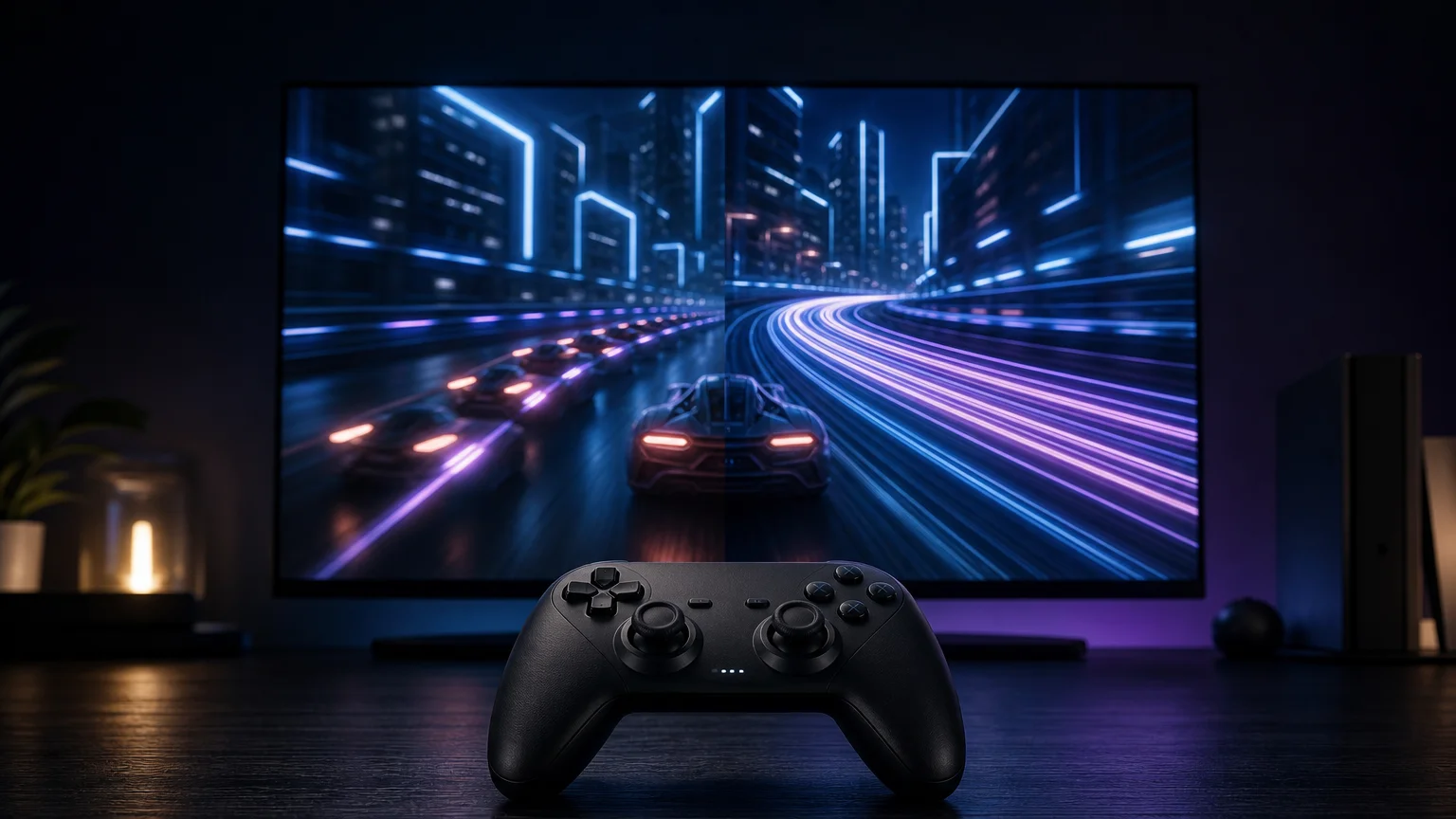
TLDR: The difference between 60 fps and 120 fps is easiest to notice in fast games with rapid camera movement and precise inputs. At 120 fps, each new frame takes about 8.33 milliseconds instead of 16.67 milliseconds at 60 fps. That can improve motion and responsiveness, but only if the game sustains its target, the display accepts 120 Hz, and the rest of the system behaves well. A stable 60 fps mode can be preferable to an unstable 120 fps mode with frequent frame-time spikes.
The practical answer to 60 fps vs 120 fps gaming is not that everyone will instantly become a better player at the higher number. Rather, 120 fps gives the system more frequent opportunities to update movement and present input results. The benefit is often clear in competitive shooters, racing games, rhythm games, and other fast experiences, while it may be less important than resolution or visual quality in slower games.
60 fps vs 120 fps gaming by the numbers
Frame rate counts how many frames a game renders each second. Frame time measures the interval represented by each frame. The basic calculation is 1,000 divided by the frame rate: 60 fps produces a frame every 16.67 milliseconds, while 120 fps reduces that interval to 8.33 milliseconds. This is the core technical advantage of 120 fps—it halves the time between rendered updates.
| Target frame rate | Approximate frame time | Practical consequence |
|---|---|---|
| 30 fps | 33.33 ms | Longer interval between visual and input updates |
| 60 fps | 16.67 ms | Common smooth-performance target |
| 120 fps | 8.33 ms | More frequent motion and input updates |
| 240 fps | 4.17 ms | A smaller absolute improvement over 120 fps |
Those intervals also explain diminishing returns. Moving from 60 to 120 fps saves about 8.33 milliseconds per frame. Moving from 120 to 240 fps saves about 4.17 milliseconds. Higher frame rates can continue to help, but every doubling removes a smaller absolute amount of time.
FPS and refresh rate are related, but not interchangeable
FPS describes the game’s rendered output. Hertz describes how often the display can refresh. To see the complete sequence of 120 newly rendered frames each second, the display and active connection need to support 120 Hz at the chosen resolution and settings.
A 120 Hz TV does not automatically turn a 60 fps game into native 120 fps. If the game remains capped at 60 fps, the display may show each rendered frame across multiple refreshes. Some TVs offer motion interpolation, while some games and GPU technologies can generate intermediate frames, but those processes are not equivalent to the game natively producing 120 fully simulated frames each second.
The entire signal path matters. The console or PC, game mode, GPU output, cable or receiver, display input, resolution, and display settings must all preserve 120 Hz support. A 120 Hz panel connected through an incompatible receiver or configured for a restricted input mode may still operate at 60 Hz.
What 120 fps can improve
Smoother motion updates
At 120 fps, object positions and camera movement can be updated twice as often as at 60 fps. Fast turns therefore advance in smaller visual steps. The difference is easiest to see while tracking an opponent, following scenery in a racing game, or moving a camera quickly across detailed environments.
Higher refresh rates can also reduce sample-and-hold persistence blur, but refresh rate is not the only part of motion clarity. Pixel response determines how quickly the display transitions between colors. Slow transitions can create smearing or ghosting even when the panel accepts a 120 Hz signal.
This is why display reviews treat input lag and pixel response as separate measurements. A display can respond promptly to a signal yet still show messy transitions behind moving objects. Readers comparing displays should consult both measurements rather than treating a “120 Hz” label as a complete motion-quality score. The RTINGS monitor input-lag testing methodology illustrates how display-side latency is evaluated separately from motion response.
More frequent opportunities to show an input
A shorter frame interval can allow a button press or mouse movement to affect a displayed frame sooner. However, the difference in frame time is not a guaranteed reduction in total latency. Controller polling, CPU simulation, GPU rendering, render queues, synchronization, display scanout, pixel response, and other processing stages all contribute to the final result.
Consequently, there is no honest universal claim that switching from 60 to 120 fps removes a fixed number of milliseconds from every game. It improves one important part of the chain, but a poorly configured or heavily queued system can weaken the benefit. Online network latency is another separate issue: rendering more frames does not fix a delayed connection to a server.
Why 120 fps can still look or feel stuttery
An average frame-rate counter can hide uneven delivery. A game could average close to 120 fps while alternating between short frame times and noticeable spikes. Those interruptions can make camera movement feel inconsistent even though the headline average looks impressive.
Research into variable frame timing in first-person gameplay found that frame-time variation affected perceived smoothness under the study’s tested conditions. That does not establish one universal tolerance for every player, but it reinforces why frame pacing should be assessed separately from average FPS.
When choosing between modes, compare their behavior rather than their names. A tightly paced 60 fps mode delivers a predictable frame roughly every 16.67 milliseconds. A nominal 120 fps mode that frequently drops or stutters may feel less coherent. A counter showing current FPS is useful, but a frame-time graph is better at exposing brief spikes.
How VRR helps—and what it cannot do
Variable refresh rate, or VRR, allows a compatible display to adjust its refresh timing around the frames arriving from the GPU. VESA describes Adaptive-Sync as matching display refresh timing to GPU rendering on a frame-by-frame basis. This can reduce visible tearing and lessen judder when performance fluctuates within the supported operating range. VESA’s Adaptive-Sync explanation
VRR does not create performance. If a game renders 87 frames per second, VRR can help present those frames more cleanly, but it does not turn them into 120 native frames. It also cannot repair severe CPU stalls, shader-compilation stutter, slow pixel response, or network lag.
VRR is especially useful when a system cannot hold a locked 120 fps but remains reasonably close to it. It makes moderate variation less distracting, although the exact supported range and behavior depend on the display, platform, connection, and game.
Which games benefit most from 120 fps?
| Game type | What 120 fps may improve | What might matter more |
|---|---|---|
| Competitive shooters | Target tracking, rapid turns, input feedback | Stable pacing and low total latency |
| Racing and flight games | Fast scenery motion and steering feedback | Resolution, wheel or controller response |
| Fighting and rhythm games | Motion presentation and input feedback | Game logic, timing rules, display lag |
| Action games | Camera motion and combat responsiveness | Image quality or stable performance |
| Strategy and turn-based games | Cursor and camera smoothness | Resolution, readability, visual settings |
| Cinematic or slower adventures | General fluidity | Lighting, resolution, effects, consistent 60 fps |
Genre does not decide everything. A player sensitive to motion blur may value 120 fps in a third-person adventure, while another may prefer a sharper image at 60 fps. The useful question is whether the performance mode improves the actions performed most often without sacrificing visual features the player actually notices.
Higher refresh rate should not be presented as an automatic competitive upgrade, either. One 2024 first-person-shooter study found a significant performance effect at 30 Hz but no statistically significant difference among 60, 120, 144, and 240 Hz under its specific test conditions. The result does not prove that higher rates never help; it shows why individual studies should not be generalized into promises that 120 Hz will improve everyone’s score.
Console and PC support must be checked game by game
Sony provides PS5 settings for 120 Hz Output and VRR on compatible setups, while warning that results can depend on the connected TV or display configuration. Players may need to enable the relevant console output, use the correct display input, and select an in-game performance mode. Sony’s PS5 resolution and video-output guide
Microsoft advertises Xbox Series X support for up to 120 fps and HDMI VRR. “Up to” is the important qualification: console-level capability does not establish that every game includes a 120 fps mode or sustains that target. Individual game support, resolution compromises, patches, and display compatibility still matter.
PC offers more control but introduces more variables. A 120 Hz monitor cannot force a GPU or CPU to produce 120 fps. Resolution, graphics settings, CPU limits, GPU load, background tasks, synchronization settings, and game-specific caps can all constrain output. Lowering one demanding setting may be more useful than applying a low preset indiscriminately, but the relevant bottleneck differs by game and system.
A practical way to choose between 60 fps and 120 fps
- Confirm that the display reports a 120 Hz signal at the resolution and input being used.
- Check whether the specific game offers a 120 fps or high-frame-rate mode. Platform support alone is insufficient.
- Compare stability, not just the maximum number. Watch for recurring drops, hitches, tearing, or uneven camera movement.
- Enable VRR when the platform, game, and display support it and its behavior is satisfactory.
- Compare visual compromises. A 120 fps mode may reduce resolution or effects to meet its performance budget.
- Choose by use case: prioritize 120 fps for rapid motion and input-sensitive play; prioritize stable 60 fps when the higher mode is inconsistent or sacrifices visual quality you value.
The verdict
120 fps is a meaningful upgrade when it is delivered consistently through a responsive 120 Hz display. It halves frame time compared with 60 fps, can make rapid motion easier to follow, and gives the system more frequent opportunities to reflect input. The improvement is usually most valuable in fast, input-sensitive games.
But 120 fps is not a standalone quality guarantee. Frame pacing, pixel response, display processing, system latency, VRR behavior, and visual compromises determine whether the mode is actually better. Start by verifying the full 120 Hz signal path, then compare the game’s modes during representative movement. Keep 120 fps when it remains stable and the tradeoffs are acceptable; otherwise, a well-paced 60 fps mode is still the smarter setting.
References
- Our Monitor Input Tests: Input Lag – RTINGS.com
- Our Monitor Motion Tests: Response Time – RTINGS.com
- What Is Refresh Rate?: 60Hz vs 120Hz – RTINGS.com
- Reflex 2 Technology | NVIDIA
- The Influence of Variable Frame Timing on First-Person Gaming
- VESA® Adds ‘Adaptive-Sync’ to Popular DisplayPort™ Video Standard – DisplayPort
- Investigating the Effect of Display Refresh Rate on First-Person Shooting Games
- How to change PS5 console resolution
- Xbox Series X | Xbox