The ray tracing worth it gaming debate does not have a universal yes-or-no answer. Ray tracing is worth enabling when it produces an obvious visual improvement and the game still meets your personal target for smoothness and responsiveness. It is usually a poor trade when the effect is difficult to notice, the frame rate becomes unstable, or upscaling has to be pushed so aggressively that image quality suffers.
The practical approach is to judge ray tracing one game and one effect at a time. A cinematic single-player game may justify richer lighting at a lower frame rate, while a competitive shooter usually benefits more from consistent frame times and low latency. Hardware support only tells you that ray tracing can run; it does not tell you whether a particular implementation looks good or performs well.
What ray tracing changes in a game
Most games traditionally rely on rasterization, a fast rendering method that projects 3D geometry onto the screen and uses approximations for lighting, shadows, and reflections. Developers have spent decades making those approximations convincing. Ray tracing adds the ability to trace simulated light paths through a scene, but modern games commonly combine it with rasterization rather than replacing their entire renderer.
Microsoft’s DirectX Raytracing specification describes DXR as a DirectX 12 framework for ray-tracing workloads. It can be integrated alongside conventional rendering and can address limitations in methods such as screen-space reflections, which only have access to information currently visible on the screen.
Depending on the game, ray tracing may affect reflections, shadows, ambient occlusion, direct lighting, indirect lighting, or global illumination. These effects do not have equal visual value. Ray-traced reflections can restore objects that disappear from a reflection when they move outside the camera view. Ray-traced shadows can produce more natural softness and contact with objects. Ray-traced global illumination can change how light and color travel through an entire environment.
Implementation matters more than the setting label. A game using rays for a limited shadow effect may look nearly identical during normal play, while another game built around dynamic lighting can change dramatically. DXR provides an underlying framework, not a standard visual result or fixed performance cost.
Ray tracing versus path tracing
Standard ray-tracing modes usually apply rays selectively while leaving much of the image to established rasterized techniques. This hybrid design lets developers spend limited computing resources on effects that are most likely to improve the scene.
Path tracing, sometimes marketed as full ray tracing, attempts a more comprehensive simulation of light transport. It can unify lighting, reflections, and shadows more convincingly, but it is generally much more demanding. TechSpot’s testing of Cyberpunk 2077 found a substantially larger performance cost from its path-tracing mode than from standard ray tracing under the tested conditions.
That distinction matters when reading a settings menu or hardware claim. A GPU being capable of standard ray-traced shadows does not mean it can deliver a satisfying path-traced experience at the same output resolution. Treat path tracing as a premium rendering mode that may require stronger upscaling, reduced settings, frame generation, or a lower performance target.
How much performance can ray tracing cost?
There is no responsible single percentage. The cost changes with the selected effect, quality level, scene complexity, output resolution, GPU architecture, driver, game patch, and supporting reconstruction technology. Even different ray-tracing presets inside one game can behave like substantially different workloads.
A useful historical example comes from TechSpot’s 36-game ray-tracing investigation. Its disclosed test compared 59 configurations on a GeForce RTX 4090 and Radeon RX 7900 XTX at 4K output, using DLSS or FSR Quality where available and disabling frame generation. Against ultra or maximum rasterized settings, ray tracing reduced performance by 29% on average on the tested RTX 4090 and 39% on the tested RX 7900 XTX.
The average hides the more important result: the penalty varied sharply by game and setting. In that test, a low ray-tracing configuration in Guardians of the Galaxy cost the RTX 4090 14%, while maximum ray tracing in Hitman 3 produced a 65% loss on the same GPU at 4K with DLSS Quality. These figures illustrate workload variability; they should not be used to predict results for a different GPU, resolution, driver, patch, or graphics preset.
Frame-time consistency matters as much as an average FPS counter. An average can look acceptable while heavy scenes produce noticeable stutter or sluggishness. Test a demanding, repeatable section rather than enabling ray tracing in a quiet room, checking the number once, and assuming the entire game will behave the same way.
When is ray tracing worth it for gaming?
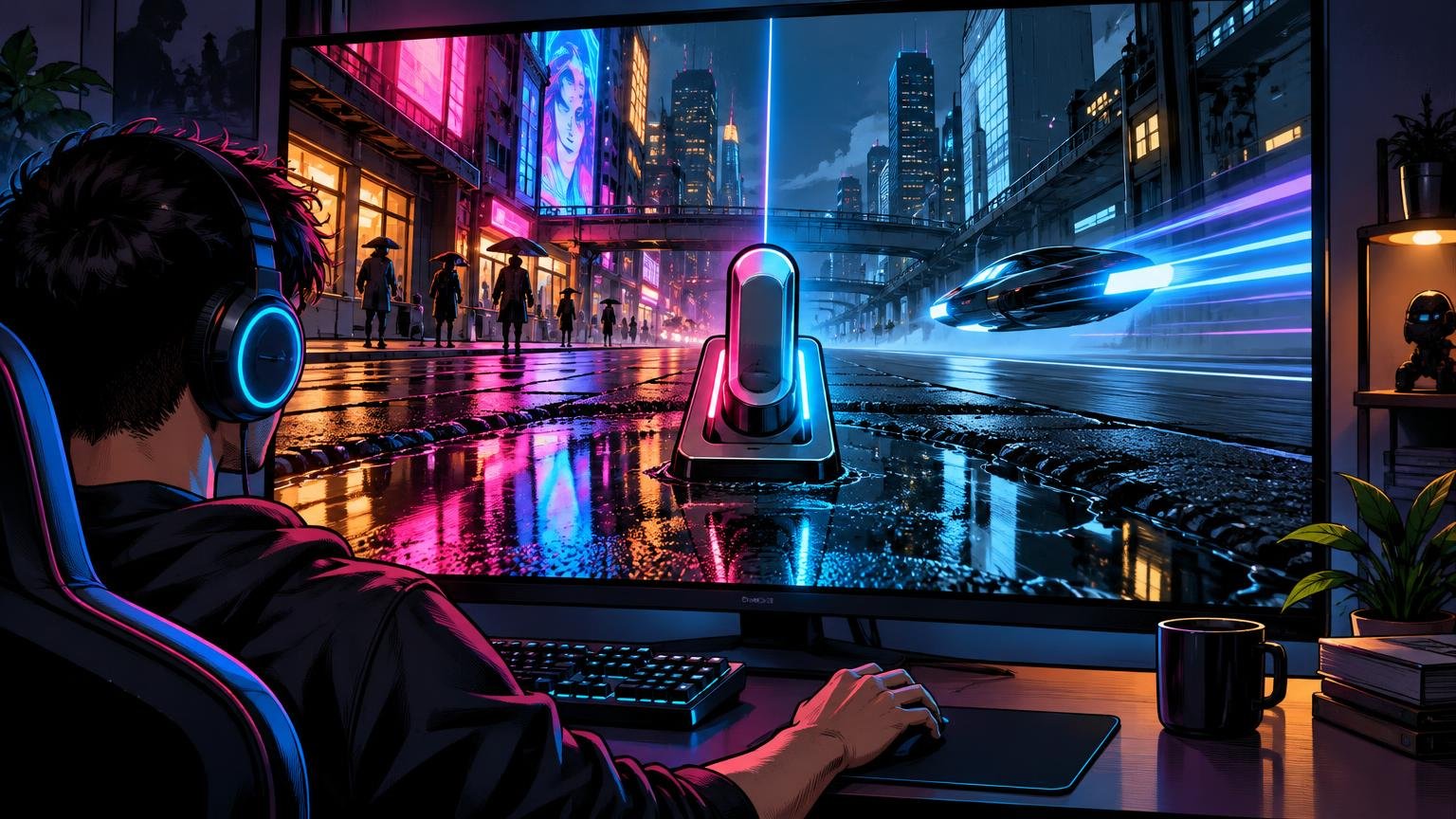
Ray tracing is most persuasive when the affected lighting is central to the game’s visual design. Wet streets, glass-heavy interiors, mirrors, polished floors, dense artificial lighting, and environments with moving light sources can expose the weaknesses of conventional approximations. A slower exploration game also gives you more time to notice those improvements.
It becomes harder to justify when action is fast, the ray-traced effect is subtle, or performance is already close to your minimum acceptable level. In a competitive game, clearer motion and faster feedback usually matter more than physically convincing reflections. If turning on ray tracing pushes the game below a stable performance target, the visual gain is unlikely to compensate for the less responsive experience.
Your display changes the calculation. A high-refresh monitor can reveal the difference between lower and higher frame rates more clearly, but only if the system supplies frames consistently. A variable refresh rate display can make moderate fluctuations look smoother, yet it cannot restore performance that was never rendered or remove all latency consequences. For more context on refresh targets, see our comparison of 60 FPS versus 120 FPS in games.
Viewing distance and screen size matter too. Fine reflection or shadow improvements may be easier to see on a large, sharp display viewed up close than on a smaller television across a room. Conversely, broad global-illumination changes can remain visible even when fine details do not. Compare the effect from your normal playing position, not by zooming into screenshots unless screenshot quality is itself your priority.
Does resolution change the answer?
Higher output resolutions increase the number of pixels the rendering pipeline must produce, which can make demanding ray-tracing modes harder to sustain. That does not automatically mean ray tracing is best at 1080p or pointless at 4K. The right choice depends on the internal rendering resolution, reconstruction quality, display size, GPU, and the game’s implementation.
At 1080p, a sufficiently strong GPU may have performance available for ray tracing, but aggressive upscaling can begin from a low internal resolution and may lose fine detail. At 1440p, many players will find a useful middle ground between pixel clarity and performance. At 4K output, reconstruction can have more output pixels with which to work, but the underlying ray-tracing load may still be severe. These are tendencies, not guarantees.
Do not judge the setting by output resolution alone. Inspect thin geometry, foliage, hair, distant detail, particles, and objects moving across the image. If the combination of ray tracing and upscaling introduces distracting instability, a cleaner rasterized image may be the better-looking option despite using less advanced lighting.
Upscaling, frame generation, and ray reconstruction are different tools
Upscaling renders the game from a lower internal resolution and reconstructs a higher-resolution output. DLSS, FSR, and XeSS are families of technologies that can help recover performance, but results depend on the game, selected quality mode, motion, input resolution, and implementation. They should be evaluated as part of the final image rather than treated as free performance.
Frame generation inserts generated frames between conventionally rendered frames to increase displayed fluidity. That can make motion look smoother, but it does not produce the same responsiveness as raising the base rendered frame rate by an equivalent amount. Inputs and game simulation still depend heavily on the underlying performance. A high displayed number can therefore coexist with weak base performance or controls that feel less immediate.
Ray reconstruction or ray regeneration addresses a different problem: rebuilding ray-traced detail from a limited number of samples. AMD, for example, describes its FSR stack as including upscaling, frame generation, and FSR Ray Regeneration, with feature support varying by hardware. These technologies can improve efficiency or image stability, but they do not make the original ray-tracing workload disappear.
Use frame generation after achieving acceptable base performance, not as a substitute for it. If a game already feels sluggish before generated frames are enabled, a smoother-looking output may not solve the responsiveness problem. Lowering ray-tracing intensity or disabling a costly effect can be the better choice.
A practical settings ladder for testing ray tracing
Start from a controlled baseline rather than changing several options at once. Use the same save point, camera route, weather, and action sequence where possible. An area with reflective surfaces and dynamic lights is useful for image comparisons, while a demanding combat sequence is better for judging whether performance holds up.
- Run the game with ray tracing off. Record or observe base frame rate, frame-time stability, responsiveness, and image quality in a demanding scene.
- Enable one ray-traced effect or the lowest RT preset. Look for a meaningful change during normal play, not only in a side-by-side screenshot.
- If performance is too low, try a quality-oriented upscaling mode before choosing a more aggressive mode. Recheck moving detail and image stability.
- Reduce ray-tracing quality or disable the least visible RT effect before cutting settings that have a larger visual impact. Keep texture quality high unless available graphics memory is a problem.
- Consider frame generation only after the conventionally rendered performance feels playable and responsive.
- Repeat the test in more than one area. Indoor corridors, open environments, combat, and cutscenes may stress different parts of the renderer.
On PC, granular controls can reveal which effect is responsible for most of the cost. Ray-traced reflections or global illumination may transform one game, while ray-traced shadows contribute little during ordinary play. If the game only offers a combined preset, compare its full result against a tuned rasterized setup rather than assuming the preset represents the best balance.
PC and console players should make different checks
PC players need to verify support at the game and hardware level. A graphics card may expose ray-tracing capability through an API such as DXR, but practical results still depend on its dedicated hardware, the game’s implementation, available memory, resolution, and settings. Intel, for example, states that Arc hardware supports DXR and uses dedicated ray-tracing hardware blocks; its developer guidance also demonstrates that acceleration structures and shader behavior affect performance.
Laptop buyers should be especially cautious about relying on a GPU family name. Cooling, power limits, memory configuration, and display resolution can produce different performance from machines using similarly named graphics hardware. Look for testing of the exact laptop configuration and game rather than assuming desktop results transfer directly.
Console games commonly package ray tracing inside broader quality or fidelity modes. Switching modes may alter resolution, detail, crowd density, shadows, or other settings in addition to ray tracing, so the comparison is not always RT on versus RT off. Check the current in-game mode description and patch notes for the specific console version. Some games offer hybrid modes intended for compatible higher-refresh or variable-refresh displays, but availability is game-specific.
A quick decision checklist
| Ray tracing is more likely worth enabling when | Ray tracing is usually better left off when |
|---|---|
| The lighting, reflections, or shadows look clearly better during play | You need comparison screenshots to notice the difference |
| The game remains above your acceptable base-performance target | Frame rates or frame times become unstable |
| You mainly play slower, cinematic, or exploration-focused games | You play competitive or latency-sensitive games |
| Quality-oriented upscaling still produces a clean image | Aggressive upscaling creates distracting softness or instability |
| Your display and viewing position make the improvement visible | The effect is difficult to see from your normal viewing position |
| The game lets you enable the most useful RT effects selectively | Ray tracing is tied to a preset with too many unwanted compromises |
The verdict: enable ray tracing selectively
Ray tracing is worth the performance cost when it materially improves the presentation without pushing the game below the frame rate and responsiveness you value. It is not automatically the best way to play just because the GPU or console supports it. The effect, not the badge, must earn the lost performance.
Establish an RT-off baseline, add the most visible effect, and compare a demanding repeatable scene. Favor stable base performance before frame generation, and judge upscaling by the image it actually produces. If the improved lighting survives normal gameplay and the controls still feel right, keep ray tracing on. If the difference disappears once you stop staring at reflections, reclaim the performance.
Frequently Asked Questions
What does ray tracing improve in games?
Depending on the implementation, ray tracing can improve reflections, shadows, ambient occlusion, direct lighting, indirect lighting, or global illumination. The benefit varies because DXR is a framework rather than a standard visual result.
What is the difference between ray tracing and path tracing?
Standard ray-tracing modes usually apply rays selectively alongside rasterization. Path tracing simulates light more comprehensively and can unify lighting, reflections, and shadows, but it is generally much more demanding. TechSpot found a substantially larger cost from path tracing in Cyberpunk 2077 under its tested conditions.
Does frame generation solve ray-tracing performance problems?
Not by itself. Frame generation can improve displayed fluidity, but responsiveness still depends heavily on the underlying rendered performance. Use it after the game already feels acceptably playable and responsive.
How should I test whether ray tracing is worth enabling?
Establish an RT-off baseline, enable one effect or the lowest RT preset, and compare the same demanding scene. Check frame-time stability, responsiveness, moving detail, and whether the visual improvement remains noticeable during normal play.