
TLDR
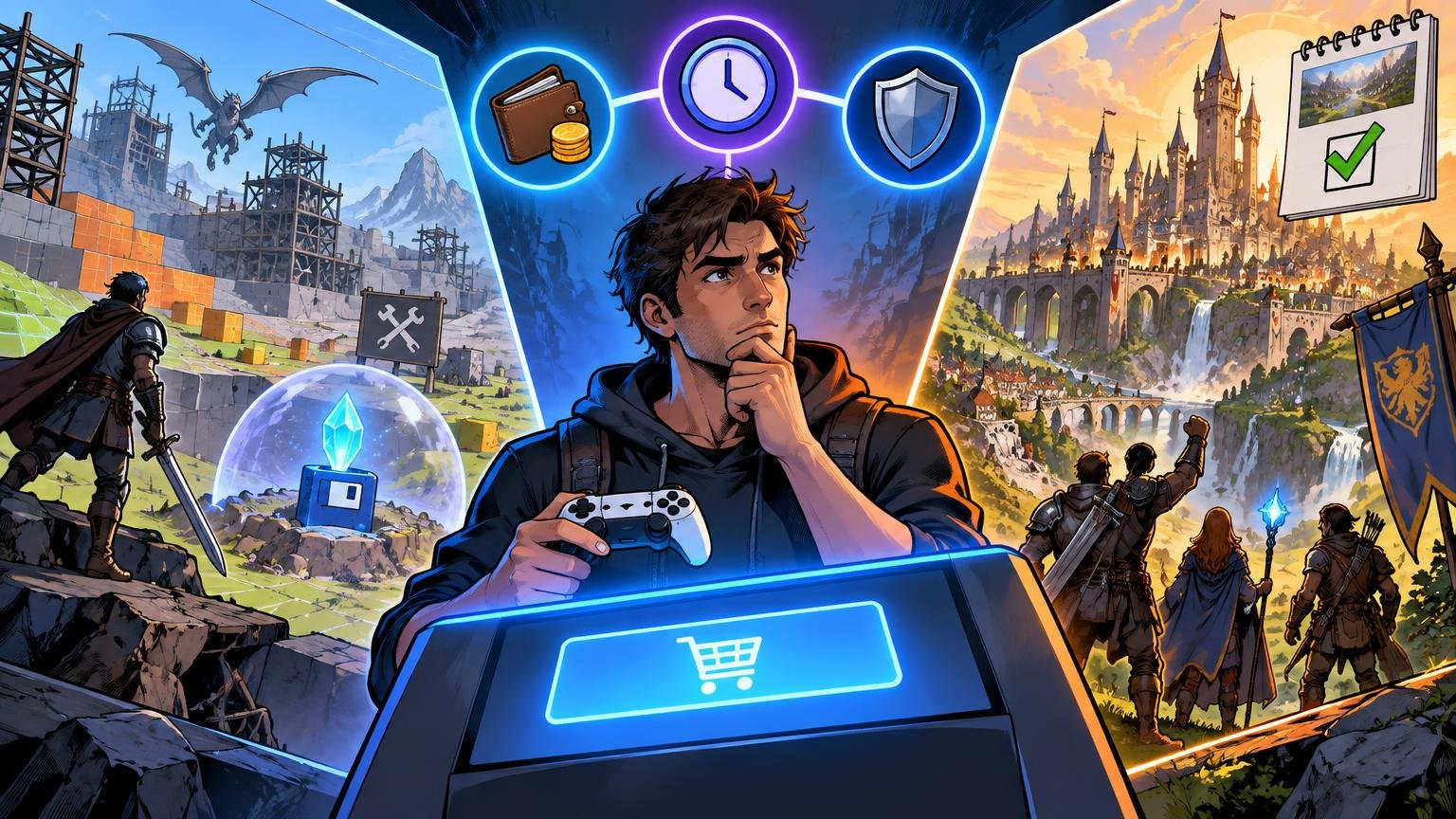
If you are deciding when to buy early access game releases, use one rule: buy only when the version available today is worth its current price. Treat the roadmap, eventual polish, future modes, and promised launch content as possible upside—not as content you have already purchased.
Buy now if the existing loop is enjoyable, performance is acceptable on your hardware, and you can tolerate bugs or lost progress. Wait for a major update if one missing feature is holding the experience together. Wait for version 1.0 if you want a complete campaign, stable saves, mature mods, balanced multiplayer, or a predictable stopping point.
Early Access is not the same as advance access
Early Access means a game is being sold while it remains in development. Its systems, content, performance, balance, and technical requirements may change. Steam explicitly advises customers to judge an Early Access game by its current state and warns that some projects may never be completed. Its official Early Access guidance is blunt for a reason: if the playable version does not excite you now, waiting is the safer choice.
Advance access is different. It usually means receiving a mostly finished game a few days before its general launch as a preorder or premium-edition benefit. Steamworks treats this as a pre-purchase incentive rather than the sale of an unfinished game. A label such as “five days of early access” therefore does not necessarily mean the game is part of an Early Access development program.
A checklist for when to buy early access game builds
Before paying, audit the game across eight areas. A strong result in one category does not erase a serious weakness elsewhere. An excellent roadmap cannot rescue a build you dislike, while a fun current build may remain a reasonable purchase even if its schedule is vague.
1. Judge the game that exists today
Ignore the trailer’s future-facing language for a moment. List what you can actually play now: chapters, maps, characters, progression systems, difficulty options, multiplayer modes, crafting tiers, endgame activities, and accessibility settings. Then identify what is unfinished or missing.
The most useful test is simple: if development stopped tomorrow, would you still feel satisfied with the purchase? Steam tells buyers to evaluate Early Access titles on their present state, not on assumptions about where development might lead. This does not mean the game must already be enormous. A focused survival sandbox or roguelike can justify its price through a strong repeatable loop, while a story game ending after one short chapter may not.
Performance belongs in this assessment. Look for recent reports matching your processor, graphics hardware, operating system, resolution, and target frame rate. Do not assume that an eventual optimization pass will fix current problems, and do not universalize results measured on substantially different hardware.
2. Test roadmap credibility against delivered work
A roadmap records intent, not a guarantee. Look beyond the number of promised features and compare past announcements with actual patch notes. Has the team delivered updates of similar scope? Does it communicate delays, technical obstacles, and cuts clearly? Are patches adding playable substance, or mostly revising dates and descriptions?
Recent, detailed patch notes are generally more useful than a polished graphic covering several years. On Steam, a notice may appear when an Early Access title has gone more than 12 months without a developer update-type event. That is a reason to investigate, not definitive proof that the project has been abandoned.
3. Protect your saves and your time
Search the official FAQ, update notes, and community announcements for “save wipe,” “save compatibility,” “migration,” “experimental branch,” and “new world required.” Some structural updates cannot preserve old progression. Others technically load old saves but require a new campaign or world to expose the added content properly.
Decide whether replaying is part of the appeal. A wipe is easier to accept in a run-based game than in a building game where you have spent 100 hours on one settlement. Back up local saves when the game permits it, and disable automatic updates temporarily if the platform allows that and you need time to finish a run. Mods add another failure point because a game update can leave them incompatible until their creators respond.
4. Read the refund policy before using it as a safety net
Steam’s standard guidance says purchases are ordinarily eligible for a refund request within 14 days when playtime is under two hours. Requests outside those limits can still be submitted for review, and applicable legal rights may vary by region. Two hours may be enough to inspect controls and basic performance, but it may not reveal late-game repetition, server population, save corruption, or the depth of progression.
Epic Games Store eligibility also depends on how the individual product is marked, including whether it is refundable or self-refundable. Check the listing and policy attached to the exact game rather than assuming every Early Access product receives identical treatment. Rules concerning pre-purchases should not be treated as blanket rules for every playable Early Access release.
5. Verify multiplayer where and when you will play
A global player count does not answer whether you can find a suitable match. Population may be split by platform, region, skill bracket, mode, server, input method, or patch version. Crossplay can expand the pool, but only if it includes your platform and is enabled for the modes you want.
Check activity during your normal play window. Investigate whether the game uses matchmaking, official dedicated servers, community servers, peer hosting, or solo-compatible private worlds. A smaller community may be perfectly healthy for persistent servers or arranged co-op, yet frustrating for a battle royale or ranked mode that needs many similarly skilled players at once.
6. Understand the price plan without betting on it
An Early Access discount can reward players for accepting instability, but “buy now before the price rises” should not override doubts about the current game. Steamworks permits developers to set different prices before and after Early Access and asks them to communicate that plan transparently. It also says a Steam discount cannot run within 30 days after a price increase.
Check the developer’s stated plan and the game’s price history, but do not predict an increase that has not been announced. Waiting can cost more if the price rises, yet it can also buy you better information, more content, improved performance, and reviews of the finished release. The real comparison is not today’s price against a hypothetical launch price; it is today’s price and risk against the value you expect to receive now.
7. Confirm what “mod support” actually means
Store tags and community mods do not prove that a game has durable official tools. Find out whether mods are loaded through an in-game browser, Steam Workshop, manually installed files, or third-party software. Steam Workshop support requires the developer to integrate systems for creating, uploading, downloading, and loading user content; it is not automatically available to every Steam game.
If mods are central to your purchase, waiting is often sensible. Early updates can repeatedly break dependencies, and creators may postpone ambitious projects until tools and file formats stabilize. Also check whether using mods disables achievements, blocks multiplayer, or creates save files that cannot safely return to an unmodified build.
8. Be honest about your tolerance for unfinished games
Some players enjoy watching systems evolve, submitting feedback, and discovering strategies before a meta settles. Others experience every reset and balance overhaul as lost time. Neither preference is wrong.
Consider your existing library too. If you already struggle to complete games, an unfinished campaign may add another permanent entry to the pile. A smaller active rotation, as explained in this guide to finishing more games without treating a backlog like work, can make waiting for 1.0 the more satisfying choice.
Choose buy now, wait for an update, or wait for 1.0
| Decision | Choose it when | Main risk |
|---|---|---|
| Buy now | The present build is already fun and fairly priced; you accept bugs, balance changes, and possible resets. | Development may slow, change direction, or stop. |
| Wait for a major update | One named feature, performance fix, mode, or save migration determines whether you will enjoy the game. | The update may be delayed or smaller than expected. |
| Wait for version 1.0 | You want a complete campaign, stable progression, polished balance, mature mods, or dependable multiplayer. | The launch price could be higher, and waiting does not guarantee perfection. |
| Revisit later | The current build is weak, communication is poor, or the game does not yet fit your preferred play style. | You may forget about it, which is usually cheaper than buying on hope. |
Do not let a roadmap turn a “no” into a “yes.” At most, it should turn a satisfying present-day purchase into a more attractive one. If your decision depends on several undelivered systems arriving exactly as described, you are evaluating a proposal rather than a game.
Questions to answer before checkout
- Would I be happy with the game if no additional feature arrived?
- Which specific mode, mechanic, chapter, or performance fix am I waiting for?
- Do recent patch notes show delivery comparable to the roadmap’s promises?
- Could a wipe or incompatible save erase progress I would resent losing?
- Can I evaluate the core loop within my store’s applicable refund conditions?
- Is multiplayer active on my platform, in my region, during my normal hours?
- Is mod support official and integrated, or dependent on fragile third-party tools?
- Has the developer announced a price plan, and is the present build worth today’s price?
Common Early Access questions
Will I have to buy the game again at version 1.0?
On Steam, purchasing an Early Access game retains access when it reaches full release; version 1.0 does not require another purchase. Paid expansions or other separately sold content may still be distinct products, so check the game’s specific offering.
Does Early Access mean my save will be wiped?
Not automatically. Save compatibility is game-specific. Check the latest official patch notes and FAQ for migration plans, mandatory wipes, experimental branches, and whether new content requires a fresh save.
Is a low multiplayer count always a reason to wait?
No. Required population depends on the design. Private co-op and community servers can work with a small audience, while ranked matchmaking may need a much larger pool across your region, platform, mode, and skill range.
Should I buy before an announced price increase?
Only if the current build already clears your value test. A future increase can make buying now cheaper, but it cannot make an unfinished game enjoyable or guarantee that planned content will arrive.
The safest buying rule
Buy Early Access for the experience you can play, not for the release you can imagine. Verify the current build, recent delivery record, save risks, refund terms, multiplayer conditions, price plan, and mod implementation. If those facts produce a confident yes without relying on the roadmap, buying now can make sense. If promised features are doing most of the persuasive work, wait for the relevant update—or for version 1.0—and make the decision with better evidence.
References
- Steam Support :: Early Access
- Advance Access (Beta) (Steamworks Documentation)
- Steam Support :: Common Refund Questions
- When are purchases in the Epic Games Store eligible for a refund? – Billing and Payment Support
- Pre-Purchase Guidelines | Epic Online Services Developer
- Early Access (Steamworks 文獻庫)
- Steam Workshop Implementation Guide (Steamworks Documentation)
