TLDR
- Nintendo Switch 2 is the better fit if you want Nintendo exclusives, local multiplayer, simple setup and a true hybrid console.
- Steam Deck OLED is better if you already own a Steam library or want PC-style flexibility in handheld form.
- The Switch 2 is easier to recommend for families and casual players.
- The Steam Deck OLED is stronger for PC players who like tinkering, sales, mods and a bigger digital library.
- ROG Xbox Ally and Lenovo Legion Go are worth considering if you want Windows handheld gaming, but they add more complexity.
Gaming handhelds used to be simple. You bought the Nintendo one, maybe the PlayStation one, and that was the conversation. Now the category is crowded, expensive and much harder to sort through.
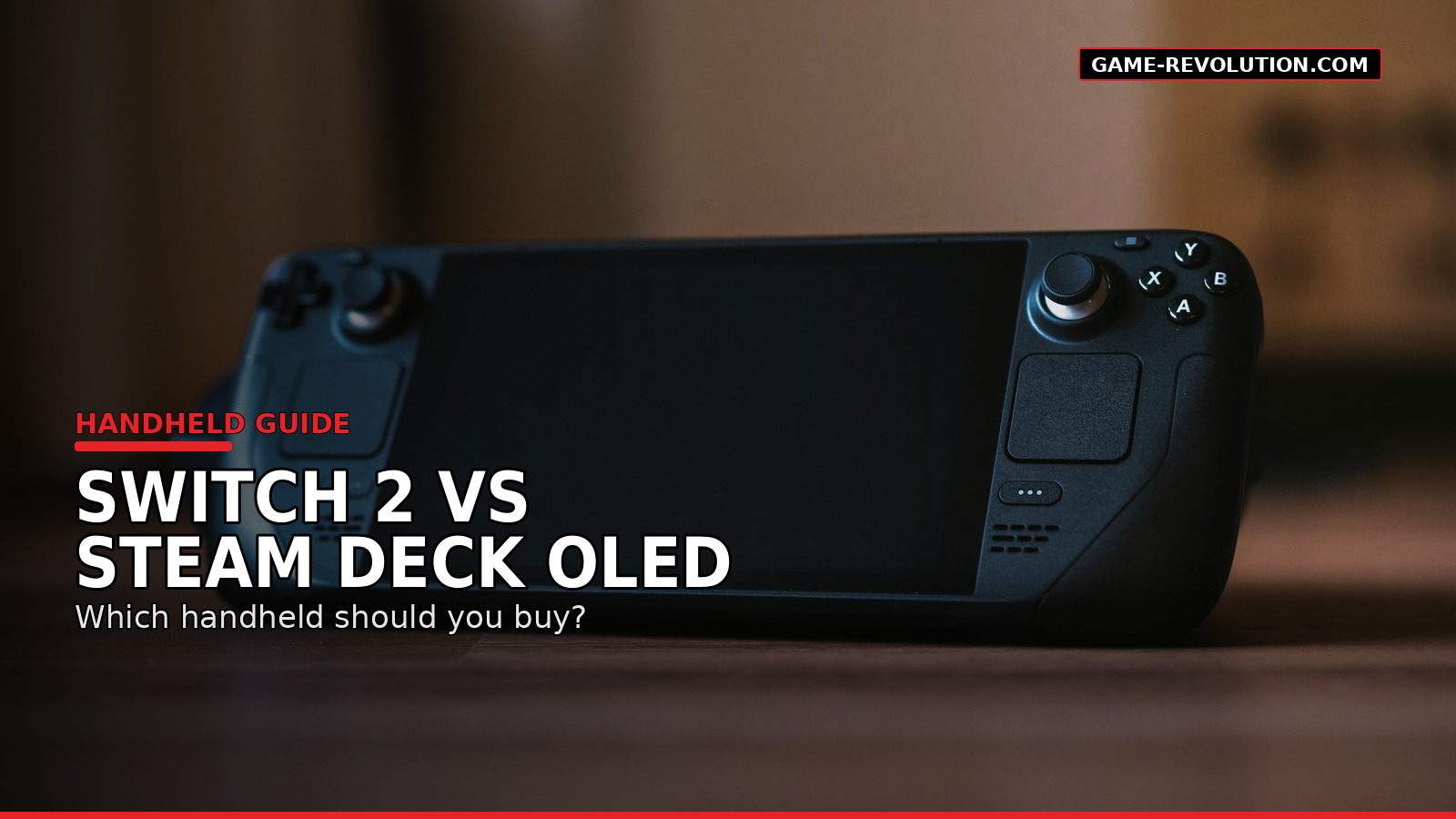
That is why Nintendo Switch 2 vs Steam Deck OLED is the main comparison for most players. One is a polished hybrid console built around Nintendo games. The other is a portable PC built around Steam. They both play games on the couch, in bed and on trips, but they are not really trying to serve the same person.
The Quick Difference
Nintendo Switch 2 is a console first. Steam Deck OLED is a PC handheld first.
That one sentence explains most of the buying decision.
The Switch 2 is made for simple play. You buy a game, download or insert it, and play. It docks to a TV. The controllers detach. Nintendo’s first-party library is the point.
Steam Deck OLED is made for people who want their PC library in a handheld format. It is still much easier to use than many Windows handhelds, but it has more menus, compatibility questions and settings to think about.
Neither approach is wrong. They just solve different problems.
Choose Nintendo Switch 2 If You Want The Easiest Handheld
The Switch 2 is the better pick if you care most about convenience.
It is the handheld I would recommend to a family, a casual player or someone who does not want to troubleshoot graphics settings. It is also the better choice if you want Nintendo games at launch and local multiplayer without much setup.
Nintendo’s biggest advantage is still its own software. Mario, Zelda, Pokémon, Donkey Kong, Smash, Mario Kart and Animal Crossing-style games are the reason people buy Nintendo hardware. PC handhelds can do a lot. They do not replace that library.
The Switch 2 also has the better living-room identity. It is not just handheld. It is a console you can dock, hand controllers to friends and use like a normal Nintendo system.
That matters more than specs for many players.
Choose Steam Deck OLED If You Already Have A Steam Library
The Steam Deck OLED makes the most sense if you already buy games on Steam.
Your library comes with you. Your cloud saves often come with you. Steam sales matter more because your purchases are not locked to one console generation in the same way. For PC players, that is a big deal.
The OLED screen is also a real strength. Valve lists the Steam Deck OLED with a 7.4-inch HDR OLED display, up to a 90Hz refresh rate and Wi-Fi 6E support. That makes it feel much more polished than the original LCD model.
The tradeoff is that not every PC game behaves the same way. Some games are Steam Deck Verified. Some are playable with caveats. Some need settings changes. Some do not work well at all.
If that sounds annoying, buy the Switch 2. If that sounds normal, the Steam Deck OLED may fit you better.
Price Makes The Decision Harder
Price is no longer a small footnote.
Nintendo launched the Switch 2 in the U.S. at $449.99, though Nintendo has announced that the U.S. MSRP will rise to $499.99 on September 1, 2026. Valve’s official Steam Hardware announcement from May 2026 lists the Steam Deck OLED 512GB at $789 and the 1TB model at $949.
That changes the comparison.
The Steam Deck OLED is more flexible, but it is also more expensive. The Switch 2 is less open, but it is cheaper and simpler.
A rough way to think about it:
| Player Type | Better Pick |
|---|---|
| Nintendo fan | Switch 2 |
| Steam library owner | Steam Deck OLED |
| Family with kids | Switch 2 |
| PC tinkerer | Steam Deck OLED |
| Local multiplayer player | Switch 2 |
| Indie game buyer | Steam Deck OLED |
| Plug-and-play player | Switch 2 |
| Mod-friendly player | Steam Deck OLED |
What About ROG Xbox Ally And Lenovo Legion Go?
The ROG Xbox Ally and Lenovo Legion Go lines sit in a different category: Windows handhelds.
They can be powerful and flexible, especially if you want Xbox Game Pass, Epic Games Store, Battle.net or other PC launchers. Microsoft lists the ROG Xbox Ally with a 7-inch 1080p 120Hz display, Windows 11, and pricing that starts below the Ally X model. Lenovo’s Legion Go and Legion Go Gen 2 focus on larger displays, detachable controllers and higher-end handheld PC performance.
The problem is that Windows handhelds still feel more like small PCs than consoles. That can be good. It can also be messy.
If you like tweaking settings and installing launchers, they are worth a look. If you want the cleanest handheld experience, Switch 2 or Steam Deck OLED are easier starting points.
The Game Library Question
This is where the comparison gets personal.
Switch 2 wins if the games you want are Nintendo-first. You are buying the system for Nintendo’s ecosystem, not because it has the biggest third-party library.
Steam Deck OLED wins if you care about PC indies, older games, deep discounts and a larger library that follows you across devices.
Also think about what you actually finish. A massive Steam library is only useful if you play it. A smaller Nintendo library can feel better if the games are more likely to get used.
There is no trophy for owning 400 games you never open. Unfortunately.
Travel And Battery Expectations
Both systems are portable, but “portable” can mean different things.
The Switch 2 is easier to pack and explain. It is the better airport, family trip and hotel-room device. The Steam Deck OLED is more capable, but it is larger and more like carrying a compact PC.
Battery life depends heavily on the game. Smaller 2D games are easier on both devices. Big 3D games drain faster. That is true across almost every handheld.
If travel is your main use case, comfort and simplicity matter more than theoretical performance.
Which One Should You Buy?
Buy the Nintendo Switch 2 if you want a simple hybrid console, Nintendo exclusives, local multiplayer and fewer settings.
Buy the Steam Deck OLED if you already own Steam games, like PC flexibility and want a handheld that can play far beyond one console ecosystem.
Buy a Windows handheld only if you know why you want Windows in your hands. That is the key. It is powerful, but it is not automatically easier.
For most people, the answer is not “which handheld is best?” It is “which handheld will I actually use?”
FAQs
Is Nintendo Switch 2 better than Steam Deck OLED?
It is better for Nintendo games, family play and simple setup. Steam Deck OLED is better for PC players, Steam libraries and flexible handheld gaming.
Is Steam Deck OLED worth it if I do not own PC games?
It can be, but it is harder to justify. The Steam Deck becomes much more appealing when you already own games on Steam or plan to buy most games there.
Can Steam Deck OLED replace a console?
For some players, yes. But it still feels more like a portable PC than a traditional console.
Is Switch 2 better for kids?
Usually, yes. The setup is simpler, local multiplayer is easier and Nintendo’s family-friendly library is a major strength.
Should I wait before buying a handheld?
If you are unsure, wait until you know which library matters more to you. Hardware matters, but games decide the purchase.