June 25, 2026

The Latest

Recent Stories

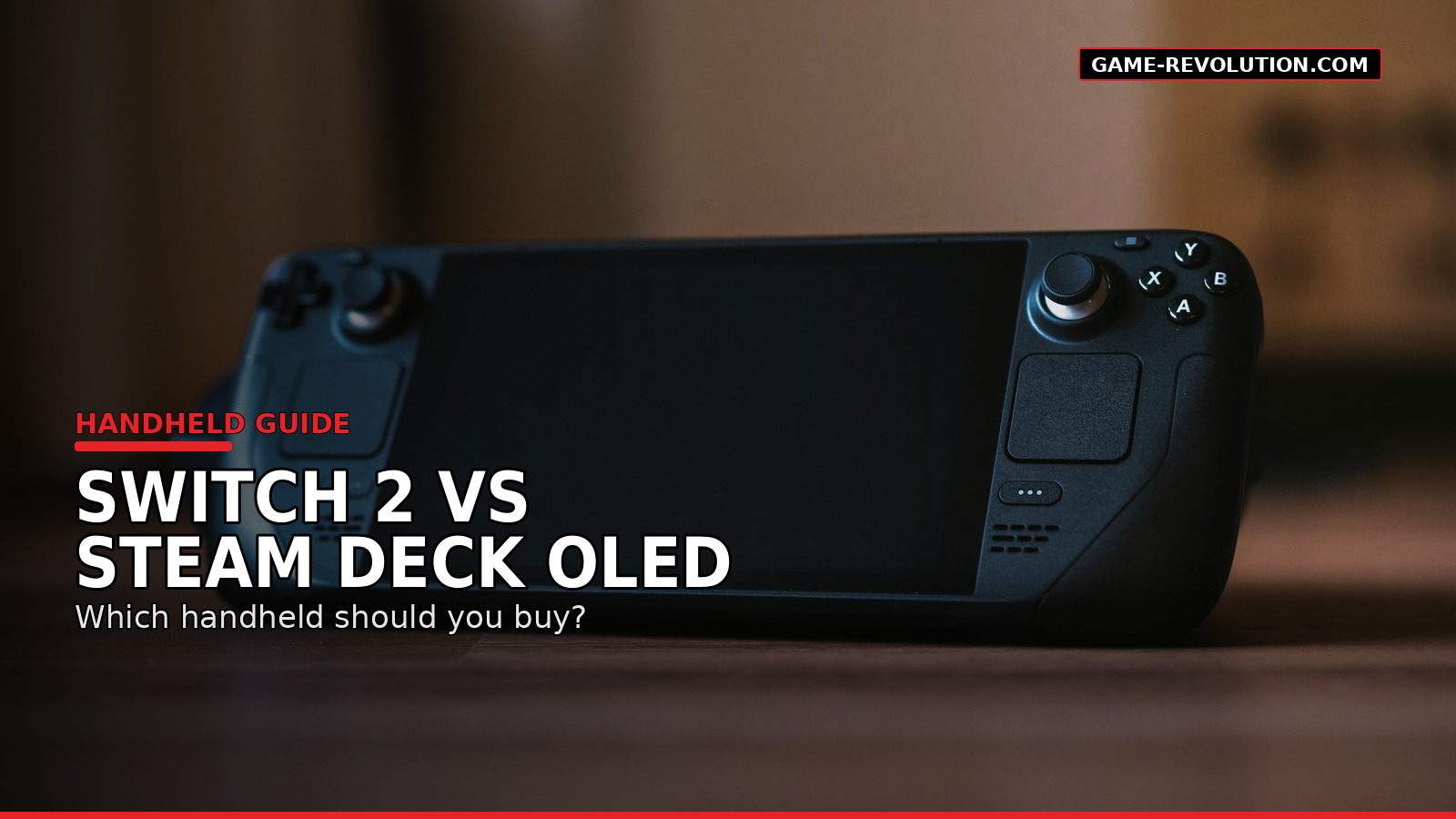
Nintendo Switch 2 Vs Steam Deck OLED: Which Handheld Should You Buy?

TLDR Gaming handhelds used to be simple. You bought the Nintendo one, maybe the PlayStation one, and that was the conversation. Now the category is crowded, expensive and much harder to sort through. That is why Nintendo Switch 2 vs Steam Deck OLED is the main comparison for most players. One is a polished hybrid console built around Nintendo games. The other is a portable PC built around Steam. They both play games on the couch, in bed and on trips, but they are not really trying to serve the same person. The Quick Difference Nintendo Switch 2 is a console first. Steam Deck OLED is a PC handheld first. That one sentence explains most of the buying decision. The Switch 2 is made for simple play. You buy a game, download or insert it, and play. It docks to a TV. The controllers detach. Nintendo’s first-party library is the point. Steam Deck OLED is made for people who want their PC library in a handheld format. It is still much easier to use than many Windows handhelds, but it has more menus, compatibility questions and settings to think about. Neither approach is wrong. They just solve different problems. Choose Nintendo Switch 2 If You Want The Easiest Handheld The Switch 2 is the better pick if you care most about convenience. It is the handheld I would recommend to a family, a casual player or someone who does not want to troubleshoot graphics settings. It is also the better choice if you want Nintendo games at launch and local multiplayer without much setup. Nintendo’s biggest advantage is still its own software. Mario, Zelda, Pokémon, Donkey Kong, Smash, Mario Kart and Animal Crossing-style games are the reason people buy Nintendo hardware. PC handhelds can do a lot. They do not replace that library. The Switch 2 also has the better living-room identity. It is not just handheld. It is a console you can dock, hand controllers to friends and use like a normal Nintendo system. That matters more than specs for many players. Choose Steam Deck OLED If You Already Have A Steam Library The Steam Deck OLED makes the most sense if you already buy games on Steam. Your library comes with you. Your cloud saves often come with you. Steam sales matter more because your purchases are not locked to one console generation in the same way. For PC players, that is a big deal. The OLED screen is also a real strength. Valve lists the Steam Deck OLED with a 7.4-inch HDR OLED display, up to a 90Hz refresh rate and Wi-Fi 6E support. That makes it feel much more polished than the original LCD model. The tradeoff is that not every PC game behaves the same way. Some games are Steam Deck Verified. Some are playable with caveats. Some need settings changes. Some do not work well at all. If that sounds annoying, buy the Switch 2. If that sounds normal, the Steam Deck OLED may fit you better. Price Makes The Decision Harder Price is no longer a small footnote. Nintendo launched the Switch 2 in the U.S. at $449.99, though Nintendo has announced that the U.S. MSRP will rise to $499.99 on September 1, 2026. Valve’s official Steam Hardware announcement from May 2026 lists the Steam Deck OLED 512GB at $789 and the 1TB model at $949. That changes the comparison. The Steam Deck OLED is more flexible, but it is also more expensive. The Switch 2 is less open, but it is cheaper and simpler. A rough way to think about it: Player Type Better Pick Nintendo fan Switch 2 Steam library owner Steam Deck OLED Family with kids Switch 2 PC tinkerer Steam Deck OLED Local multiplayer player Switch 2 Indie game buyer Steam Deck OLED Plug-and-play player Switch 2 Mod-friendly player Steam Deck OLED What About ROG Xbox Ally And Lenovo Legion Go? The ROG Xbox Ally and Lenovo Legion Go lines sit in a different category: Windows handhelds. They can be powerful and flexible, especially if you want Xbox Game Pass, Epic Games Store, Battle.net or other PC launchers. Microsoft lists the ROG Xbox Ally with a 7-inch 1080p 120Hz display, Windows 11, and pricing that starts below the Ally X model. Lenovo’s Legion Go and Legion Go Gen 2 focus on larger displays, detachable controllers and higher-end handheld PC performance. The problem is that Windows handhelds still feel more like small PCs than consoles. That can be good. It can also be messy. If you like tweaking settings and installing launchers, they are worth a look. If you want the cleanest handheld experience, Switch 2 or Steam Deck OLED are easier starting points. The Game Library Question This is where the comparison gets personal. Switch 2 wins if the games you want are Nintendo-first. You are buying the system for Nintendo’s ecosystem, not because it has the biggest third-party library. Steam Deck OLED wins if you care about PC indies, older games, deep discounts and a larger library that follows you across devices. Also think about what you actually finish. A massive Steam library is only useful if you play it. A smaller Nintendo library can feel better if the games are more likely to get used. There is no trophy for owning 400 games you never open. Unfortunately. Travel And Battery Expectations Both systems are portable, but “portable” can mean different things. The Switch 2 is easier to pack and explain. It is the better airport, family trip and hotel-room device. The Steam Deck OLED is more capable, but it is larger and more like carrying a compact PC. Battery life depends heavily on the game. Smaller 2D games are easier on both devices. Big 3D games drain faster. That is true across almost every handheld. If travel is your main use case, comfort and simplicity matter more than theoretical performance. Which One Should You Buy? Buy the Nintendo Switch 2 if you want a simple hybrid

Trending

Most Popular Stories

LG Put a Microphone in Your Living Room. Its Terms Make You Responsible for Everyone It Hears.

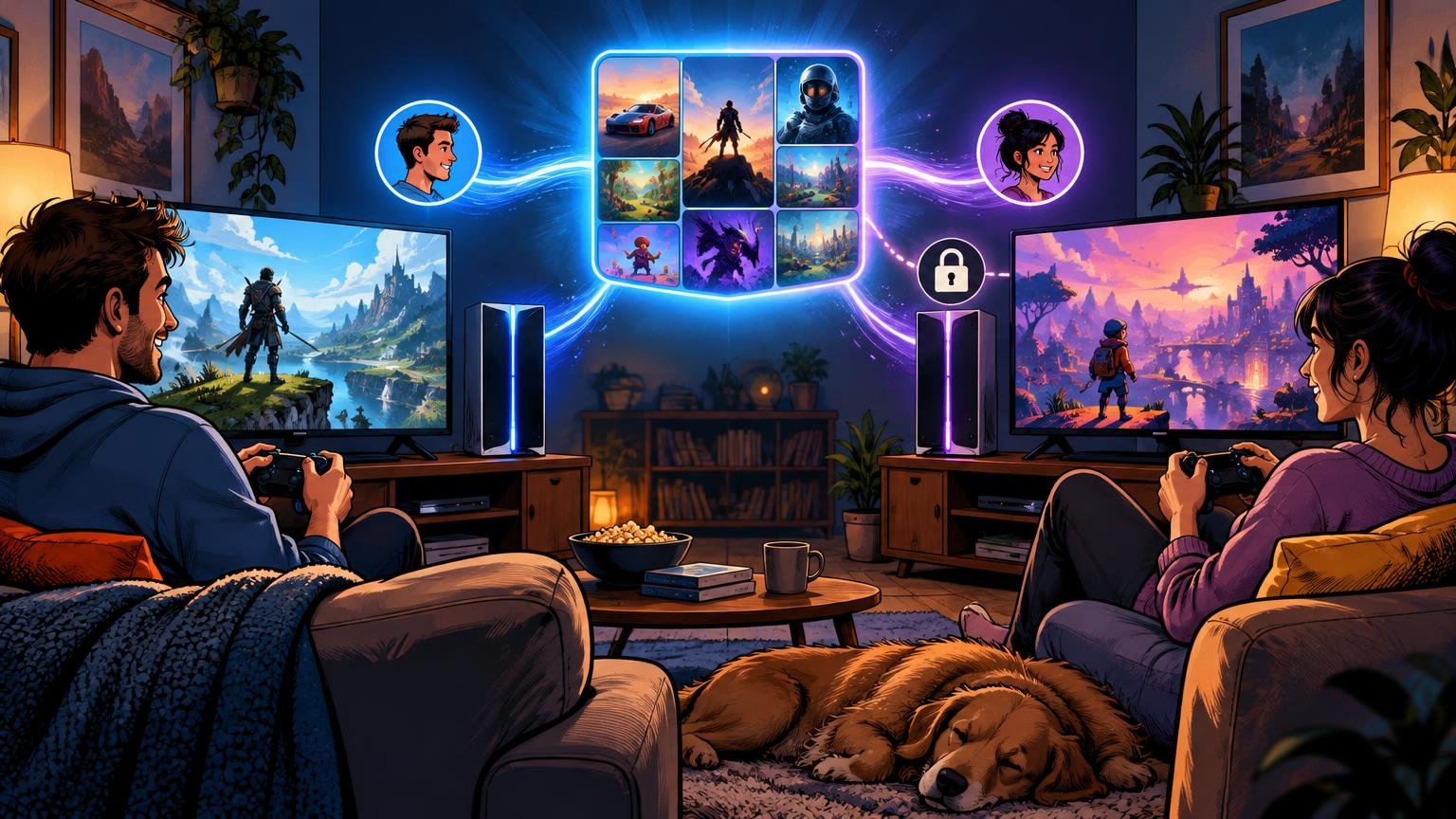
TLDR There is a microphone in the television. According to LG’s own service terms, certain voice-recognition features may capture and analyze the voices of family members, guests, children, and bystanders nearby. LG’s answer to the obvious privacy problem is blunt: obtaining the necessary consent is the owner’s responsibility. The wording reviewed for this article appears in current regional LG service terms. It says customers must notify household members and guests that their voices may be captured and processed in compliance with wiretapping, eavesdropping, and privacy laws. If someone does not consent, LG tells the owner to disable the microphone or voice features. LG then disclaims liability for the owner’s failure to obtain that consent or provide the warning. That is an extraordinary obligation to place on someone who bought a television. LG developed the product. LG included the voice-recognition system. LG operates or enables the AI-based services. But when another person’s voice enters the system, LG’s terms attempt to make the customer responsible for understanding the law and managing everyone else’s consent. LG supplies the listening technology. The owner gets the compliance problem. What LG’s Voice-Recognition Terms Actually Say The most alarming part of LG’s terms is not a vague statement that voice data may be processed. It is the list of people who may be affected. LG says third-party voices and utterances in the vicinity may be recorded and analyzed to provide AI-based services. The examples include: These are not all people who intentionally activated the voice assistant. A guest may not know the television has voice-recognition features. A child may not understand what audio processing means. A contractor, babysitter, cleaner, neighbor, or friend may have no reason to expect that speaking in the room could involve an LG service. LG’s terms then state that it is the user’s “sole responsibility” to obtain all necessary third-party consents and notify household members and guests. The company specifically mentions wiretapping, eavesdropping, and privacy laws. The terms do not give an ordinary customer a realistic system for doing any of this. There is no suggested notice to place on the door. There is no guest-consent screen. There is no household privacy dashboard explaining whose consent is needed in each jurisdiction. LG simply assigns the responsibility to the owner and advises turning off the microphone when someone objects. LG Says It Does Not Record Ambient Conversations It is important not to turn LG’s disturbing legal language into a claim the evidence does not support. LG has said its televisions do not collect, record, or store ambient conversations. The company says voice recognition is optional, user-initiated, and processes voice data only when activated to fulfill a request. It also says customers can use smart TV features without enabling voice recognition. LG’s US support instructions also show that voice recognition can be enabled or adjusted through the television’s AI Service settings. Some models support wake-word and hands-free controls, while available features vary by model and webOS generation. Those facts matter. The terms do not prove that every LG television continuously records every conversation in the room. They do not prove that LG is intentionally violating wiretapping law. They also may not apply identically in every country, since LG publishes different terms and services across regions. But LG’s response does not make the terms harmless. The company’s own agreement still recognizes that third-party voices may be captured during use of voice-recognition features. It still names children, guests, and bystanders. And it still attempts to make the customer responsible for consent, notification, and legal compliance. The concern is narrower than “LG listens to everything.” It is also more defensible: LG created a voice-processing system that may capture people who never bought the television, never opened an LG account, and never accepted LG’s terms. Your Guests Never Agreed to LG’s Terms A customer may click “agree” during television setup. That does not mean everyone entering the customer’s home has also agreed. Consider a normal living room during a football game. Friends are talking over the television. Children are playing nearby. Someone uses a voice command to search for a player or change the volume. Another person’s words are picked up at the same time. Who gave consent? LG’s terms appear to say that answering that question is the owner’s job. The same problem exists in less obvious settings. LG televisions may be found in hotel rooms, rental properties, conference rooms, waiting areas, restaurants, classrooms, offices, and shared homes. The person who agreed to the service terms may not even be present when someone else’s voice is captured. A contract between LG and the device owner cannot automatically create informed consent from every third party near the product. That does not mean voice capture is always illegal. Recording and privacy laws vary by country and state. Some laws focus on whether a person reasonably expected privacy. Others distinguish between recording a conversation and processing a voice command. The details matter. But those details are exactly why LG’s “sole responsibility” language is so unreasonable for an ordinary buyer. The average television owner should not need to research state recording statutes before asking the television to open Netflix. What Does LG Expect Owners to Tell Visitors? Taken literally, LG’s terms create a social ritual that almost no one will follow. A homeowner would need to say something like: Before we watch the game, you should know that this LG television has voice-recognition features. Your voice may be captured and processed when those features are used. Please tell me if you do not consent so I can disable the microphone. That might satisfy the spirit of LG’s warning. It would also be absurd in a normal home. Should parents obtain permission before their children bring friends into the room? Should someone warn a plumber before demonstrating a noise coming from the television? Should a short-term rental owner place an audio-processing disclosure beside the remote? LG’s terms give customers the obligation without giving them a usable process. And when consent is not