October 28, 2023

The Latest

Recent Stories

Should You Color Sports Netting?

When it comes to choosing sports netting, many customers are drawn to colorful options, hoping to match the vibrant hues of their school, little league baseball team, or park. However, this decision, while aesthetically pleasing, may not be the most practical in the long run. The Aesthetic Appeal of Color Netting It’s undeniable that colored netting, whether it be blue, green, red, or yellow, is visually striking and can significantly stand out, even from a distance. Consider the importance of color theory. The boldness and vibrancy of colored netting can enhance the overall look of a sports facility, making it more appealing and memorable. However, this aesthetic luxury comes at a cost. The Cost and Longevity of Colored Netting Colored sports netting is typically double the price of standard black or white netting. Despite its initial appeal, the longevity of colored netting is significantly less than that of black netting. The harsh rays of the sun can cause colored netting to fade, losing its shine and brilliance within a year, regardless of any protective treatments applied. On the other hand, black sports netting is more resilient against sun damage and the elements. The addition of UV protection, weather treatment, and an extra application of 3% tar on the netting finish allows it to endure and remain functional for many more years. Tar, a substance commonly used on roofs to protect against weather damage, has proven its effectiveness over time. Unfortunately, this tar finishing, traditionally black, cannot be applied to colored sports netting. The Practicality of Black Netting While black netting may not be as visually striking as colored options, it tends to blend seamlessly into the background, allowing the focus to remain on the game. This practicality is evident in professional settings; for instance, take note of the netting used in football or hockey games. Conclusion: Making an Informed Decision In conclusion, while the allure of matching a facility’s colors with vibrant netting is tempting, it is crucial to consider the long-term implications of such a decision. Colored netting, though visually appealing, may only last a few years due to sun exposure and requires a higher initial investment. On the other hand, black netting provides a more economical and durable option, even if it means sacrificing visual appeal. Ultimately, the decision lies in the hands of the customer, who must weigh the pros and cons to determine what is truly best for their specific needs and context.
Trending

Most Popular Stories

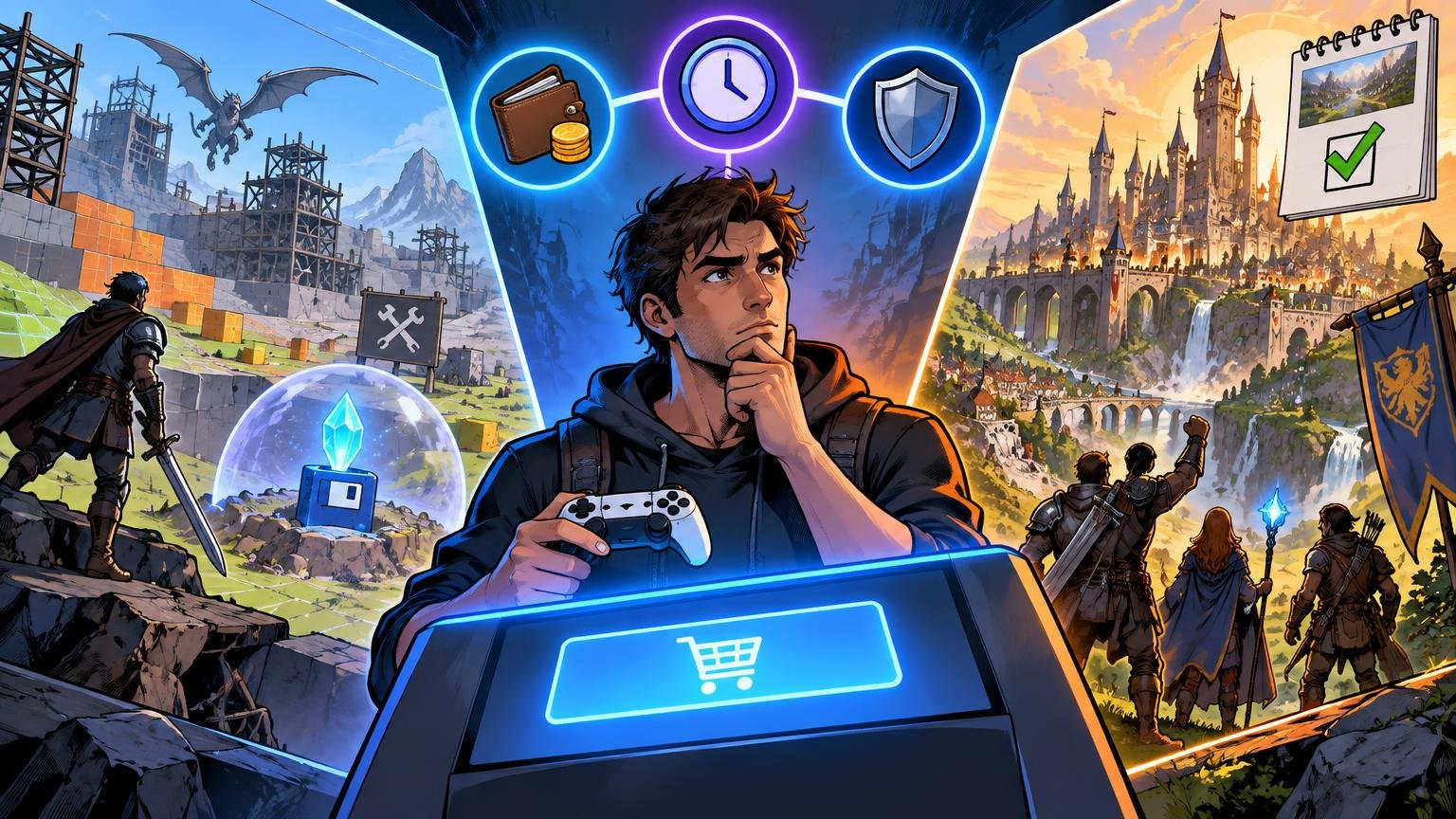
How To Finish More Games When Your Backlog Is Out Of Control

TLDR A big game backlog feels like a good problem until it starts feeling like a second job. You buy a game on sale. Then a subscription adds ten more. Then your friends start a co-op game. Then a new RPG drops. Suddenly your library is full of half-started games, and opening the console feels less relaxing than it should. Learning how to finish more games is not about becoming more disciplined in a miserable way. It is about making games feel playable again. Stop Calling It A Backlog If That Makes It Feel Like Work The word “backlog” is useful, but it can also make games sound like chores. Games are entertainment. They can be art, social spaces, challenge machines and comfort food, but they are still something you choose to do. You do not owe every game a full clear. If your backlog makes you feel guilty, change the label. Call it your library. Call it the shelf. Call it “stuff I might play later.” The point is not to trick yourself. It is to stop treating every unplayed game like unfinished homework. That small shift helps. Pick Three Active Games The best backlog rule is simple: keep only three active games. A good three-game rotation might look like this: For example: Or: This works because different moods need different games. Some nights you want progress. Some nights you want something easy. Some nights you want to talk to friends and barely pay attention to objectives. The mistake is having 12 active games. That is not variety. That is noise. Decide What “Finished” Means Before You Start Not every game needs the same finish line. For some games, finishing means credits. For others, it means one campaign clear, one ranked season, one ending, one build, one world, one route or one good weekend. Before starting a game, pick the level of commitment: This prevents the common trap where every game silently becomes a 100% project. Most games do not need that. Most players do not even want that. They just feel like they are supposed to. Use A Fair Quit Rule Quitting a game is allowed. That should not be controversial, but people get strange about it. They spent money, heard it gets good later or feel like they are “bad at games” if they stop. Use a fair quit rule instead. Try one of these: A fair trial is enough. You do not need to finish a game to respect it. Be Honest About Long Games Long games are not bad. Some of the best games ever made are huge. But long games crowd the calendar. If you are playing a 100-hour RPG, you probably should not start three other 60-hour games at the same time. That is how backlogs turn into fog. When you start a long game, pair it with something short. A puzzle game, arcade game, roguelite run or linear action game can keep your rotation fresh without derailing the main project. Also be careful with massive open-world games from subscriptions. They feel free, but time is still the cost. Sales Are Not Savings If You Never Play The Game A $70 game for $8 looks like a deal. Sometimes it is. But if you never install it, you did not buy entertainment. You bought a digital receipt. The same goes for bundles and subscription catalogs. Cheap access is only useful when it leads to actual play. A good sale rule: do not buy a discounted game unless you can name when you plan to play it. Not a perfect rule. But it stops a lot of random library clutter. Separate Comfort Games From Backlog Games Some games are not meant to be finished. Sports games, multiplayer shooters, roguelikes, MMOs, survival games, cozy sims and live-service games often function as routines. You play them because they feel good, not because you are moving toward credits. That is fine. Just do not let them hide the fact that you also want to finish other games. Give comfort games a place. Maybe Friday night is for multiplayer. Maybe Sunday morning is for a cozy game. Then keep your main single-player game protected during other sessions. This is not rigid scheduling. It is just giving different types of games different jobs. Play Short Games Between Big Ones Short games are the secret weapon. A six-hour game can reset your attention. It gives you a clean start, clear progress and a finish line you can actually reach. Short games also remind you that not every good game needs to take over your life. Some of the most memorable games are small, focused and confident enough to end. If your backlog feels stuck, play something short next. Not because short is better. Because momentum matters. Make A “Not Now” List You do not have to delete games from your life forever. Make a “not now” list for games you still respect but do not want to play yet. This is useful for big RPGs, dense strategy games and games tied to a specific mood. A “not now” list removes pressure without pretending you will never return. It also clears your active list, which is what matters most. The Simple Backlog System Here is the clean version: That is enough. You do not need a productivity app for your hobbies unless you enjoy that sort of thing. Why This Matters The U.S. gaming audience is huge. The Entertainment Software Association reported in 2026 that 212.3 million Americans play video games every week. With more players, more subscriptions, more storefronts and more constant releases, it is easy for games to pile up faster than people can play them. The answer is not to rush through everything. The answer is to choose better, quit cleaner and stop letting your library boss you around. FAQs How many games should I play at once? Two or three active games is a good limit for most players. More than that can make progress feel

Xbox Game Pass Vs PlayStation Plus: Which Subscription Fits Casual Players?

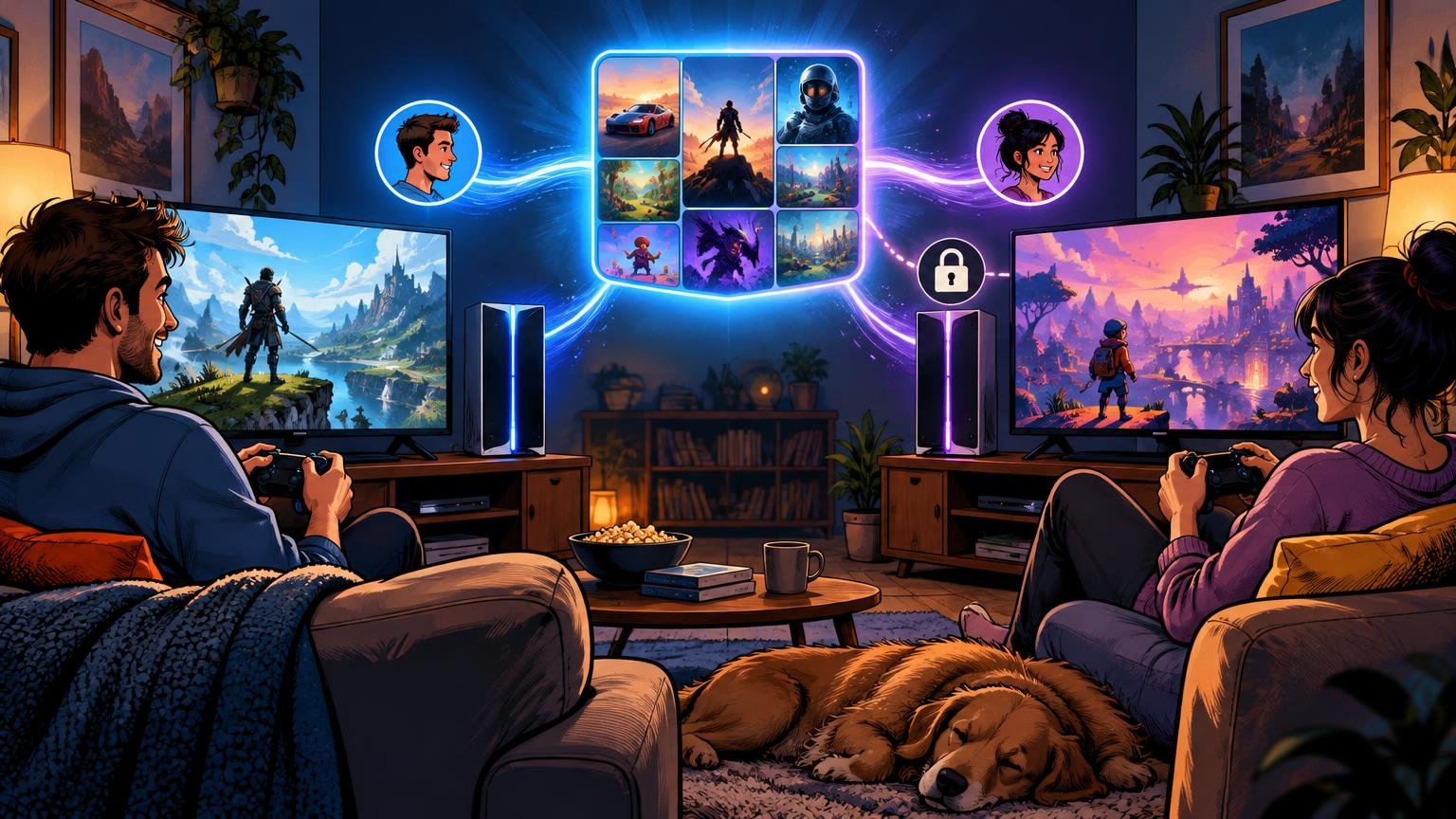
TLDR Game subscriptions sound cheaper than buying games. Sometimes they are. Sometimes they quietly become another monthly bill you forget to cancel. That is the real issue with Xbox Game Pass vs PlayStation Plus. The question is not which service has the louder marketing. It is which one actually fits the way you play. If you finish several games a month, a subscription can be great. If you play one sports game, one shooter and the same RPG for six months, buying games may still be smarter. Start With Your Main Platform This is the boring answer, but it is usually the right one. If you mainly play on Xbox or PC, start with Xbox Game Pass. If you mainly play on PS5, start with PlayStation Plus. Switching ecosystems just for a subscription rarely makes sense. You also need the hardware, friends list, controller preference, save files and game library to line up. Casual players usually get the best value when the subscription supports what they already do. Xbox Game Pass In Plain English Xbox Game Pass has become more layered over time. Microsoft’s current plans vary by platform, price and access to new releases. As of June 2026, Microsoft says Game Pass Ultimate is $22.99 per month and PC Game Pass is $13.99 per month. Microsoft also says day-one games are included only with Game Pass Ultimate and PC Game Pass, while they are not included with Essential or Premium. That detail matters. A lot of people say “Game Pass has day-one games,” but that is not equally true across every tier. If day-one access is the reason you are subscribing, check the plan before paying. Game Pass is strongest for: It is weaker if you only play one or two games regularly. PlayStation Plus In Plain English PlayStation Plus has three main tiers: Essential, Extra and Premium. Essential covers online multiplayer, monthly games, discounts, cloud storage and other basic benefits. Extra adds the Game Catalog. Premium adds classics, trials and cloud streaming features. For many PS5 owners, Extra is the most interesting middle tier because it adds a large catalog without pushing all the way to Premium. Essential is enough if you mostly need online multiplayer. Premium makes sense if you care about classic games, trials or cloud streaming. If you do not use those features, it is easy to overpay. PlayStation Plus is strongest for: It is weaker if you mostly play on PC or want day-one first-party releases as the main selling point. Casual Players Should Watch The Monthly Math A subscription feels cheap because it is split into monthly payments. That does not mean it stays cheap. At $22.99 per month, Game Pass Ultimate costs about $275.88 over a full year if paid monthly. PlayStation Plus pricing depends on tier and billing cycle, but annual plans often cost less per month than monthly plans. The question is simple: will you play enough games to justify that? Here is a practical test: Your Play Style Best Move You finish 1 game every few months Buy games on sale You try many games but rarely finish them Subscription can work You play online on PS5 PS Plus Essential may be enough You play on Xbox and PC Game Pass is more appealing You want classic PlayStation games PS Plus Premium may fit You only play one live-service game Skip the higher tiers Subscriptions reward variety. They do not always reward focus. Library Rotation Is The Hidden Tradeoff Game libraries change. Microsoft and Sony both warn that game titles, features and availability vary over time. That is normal, but it matters. If you buy a game, you own access to that copy under the store’s rules. If you subscribe, you rent access to a changing library. That can be fine. It just means you should not treat the catalog like a permanent shelf. This is especially important for long RPGs. If you start a 90-hour game through a subscription, make sure you have enough time to finish it or are comfortable buying it later. Which Service Has Better Value? There is no universal winner. Xbox Game Pass is better if you use PC, care about day-one access through the correct plan or like sampling a lot of games. PlayStation Plus is better if you are already committed to PS5, need online multiplayer and want a catalog that sits inside Sony’s ecosystem. Casual players should usually start lower. Upgrade only when you can name the feature you need. That is the key. Do not buy Premium or Ultimate because it sounds complete. Buy it because you will actually use what it includes. The Best Strategy: Subscribe In Bursts For many casual players, the best move is not staying subscribed all year. Subscribe for one or two months when there are several games you want to play. Cancel when you drift back to one main game. Resubscribe later. This works especially well for people with uneven gaming time. Maybe you play a lot in winter. Maybe summer gets busy. Maybe you only finish games during holiday breaks. A subscription should match your life, not become another background charge. Final Recommendation Pick Xbox Game Pass if you play on Xbox and PC, want access to a large rotating library and care about day-one games through Ultimate or PC Game Pass. Pick PlayStation Plus if you mainly play on PS5, need online multiplayer and want a PlayStation-friendly catalog. Skip both higher tiers if you mostly play one or two games. Buy those games on sale instead. That is not the most exciting answer. It is probably the one that saves the most money. FAQs Is Xbox Game Pass better than PlayStation Plus? It depends on your platform. Xbox Game Pass is usually better for Xbox and PC players. PlayStation Plus is usually better for PS5 players. Does every Xbox Game Pass tier include day-one games? No. Microsoft says day-one games are included with Game Pass Ultimate and PC Game Pass, not

Nintendo Switch 2 Vs Steam Deck OLED: Which Handheld Should You Buy?

TLDR Gaming handhelds used to be simple. You bought the Nintendo one, maybe the PlayStation one, and that was the conversation. Now the category is crowded, expensive and much harder to sort through. That is why Nintendo Switch 2 vs Steam Deck OLED is the main comparison for most players. One is a polished hybrid console built around Nintendo games. The other is a portable PC built around Steam. They both play games on the couch, in bed and on trips, but they are not really trying to serve the same person. The Quick Difference Nintendo Switch 2 is a console first. Steam Deck OLED is a PC handheld first. That one sentence explains most of the buying decision. The Switch 2 is made for simple play. You buy a game, download or insert it, and play. It docks to a TV. The controllers detach. Nintendo’s first-party library is the point. Steam Deck OLED is made for people who want their PC library in a handheld format. It is still much easier to use than many Windows handhelds, but it has more menus, compatibility questions and settings to think about. Neither approach is wrong. They just solve different problems. Choose Nintendo Switch 2 If You Want The Easiest Handheld The Switch 2 is the better pick if you care most about convenience. It is the handheld I would recommend to a family, a casual player or someone who does not want to troubleshoot graphics settings. It is also the better choice if you want Nintendo games at launch and local multiplayer without much setup. Nintendo’s biggest advantage is still its own software. Mario, Zelda, Pokémon, Donkey Kong, Smash, Mario Kart and Animal Crossing-style games are the reason people buy Nintendo hardware. PC handhelds can do a lot. They do not replace that library. The Switch 2 also has the better living-room identity. It is not just handheld. It is a console you can dock, hand controllers to friends and use like a normal Nintendo system. That matters more than specs for many players. Choose Steam Deck OLED If You Already Have A Steam Library The Steam Deck OLED makes the most sense if you already buy games on Steam. Your library comes with you. Your cloud saves often come with you. Steam sales matter more because your purchases are not locked to one console generation in the same way. For PC players, that is a big deal. The OLED screen is also a real strength. Valve lists the Steam Deck OLED with a 7.4-inch HDR OLED display, up to a 90Hz refresh rate and Wi-Fi 6E support. That makes it feel much more polished than the original LCD model. The tradeoff is that not every PC game behaves the same way. Some games are Steam Deck Verified. Some are playable with caveats. Some need settings changes. Some do not work well at all. If that sounds annoying, buy the Switch 2. If that sounds normal, the Steam Deck OLED may fit you better. Price Makes The Decision Harder Price is no longer a small footnote. Nintendo launched the Switch 2 in the U.S. at $449.99, though Nintendo has announced that the U.S. MSRP will rise to $499.99 on September 1, 2026. Valve’s official Steam Hardware announcement from May 2026 lists the Steam Deck OLED 512GB at $789 and the 1TB model at $949. That changes the comparison. The Steam Deck OLED is more flexible, but it is also more expensive. The Switch 2 is less open, but it is cheaper and simpler. A rough way to think about it: Player Type Better Pick Nintendo fan Switch 2 Steam library owner Steam Deck OLED Family with kids Switch 2 PC tinkerer Steam Deck OLED Local multiplayer player Switch 2 Indie game buyer Steam Deck OLED Plug-and-play player Switch 2 Mod-friendly player Steam Deck OLED What About ROG Xbox Ally And Lenovo Legion Go? The ROG Xbox Ally and Lenovo Legion Go lines sit in a different category: Windows handhelds. They can be powerful and flexible, especially if you want Xbox Game Pass, Epic Games Store, Battle.net or other PC launchers. Microsoft lists the ROG Xbox Ally with a 7-inch 1080p 120Hz display, Windows 11, and pricing that starts below the Ally X model. Lenovo’s Legion Go and Legion Go Gen 2 focus on larger displays, detachable controllers and higher-end handheld PC performance. The problem is that Windows handhelds still feel more like small PCs than consoles. That can be good. It can also be messy. If you like tweaking settings and installing launchers, they are worth a look. If you want the cleanest handheld experience, Switch 2 or Steam Deck OLED are easier starting points. The Game Library Question This is where the comparison gets personal. Switch 2 wins if the games you want are Nintendo-first. You are buying the system for Nintendo’s ecosystem, not because it has the biggest third-party library. Steam Deck OLED wins if you care about PC indies, older games, deep discounts and a larger library that follows you across devices. Also think about what you actually finish. A massive Steam library is only useful if you play it. A smaller Nintendo library can feel better if the games are more likely to get used. There is no trophy for owning 400 games you never open. Unfortunately. Travel And Battery Expectations Both systems are portable, but “portable” can mean different things. The Switch 2 is easier to pack and explain. It is the better airport, family trip and hotel-room device. The Steam Deck OLED is more capable, but it is larger and more like carrying a compact PC. Battery life depends heavily on the game. Smaller 2D games are easier on both devices. Big 3D games drain faster. That is true across almost every handheld. If travel is your main use case, comfort and simplicity matter more than theoretical performance. Which One Should You Buy? Buy the Nintendo Switch 2 if you want a simple hybrid

How Much Room Do You Need for a Pinball Machine at Home?

TLDR The short answer is that a real pinball machine does not need a massive room, but it does need more space than its cabinet dimensions suggest. If you are asking how much room do you need for a pinball machine, the safe home answer is simple: plan for about 3 feet of width and 7 feet of depth per machine. That gives the game enough room to sit, enough room for the player to stand naturally, and enough clearance for the machine to be serviced without turning every minor adjustment into a furniture-moving project. Why The Cabinet Measurement Is Not Enough A pinball machine looks narrow from the front. That is the trap. Most modern full-size machines are only a little over two feet wide. On paper, that sounds easy. You might look at a basement wall, office corner, spare bedroom, garage, or theater room and think, “That will fit.” Maybe it will. But pinball is not like sliding a bookcase into a corner. A machine has to be played, nudged, opened, leveled, cleaned, repaired, and occasionally moved. It has a backbox. It has a lockdown bar. It has legs that need space. It has a glass sheet that slides out the front. It has a coin door, buttons, side rails, power cord, and sometimes wall-sensitive topper or backbox clearance. The machine’s listed dimensions tell you whether the object fits. They do not tell you whether the room works. That is the difference this guide is really about. The Practical Home Footprint For One Pinball Machine For one full-size pinball machine, use this planning rule: Minimum workable space: 36 inches wide by 80 inches deep Comfortable space: 42 inches wide by 84 inches deep Ideal space: 48 inches wide by 90 inches deep The machine itself may only be around 27 to 29 inches wide, but giving it at least 36 inches of width makes the room easier to use. That extra side clearance helps with nudging, cleaning, leveling, and avoiding scratches against walls or other machines. Depth is even more important. A typical machine cabinet may be around 55 inches deep, but the player needs space behind the lockdown bar. If the game is crammed into a 60-inch-deep nook, technically it may fit, but nobody will enjoy playing it. A realistic setup needs space for: That is why about 7 feet of room depth is the number that keeps coming up in real home setups. How Much Room Do You Need For A Pinball Machine If It Is Against A Wall? If the machine is going against a wall, plan for a little breathing room behind it. You do not need a giant gap. Pinball machines are designed to sit near walls in arcades and game rooms. But you also do not want the backbox jammed hard against drywall, trim, curtains, shelves, or acoustic panels. A good home setup leaves enough space to: For most home rooms, leaving 2 to 4 inches behind the machine is enough. If you have a topper, wall shelf, low ceiling, mounted TV, framed poster, or slanted ceiling, measure more carefully. The danger is not usually the machine body. The danger is the upper area around the backbox, topper, ceiling, and wall décor. Do You Need Side Clearance? Yes, but not always as much as people think. A single machine can sit fairly close to a wall on one side. Many home owners do that. But if you are choosing the best spot in the room, leave a few inches of side clearance when possible. Side clearance helps with: If you only have one machine, try to leave 3 to 6 inches on each side if the room allows it. If you are placing machines side by side, the spacing can be tighter. In a dedicated pinball row, machines often sit close together. Still, leaving a little space between cabinets makes the row easier to live with. It also reduces the chance of side art damage when someone moves, cleans, or services a game. How Much Space Do You Need For Two Pinball Machines? For two full-size pinball machines side by side, the absolute machine width may be only about 54 to 58 inches total. But a comfortable home row needs more than that. Use this rule: Tight two-machine setup: about 5.5 feet wide Comfortable two-machine setup: about 6 to 6.5 feet wide Ideal two-machine setup: 7 feet wide or more The wider number gives you breathing room between machines and side clearance at the ends. It also makes the row look intentional instead of wedged into a leftover wall. Depth stays about the same as one machine. You still want roughly 7 feet of usable depth from the wall to the standing area. A two-machine row works especially well in: It works less well in narrow rooms where the player blocks the entire walkway. A pinball machine can technically fit in a hallway-style room, but if every game forces people to squeeze past the player, the room will feel annoying fast. How Much Space Do You Need For Three Or More Pinball Machines? Once you get to three machines, think in terms of a real row. For three full-size machines, plan for at least 9 feet of wall width if you want the setup to feel comfortable. You may be able to do it tighter, but 9 feet gives you a much better result. For four machines, plan for roughly 12 feet or more. For five machines, plan for roughly 15 feet or more. These are not hard engineering numbers. They are practical room-planning numbers. They assume a full-size game, some side clearance, and a room that still feels usable. The bigger issue becomes the player zone. Three people can stand at three machines at once. Four people can gather behind them. Suddenly your “pinball wall” is not just furniture. It is a social area. That means you should also think about: A single pinball machine is a piece of entertainment